




Hakko V712SM Touchscreen V712SMD Film Housing Repair
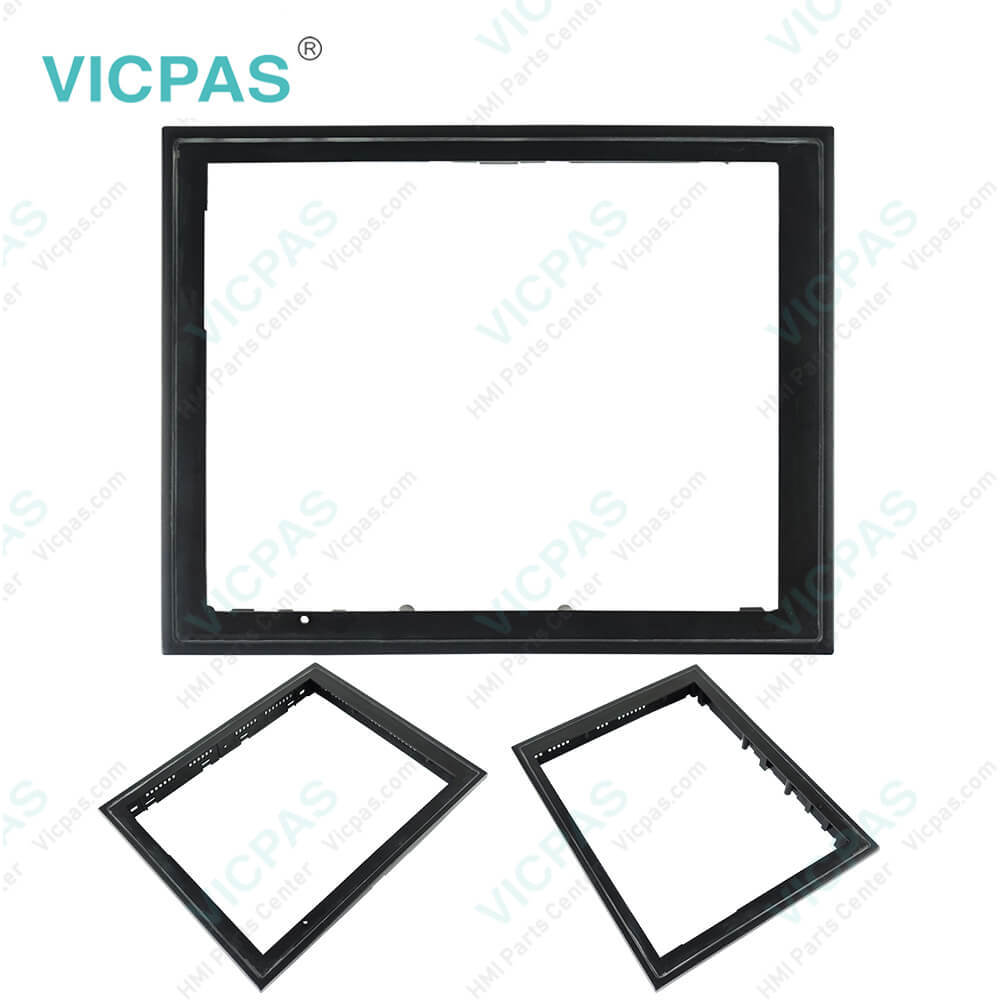

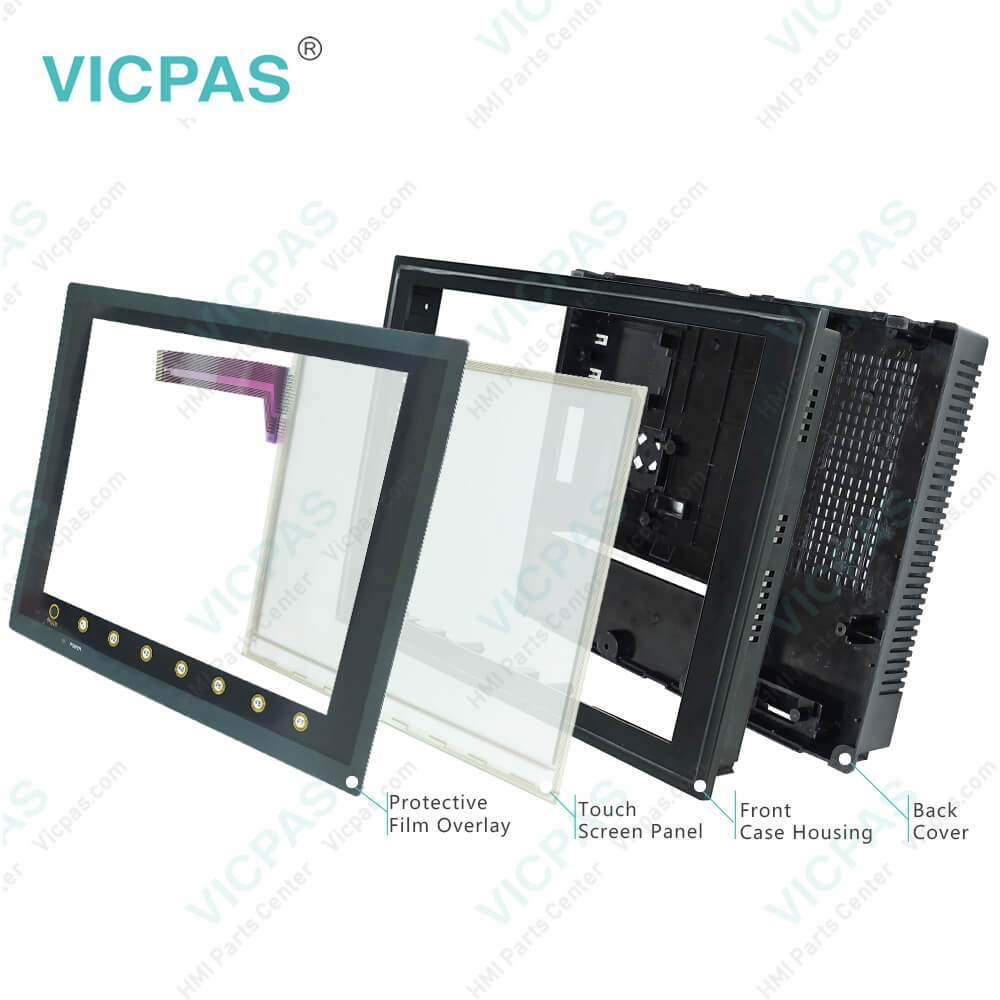
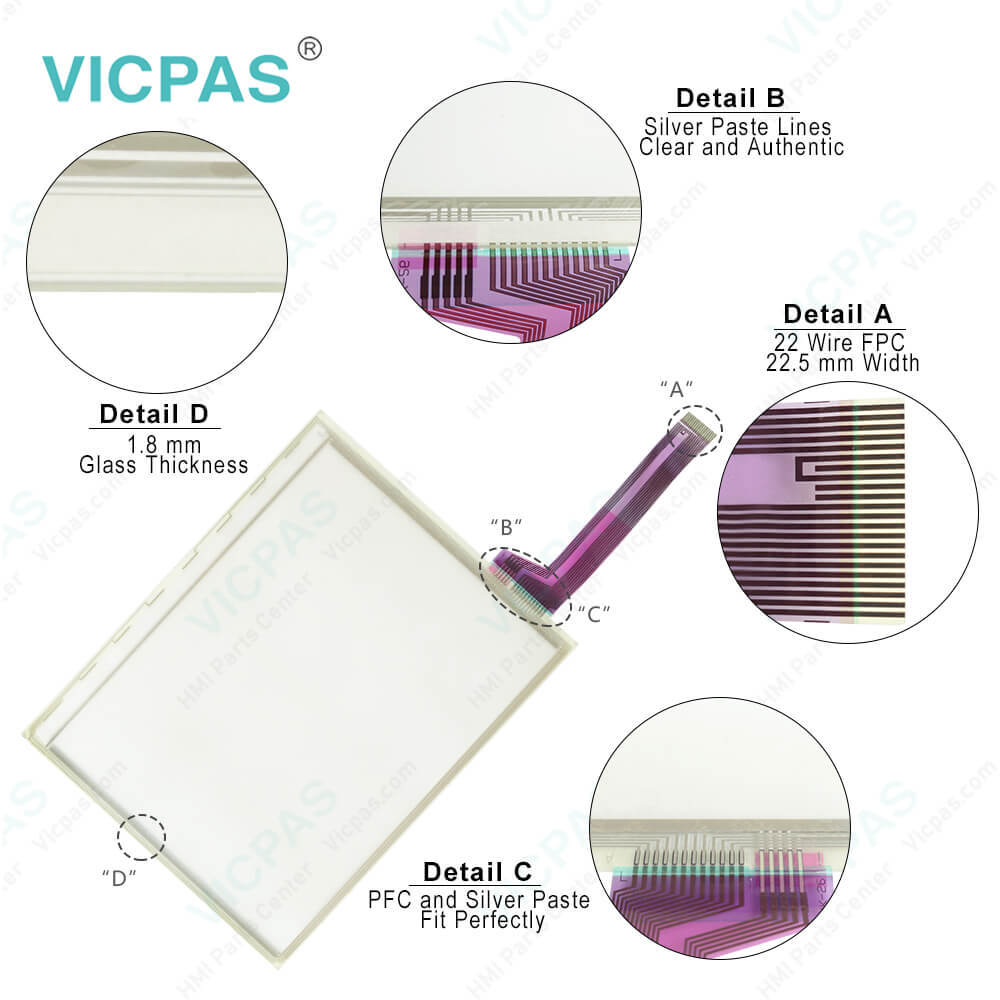
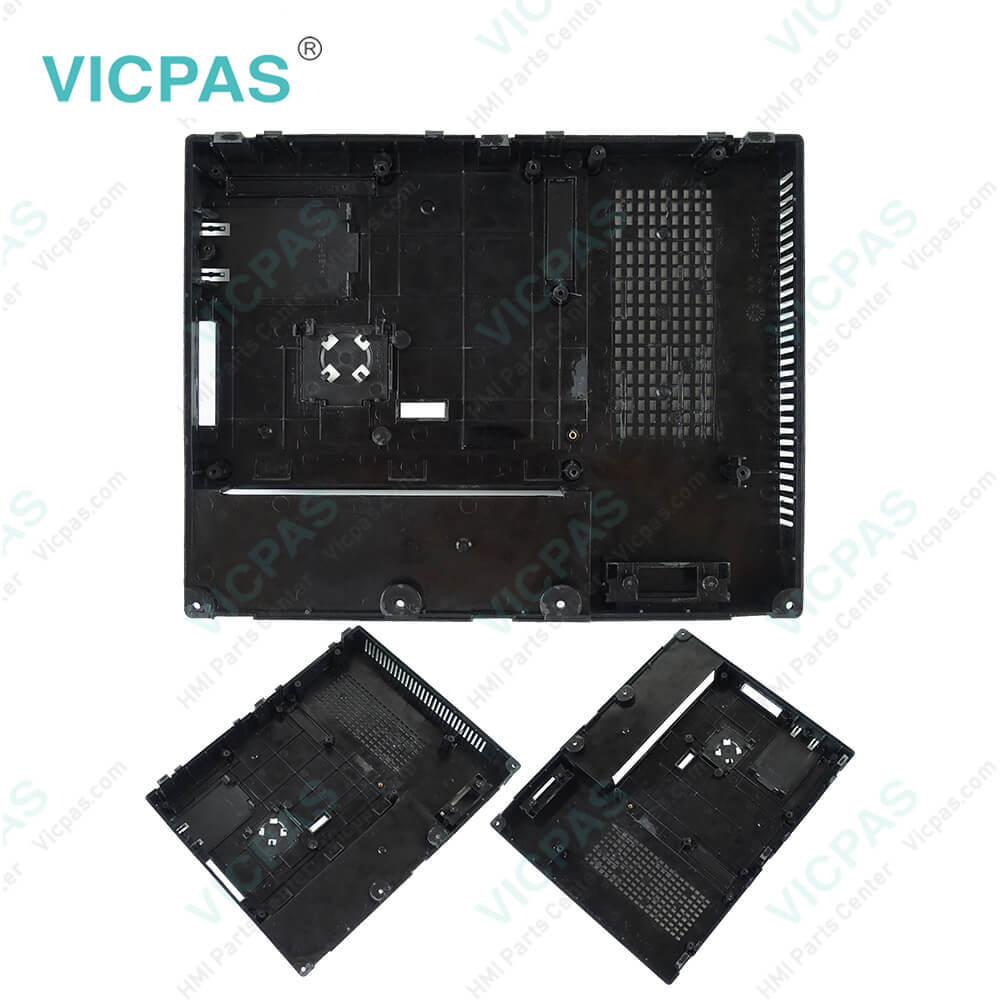
| Categories | Hakko V7 Series |
|---|---|
| Brand | HAKKO |
| Model | V712SM V712SMD |
| Warranty | 365 Days |
| Product Line | Monitouch V7 Series |
| Supply | V712SM V712SMD Touch Screen Glass Repair |
| Parts | Touchscreen Panel Protective Film Plastic Case |
| Terms of Payment | Western Union, MoneyGram, T/T, Paypal, PayPal, Credit Card |
| Update Time | 2026-01-31 01:44:02 |
Shipping
Specifications:
| Part Number : | V712SM V712SMD |
| Display Size: | 12 inches |
| Display Color: | Amber |
| Warranty: | 365 days Warranty |
| Product Line: | Monitouch V7 Series |
| Input Type: | Touchscreen Glass |
| Mounting position: | vertical |
| Communication: | ControlNet |
| Software: | FactoryTalk |
Related BB Teach Pendant Part No.:
| V712SM V712SMD | Description | Inventory status |
| V712S | Hakko Monitouch V712 Series Touchscreen Film Case Replacement | In Stock |
| V712SD | Hakko Monitouch V712 Series Touch Panel Glass Front Overlay Plastic Case | Available Now |
| V712iS | Hakko Monitouch V712 Series Touchscreen Overlay Housing Replacement | In Stock |
| V712iSD | Hakko Monitouch V712 Series Touchscreen Film Case Replacement | In Stock |
| V712SM | Hakko Monitouch V712 Series Touchscreen Front Overlay Plastic Case | In Stock |
| V712SMD | Hakko Monitouch V712 Series Touch Screen Front Overlay Plastic Case | Available Now |
| V712iSM | Hakko Monitouch V712 Series Touch Membrane Overlay Plastic Shell | Available Now |
| V712iSMD | Hakko Monitouch V712 Series HMI Touch Screen Front Film Housing | In Stock |
Hakko V712SM Touchscreen V712SMD Film Housing Repair PDF Download:
FAQ:
Question: What are the tips for mounting and dismounting the V712SM V712SMD CF Card?
Answer: The CF card interface is provided on the side of the unit1. Insert the card securely into the interface with the card backside outwards viewed from the rear of the unit as shown below.2. To remove the card, press the eject button. The card pops out.
Question: How to check V712SM V712SMD Print?
Answer: 1. Connect the V7 unit to the printer.2. Press the [Printer Check] switch. The test is successful when a test page is printed out without problem.
Question: How to transfer V712SM V712SMD screen data?
Answer: • Use modular jack 1 (MJ1) when transferring screen data.• When [Editor Port] is selected for [Modular Jack 1] on the V-SFT editor, it is possible to transfer data in the RUN mode because the RUN/STOP mode (on the Main Menu screen) can be automatically selected.Also RUN/STOP mode is automatically selected for on-line editing and simulation.• When an option other than [Editor Port] is selected for [Modular Jack 1], select the STOP mode (on the Main Menu screen) and transfer screen data. Simulation or on-line editing is not available.• When transferring screen data, use Hakko Electronics' data transfer cable (V6-CP) 3 m to connect the V7 series to a personal computer.
Common misspellings:
V71SM
V712SMDV712SM
712SMDV712MS
VT12SMDV7112SM
V712SMD

- Mobile Phone
- *Title
- *Content
 Fast Quote
 Fast Quote
 Worldwide Shipping
 12 Months Warranty
 Customize Service