




IDEC HG2S-SS62BH-A3 Touch Screen Panel Replacement
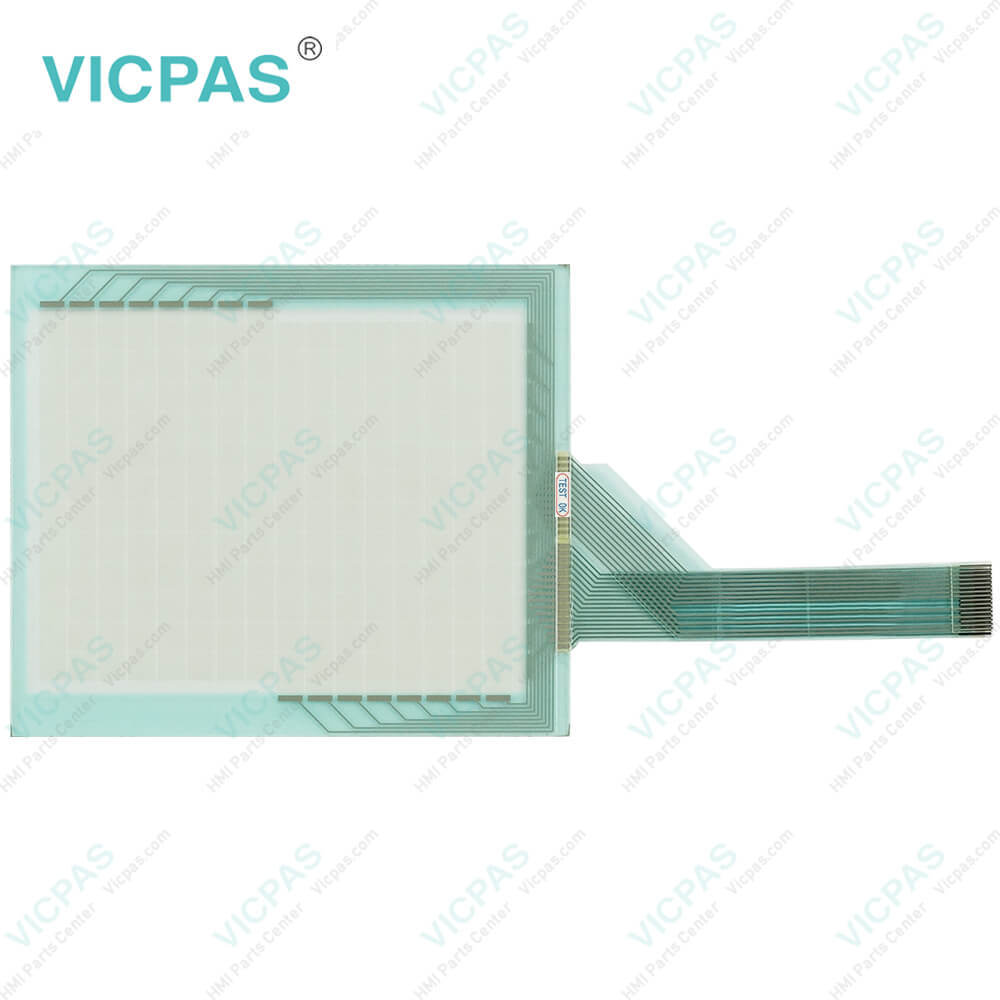
| Categories | HG2A, HG2S, FT1A 3.8IN |
|---|---|
| Brand | IDEC |
| Model | HG2S-SS62BH-A3 |
| Warranty | 365 Days |
| Supply parts | MMI Touchscreen |
| Shipping | 2-4 workdays |
| FOB port | Guangzhou, Shenzhen, Hongkong |
| Terms of Payment | Western Union, MoneyGram, T/T, Paypal, PayPal, T/T ,Credit Card, Western Union |
| Update Time | 2026-01-31 02:01:28 |
Shipping
Specifications:
| Brand: | IDEC |
| Mounting: | Panel Mounting |
| Product Line: | HG2S Series |
| Touchscreen: | Analog Resistive |
| Warranty: | 1-Year Warranty |
| Display Type: | TFT color |
| Protection Rating: | IP65 |
| Model Number: | HG2S-SS62BH-A3 |
| Operating Temperature: | 0 ~ 40°C |
| Storage Temperature: | -20 ~ 60°C |
Related BB Teach Pendant Part No.:
| HG2S-SS62BH-A3 | Description | Inventory status |
| HG2S-SB32BH-A3 | IDEC HG2S Series Touch Screen Panel Replacement | In Stock |
| HG2S-SB32BH-S | IDEC HG2S Series Touch Digitizer Glass Repair | Available Now |
| HG2S-SB32YH-A3 | IDEC HG2S Series Touch Screen Film Replacement | In Stock |
| HG2S-SB32YH-S | IDEC HG2S Series Touch Screen Glass Repair | Available Now |
| HG2S-SB62BH-A3 | IDEC HG2S Series Touch Screen Display Replacement | In Stock |
| HG2S-SB62BH-A5 | IDEC HG2S Series Touchscreen Monitor Replacement | In Stock |
| HG2S-SB62BH-S | IDEC HG2S Series Touch Screen Tablet Repair | Available Now |
| HG2S-SB62YH-A3 | IDEC HG2S Series Touch Screen Film Replacement | In Stock |
| HG2S-SB62YH-S | IDEC HG2S Series HMI Touch Membrane Repair | Available Now |
| HG2S-SS32BH-A3 | IDEC HG2S Series Touch Screen Glass Replacement | In Stock |
| HG2S-SS32BH-S | IDEC HG2S Series Touch Screen Panel Repair | Available Now |
| HG2S-SS32YH-A3 | IDEC HG2S Series Touch Digitizer Glass Repair | Available Now |
| HG2S-SS32YH-S | IDEC HG2S Series Touch Panel Repair | Available Now |
| HG2S-SS62BH-S | IDEC HG2S Series Touch Screen Membrane Repair | Available Now |
| HG2S-SS62YH-A3 | IDEC HG2S Series Touch Screen Display Repair | Available Now |
| HG2S-SS62YH-S | IDEC HG2S Series HMI PAnel Screen Repair | Available Now |
IDEC HG2S-SS62BH-A3 Touch Screen Panel Replacement PDF Download:
FAQ:
Question: What should I pay attention to during operation?
Answer: During operation, the screen becomes blank when the backlight is burnt out; however, the touch panel of HG2S-SS62BH-A3 Terminal remains enabled. Incorrect touch panel operation will occur when operating the touch panel when the backlight appears to be turned off but is actually burnt out. Note that this erroneous operation may result in damage.
Question: What are the screen types of HG2S-SS62BH-A3 machine?
Answer: The screen types of HG2S-SS62BH-A3 HMI are base screen, popup screen and system screen.
Question: How to maintain HG2S-SS62BH-A3 HMI Touch Glass?
Answer: To wipe off smears on the lens and the surfaces of HG2S-SS62BH-A3 Touch Screen, use a soft cloth dampened with the following solvents. Use neutral detergent(squeeze the cloth tightly) or alcoholic solvents. Do not use solvents such as thinner, ammonia, strong acid and strong alkaline.
Common misspellings:
G2S-SS62BH-A3
HG2-SS62BH-A3
HG2S-SS62BHA3
HG2SS-SS62BH-A3
HG2S-SS62B-HA3

- Mobile Phone
- *Title
- *Content
 Fast Quote
 Fast Quote
 Worldwide Shipping
 12 Months Warranty
 Customize Service