Grideal.com-Leading global industrial mall.
Quick Service for Full HMI Parts Replacement
Touchscreen-Keypad-Display-Case & More Search 80000 Inventory
user photo
Account
Login
Cart
0
Home / All / IDEC / Other IDEC Series / IDEC HG9Z-4DCPN02 Protective Sheet Front Overlay Repair
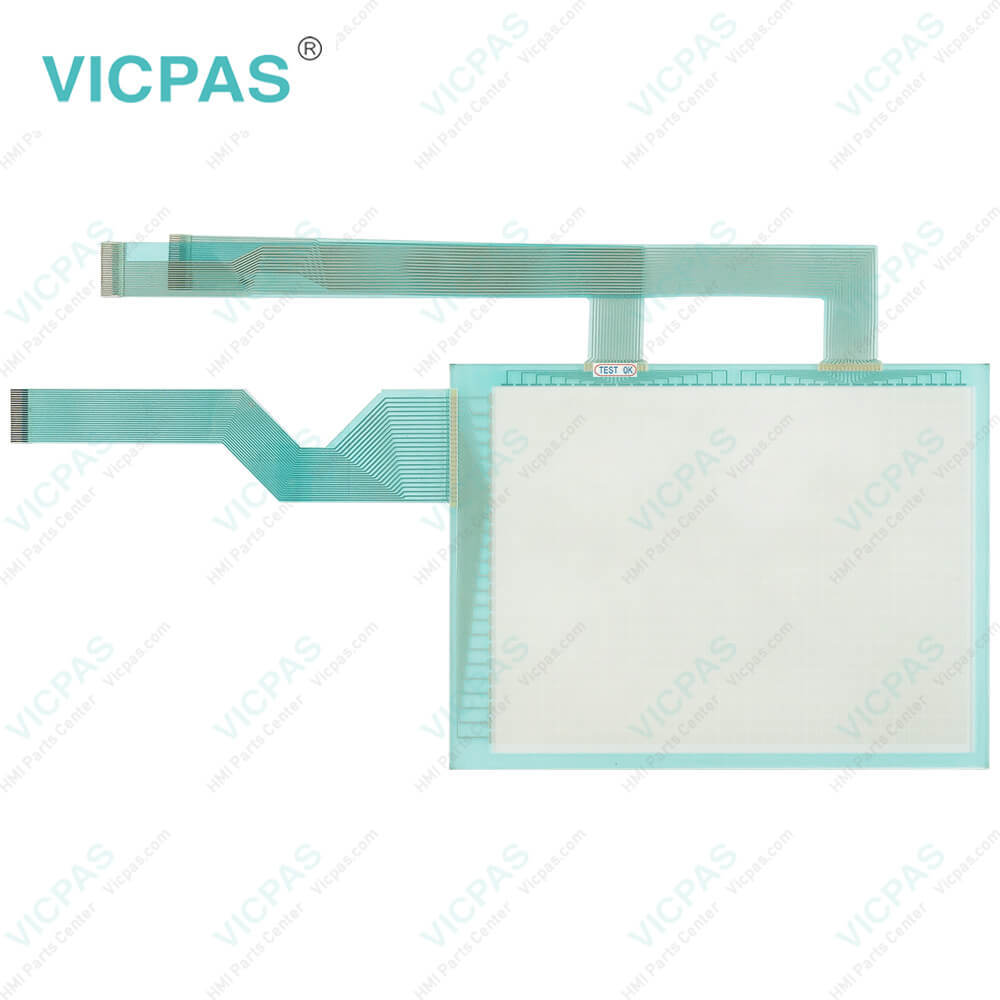
IDEC HG9Z-4DCPN02 Protective Sheet Front Overlay Repair
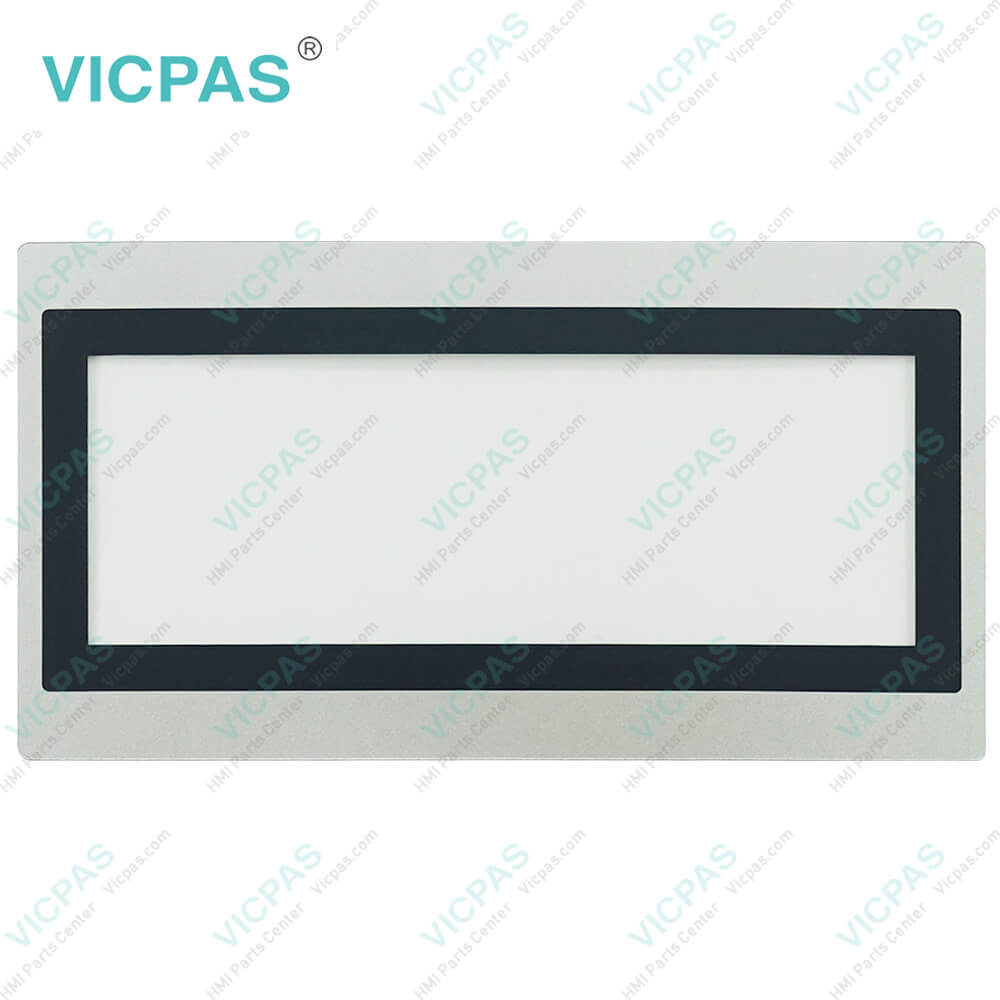
IDEC HG9Z-4DCPN02 Protective Sheet Front Overlay Repair
IDEC HG9Z-4DCPN02 Protective Sheet Front Overlay RepairIDEC HG9Z-4DCPN02 Protective Sheet Front Overlay RepairIDEC HG9Z-4DCPN02 Protective Sheet Front Overlay RepairIDEC HG9Z-4DCPN02 Protective Sheet Front Overlay RepairIDEC HG9Z-4DCPN02 Protective Sheet Front Overlay Repair
BrandIDEC
ModelHG9Z-4DCPN02
Warranty365 Days
Supply partsTouch Screen Monitor Front Overlay
Shipping2-4 workdays
FOB portGuangzhou, Shenzhen, Hongkong
Terms of PaymentWestern Union, MoneyGram, T/T, Paypal, PayPal, T/T ,Credit Card, Western Union
Download
Update Time2026-01-31 02:04:54
Leading Time{{selectedConditionObj.leading}}
{{item.value}}
{{nameObj.name}}{{nameObj.selectedValue}}
{{valueObj.name}}

Shipping

Free Shipping

Those shipping costs are only estimates, the actual shipping cost will be shown on the order page.

Detail Information

IDEC HG9Z-4DCPN02 Front Overlay Replacement

Order each part separately is available

IDEC HMI Parts HG9Z-4DCPN02 Protective Film for repair replacement

Protective Sheet of IDEC HG9Z-4DCPN02 Protective Film

1. Wipe any dirt off the display using a soft cloth slightly dampened with neutral detergent or alcoholic solvent.
2. Remove the back sheet of the protective sheet.
3. The tab of the protective sheet should be positioned at lower left. Align the right side of the protective sheet with that of the HG9Z-4DCPN02 Front Overlay, then apply the protective sheet onto the display. Care should be taken to avoid ingress of air.
4. On the top of protective sheet, a thin cover sheet is applied to prevent the protective sheet from being damaged during transportation. Remove it before using the HG9Z-4DCPN02 Overlay Film.
5. When a protective sheet gets dirty or damaged, replace the protective sheet with a new one. When replacing the sheet, remove the used adhesives completely. The Protective Sheet has no protection effect against chemicals. HG9Z-4DCPN02 Front Overlay has used a special material to filter out UV rays, however no warranty is given as to be installed in direct sunlight of outside.
6. Make sure that the specifications of the product conform to your requirements, and that no parts are missing or damaged due to accidents during transportation.


Mounting Caution

If the mounting clips are tightened obliquely to the panel, the HG9Z-4DCPN02 Protective Film may fall off the panel. When installing the IDEC Terminal into a panel cut-out, make sure that the gasket is not twisted especially when re-installing, take special care because any twists in the gasket will impair the waterproof characteristics.


Specifications:

Operating Environment:Free from Corrosive Gases
Operating Humidity:10 to 90% RH
Mounting:Panel Mounting
Storage Temperature:-20 ~ 70°C
Display Type:TFT Color
Screen Type:Analog Resistive Film
Model Number:HG9Z-4DCPN02
Operating Temperature:-20 ~ 60°C
Warranty:1-Year Warranty
Brand:IDEC


Related BB Teach Pendant Part No. :

HG9Z-4DCPN02Description Inventory status
HG1P-ST32YBFH-B0IDEC HG1P Series Front Overlay Touch Screen Panel ReplacementIn Stock
HG1P-ST32ZBFH-B0IDEC HG1P Series Touch Digitizer Glass Protective Film RepairAvailable Now
HG2J-7UT22TF-BIDEC HG2J Series Overlay Film Touch Membrane ReplacementIn Stock
HG9Z-1D4PN05IDEC HG9Z Series Front Overlay RepairAvailable Now
HG9Z-2D5PN05IDEC HG9Z Series Protective Film ReplacementIn Stock
HG9Z-3D8PN02IDEC HG9Z Series Overlay Film RepairAvailable Now
HG9Z-3DA2PN02IDEC HG9Z Series Front Overlay ReplacementIn Stock

IDEC HG9Z-4DCPN02 Protective Sheet Front Overlay Repair PDF Download:
  • IDEC-Data-File-Manager-Users-Manual
  • IDEC-HMI-Selection-Guide

  • FAQ:

    Question: How to adjust HG9Z-4DCPN02 Front Overlay?

    Answer:

    Question: How can I create and modify screens on the HG9Z-4DCPN02 HMI?

    Answer: HG9Z-4DCPN02 HMIs usually come with dedicated software for screen development. Install the software on your computer, and then use it to design and customize screens with elements like buttons, images, text, and data display. The software often offers intuitive drag-and-drop interfaces for easy screen creation and modification.


    Common misspellings:

    HG9-4DCPN02

    HG9Z-4DCPN0

    HG9Z-4DCPN022

    HG9Z-4DCP0N2

    HG9Z-4DCNP02

    Please send your message to us
    *Email
    Mobile Phone
    *Title
    *Content
    Upload
    • Only supports .rar/.zip/.jpg/.png/.gif/.doc/.xls/.pdf, maximum 20MB.
    Do you want to quickly know the product quotation you need?
    • Fast QuoteFast Quote
    • Worldwide ShippingWorldwide Shipping
    • 12 Months Warranty12 Months Warranty
    • Customize ServiceCustomize Service
    subscription
    KEEP IN TOUCH
    Please send your message to us
    *Email
    Mobile Phone
    *Title
    *Content
    Upload
    • Only supports .rar/.zip/.jpg/.png/.gif/.doc/.xls/.pdf, maximum 20MB.
    CONTACT US
    QR code
    Mobile Web
    1.912271s