




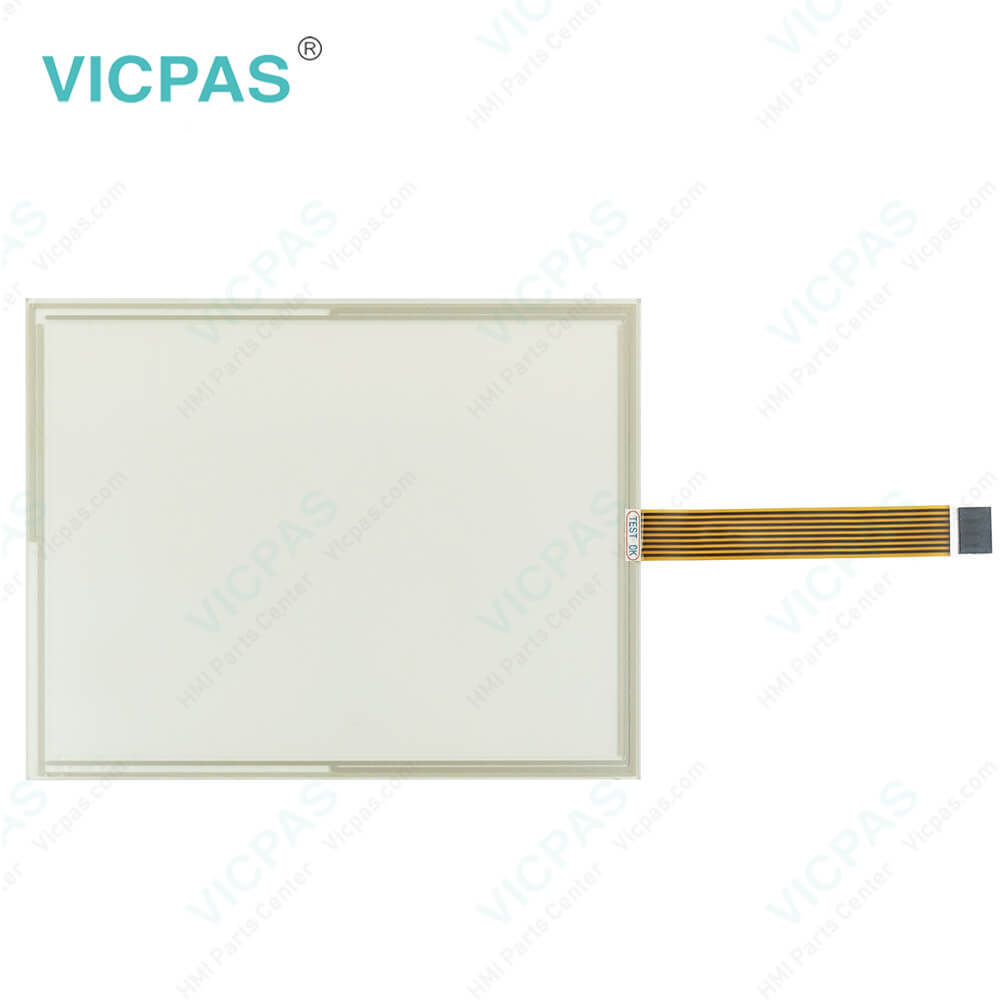
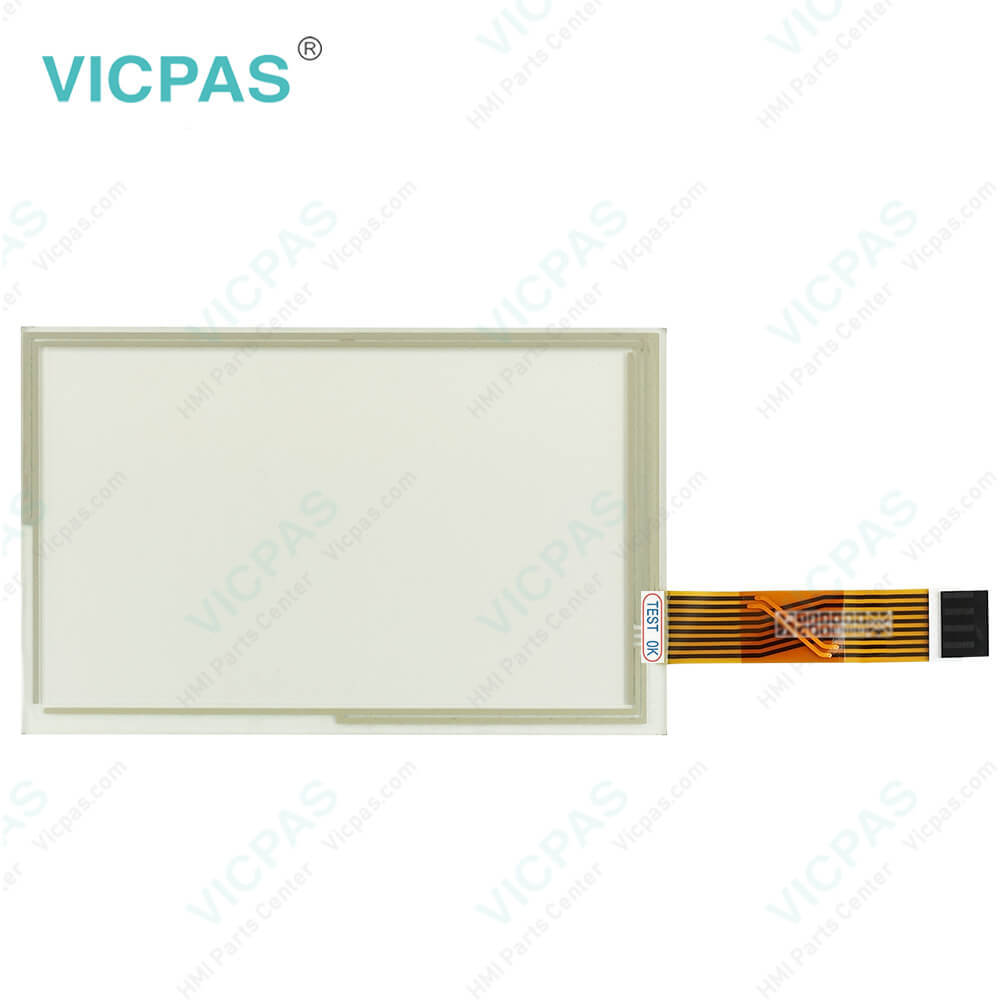
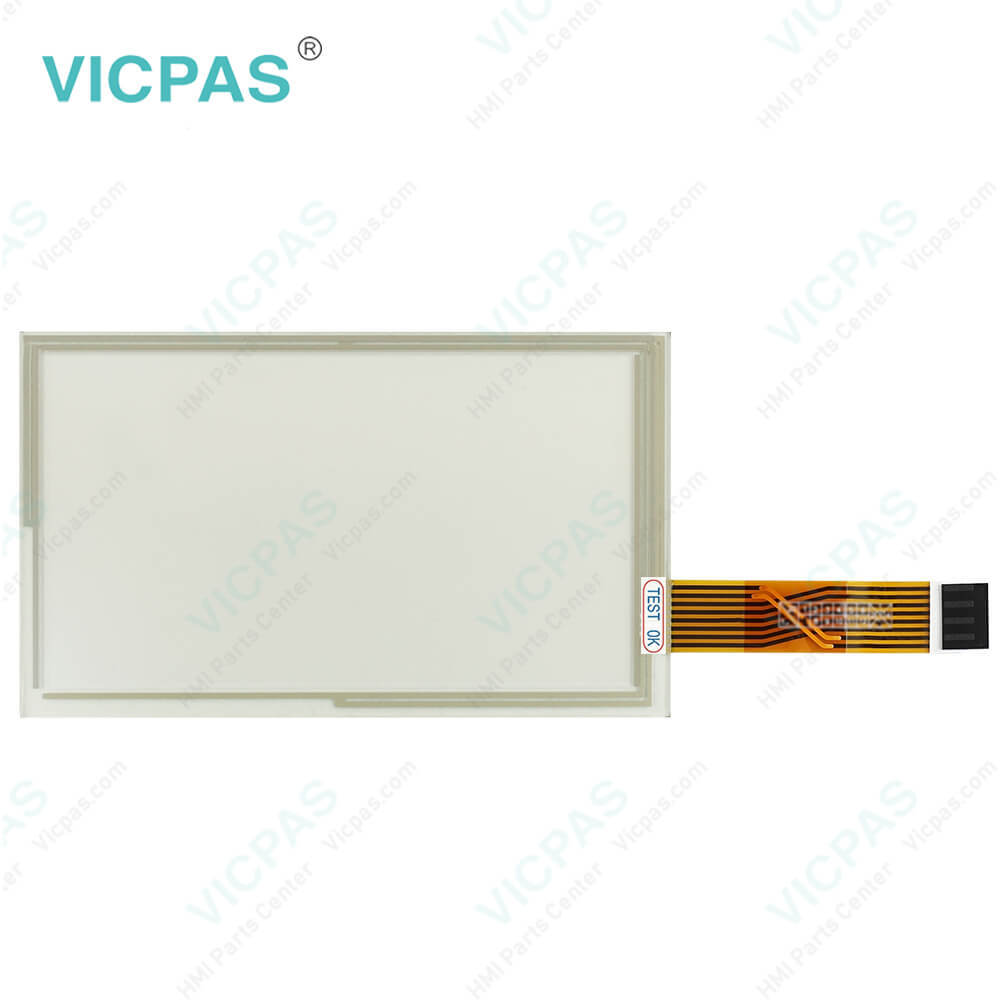
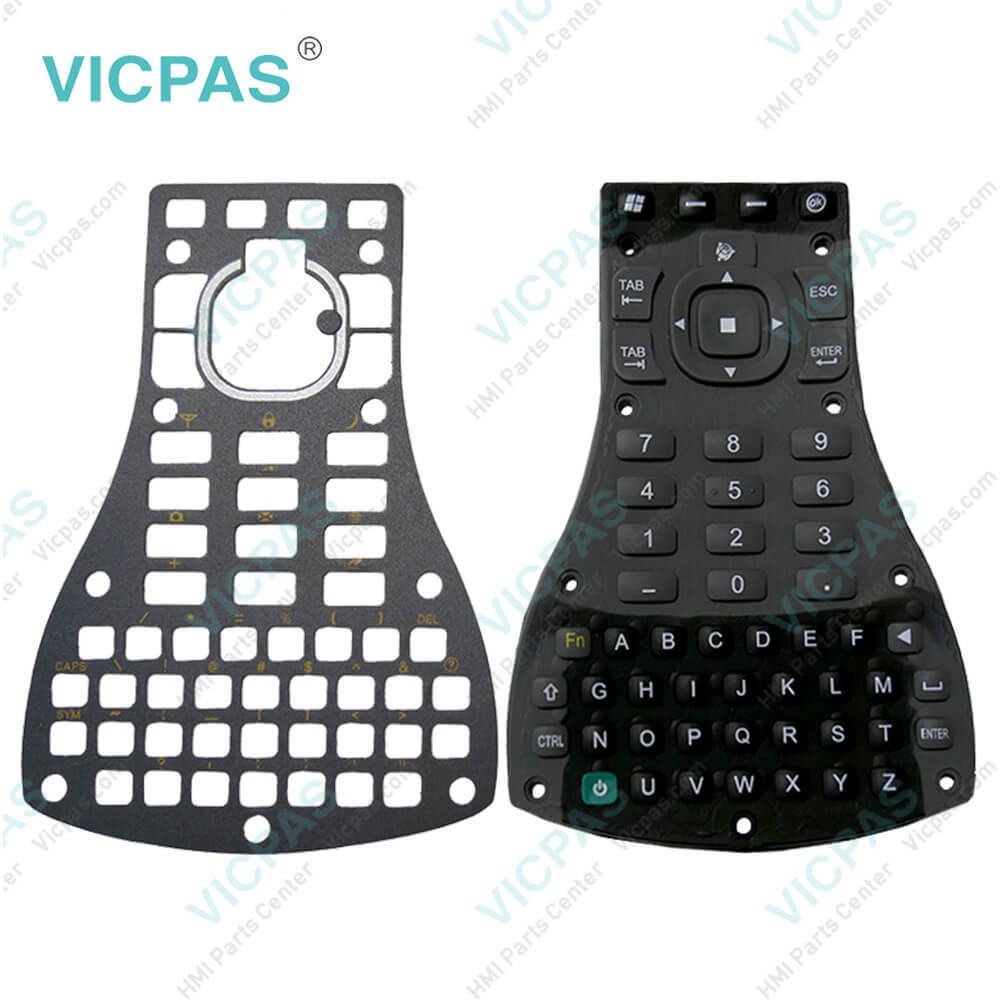
Trimble FmX Integrated Display Touch Screen Panel
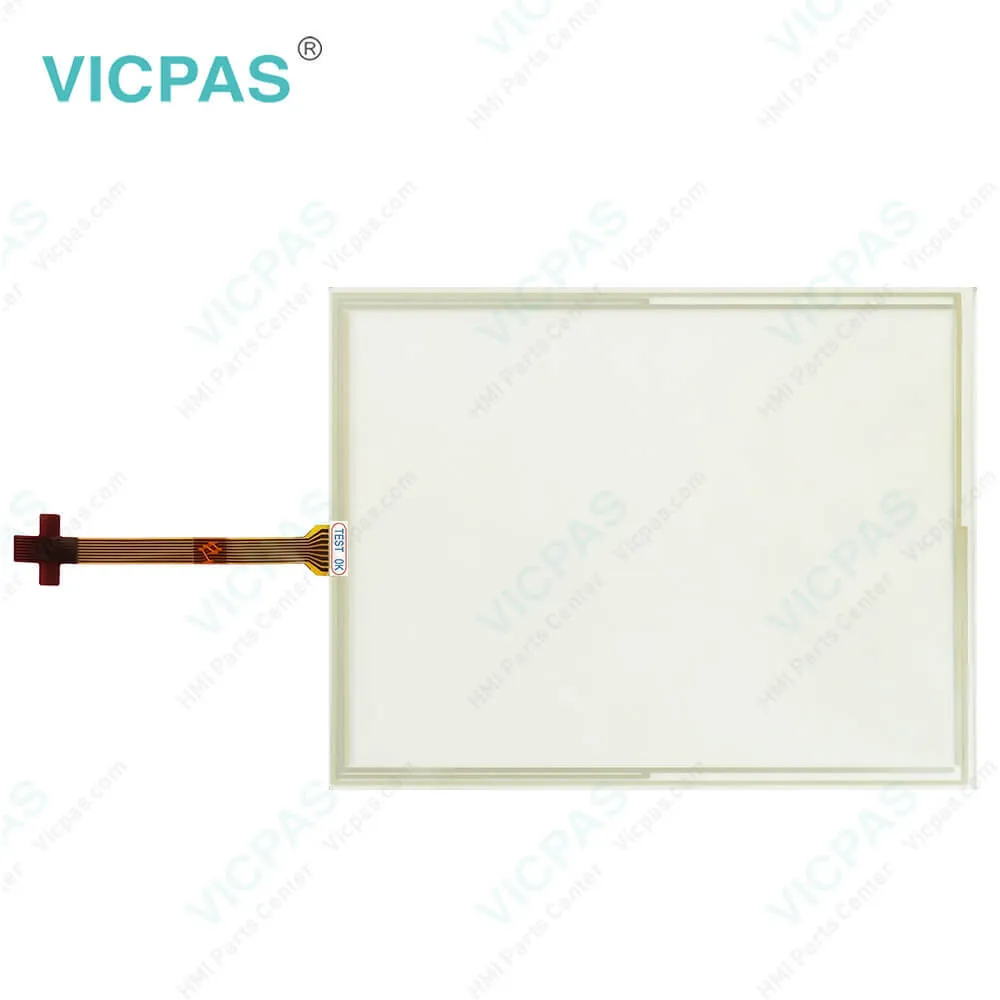
| Categories | Trimble |
|---|---|
| Model | FmX Integrated Display |
| Warranty | 365 Days |
| Product Line | Trimble FmX series |
| Supply | FmX Integrated Display Touch Glass Repair Parts |
| FOB port | Guangzhou, Shenzhen, Hongkong |
| Terms of Payment | Western Union, MoneyGram, T/T, Paypal, PayPal, Credit Card |
| Update Time | 2026-02-03 21:27:19 |
Shipping
Specifications:
| Part Number : | FmX Integrated Display |
| Display Type: | STN |
| Warranty: | 365 Days |
| Product Line: | Trimble FMX Series |
| Input Power: | +24 VDC +/-20% |
| Storage Temperature: | -20°C to 60°C |
| Screen diagonal: | 12.1 in |
Related BB Teach Pendant Part No.:
| FmX Integrated Display | Description | Inventory status |
| AgGPS FmX Integrated Display 93700-02 | Trimble Membrane Keypad Touchscreen Repair | In Stock |
| Ag leader Insight/ Trimble FMD/ Kinze Vision | Trimble HMI Touch Screen Monitor | In Stock |
| Ag leader Versa | Touch Screen Glass Trimble HMI Series | Available Now |
| FmX Integrated Display | Trimble Touch Digitizer Glass Membrane Switch | In Stock |
| GFX-350™ Display | Trimble Touch Screen Panel Replacement | In Stock |
| MMX-070 Display | Trimble Touch Screen Glass Repair | In Stock |
| Precision Planting 20/20 SeedSense | Touch Digitizer Glass Trimble Repair | Available Now |
| TMX-2050 Display | Trimble Touch Panel Membrane Switch | In Stock |
| Trimble CFX-750 Display | Trimble Touch Screen Monitor Repair | In Stock |
| Trimble FM750 FM-750 | HMI Panel Glass Trimble Repair Part | Available Now |
Trimble FmX Integrated Display Touch Screen Panel PDF Download:
FAQ:
Question: What is the dimension of FmX Integrated Display Trimble FmX Touch Screen Glass?
Answer: The dimension of FmX Integrated Display Trimble FmX HMI toucscreen is 12.1 inch.
Question: How to change FmX FmX Integrated Display administration password?
Answer: Note – To change the Administration password, you need the Master password. If you do not know it, contact your local reseller.1. If you have not entered the password during the current session, at the Configuration screen tap Setup or Calibrate.2. If you have already entered the password during this session, tap button and then tap Lock Configuration. On the Configuration screen tap Setup or Calibrate.3. The Enter Administration Password screen displays.4. Enter an incorrect password. The Wrong Password screen displays.5. Tap Enter Master Password.6. Enter the master password and then tap OK. The Change Administration Password screen displays.7. Enter your new administration password in both fields. The new administration password is now active.
Common misspellings:
FmX
Integrated
Dislay
FX
Display
Integraetd
Disp1ay
Iintegrated

- Mobile Phone
- *Title
- *Content
 Fast Quote
 Fast Quote
 Worldwide Shipping
 12 Months Warranty
 Customize Service