




NSJ5-SQ01-M3D
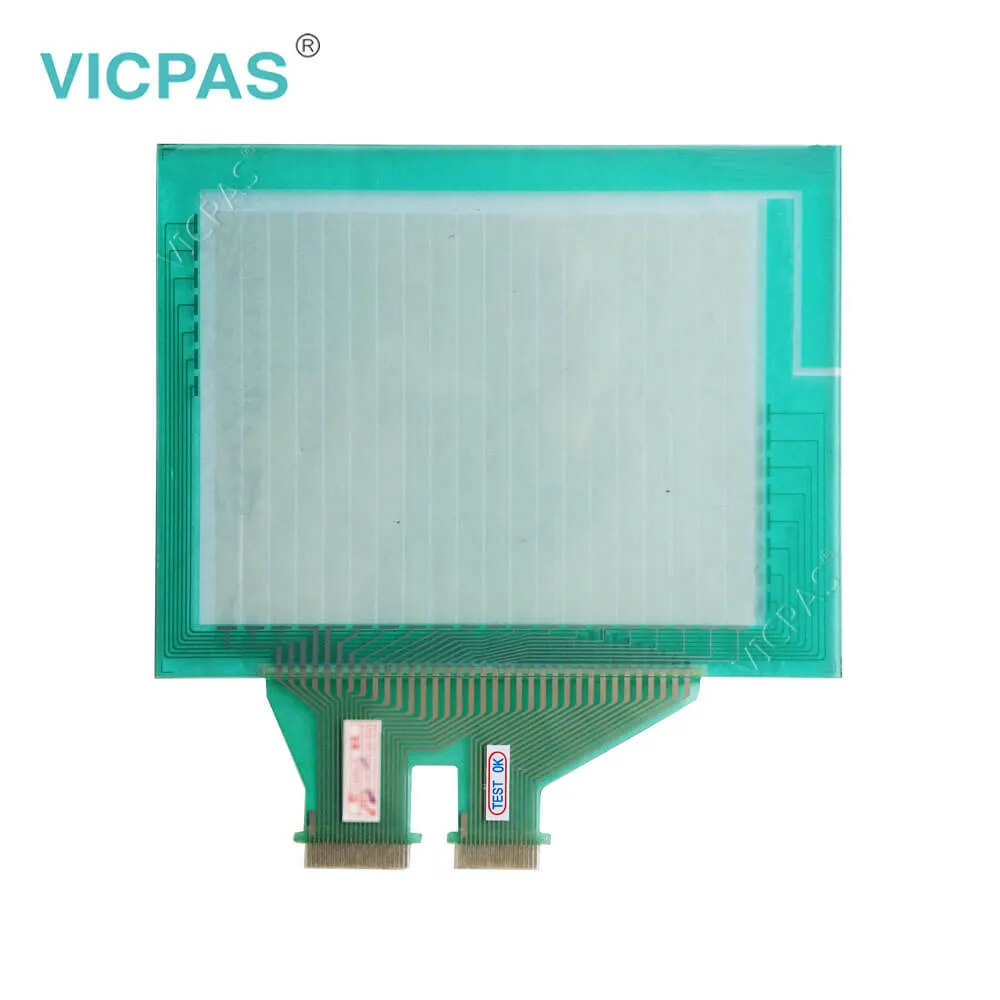
| Categories | Omron NSJ Series HMI |
|---|---|
| Model | NSJ5-SQ01-M3D |
| Warranty | 365 Days |
| Product Line | Omron NSJ5 series |
| Supply | Omron NSJ5 Repair Kit |
| FOB port | Guangzhou, Shenzhen, Hongkong |
| Terms of Payment | Western Union, MoneyGram, T/T, Paypal, PayPal, Credit Card |
| Update Time | 2026-02-04 02:23:58 |
Shipping
Specifications:
| Part Number : | NSJ5-SQ01-M3D |
| Display Device: | Color TFT |
| Screen diagonal: | 5.7 in |
| Warranty: | 365 Days |
| Product Line: | Omron NSJ5 Series |
| Case Color: | Ivory or black |
| Effective area: | 117.2 × 88.4 mm |
| Resolution: | 320 * 240 |
| Pollution Degree: | 3 |
| Data memory: | 128 Kwords |
Related BB Teach Pendant Part No.:
| NSJ5-SQ01-M3D | Description | Inventory status |
| NSJ5-TQ00-M3D | Omron NSJ5-M3D series HMI | In Stock |
| NSJ5-TQ00B-M3D | Omron NSJ5-M3D series HMI | In Stock |
| NSJ5-TQ01-M3D | Omron NSJ5-M3D series HMI | Available Now |
| NSJ5-TQ01B-M3D | Omron NSJ5-M3D series HMI | In Stock |
| NSJ5-SQ00-M3D | Omron NSJ5-M3D series HMI | Available Now |
| NSJ5-SQ00B-M3D | Omron NSJ5-M3D series HMI | In Stock |
| NSJ5-SQ01-M3D | Omron NSJ5-M3D series HMI | In Stock |
| NSJ5-SQ01B-M3D | Omron NSJ5-M3D series HMI | In Stock |
| NSJ5-TQ10-M3D | Omron NSJ5-M3D series HMI | Available Now |
| SJ5-TQ10B-M3D | Omron NSJ5-M3D series HMI | In Stock |
| NSJ5-TQ11-M3D | Omron NSJ5-M3D series HMI | Available Now |
| NSJ5-TQ11B-M3D | Omron NSJ5-M3D series HMI | In Stock |
| NSJ5-SQ10-M3D | Omron NSJ5-M3D series HMI | In Stock |
| NSJ5-SQ10B-M3D | Omron NSJ5-M3D series HMI | In Stock |
| NSJ5-SQ11-M3D | Omron NSJ5-M3D series HMI | Available Now |
| NSJ5-SQ11B-M3D | Omron NSJ5-M3D series HMI | Available Now |
NSJ5-SQ01-M3D PDF Download:
FAQ:
Question: What are the features of Omron NSJ Series HMI?
Answer: ●A programmable controller with HMI that realizes both saving space and high reliance control● A DeviceNet Master comes as standard for I/O● Use of a single USB cable allows transferring of both screen data and ladder programs● Models are also available with Ethernet as a standard feature● Easy Access from a PC on ethernet● 5.7 to 12.1 inch sizes are available● PLC Troubleshooter and DeviceNet Troubleshooter come as a Standard FeatureWhen an error occurs, simply follow the on-screen instructions to confirm the error details and quickly implement countermeasures, withoutreferring to the manual● Even control with various Special I/O Units and CPU Bus Units is possible with the CJ-series Expansion Racks
Question: How to clean the Omron NSJ5 HMI?
Answer: Clean and inspect the Display Section periodically to maintain it in optimumcondition for use. The screen visibility will be impaired if the display becomesdirty. Clean the display periodically using the following methods:• For daily cleaning, wipe with a soft, dry cloth. Attempting to remove heavydirt with the dry cloth may scratch the front panel sheet. Use a damp clothfirst to remove dirt and then wipe the surface again with the dry cloth.• If dirt cannot be removed using a dry cloth, dampen the cloth sufficientlywith a neutral cleaning agent solution (approximately 2%), squeeze thecloth out, and then wipe the surface.• Materials such as rubber, vinyl, or tape that are attached to the Unit willleave stains if left for a long time. If such material is attached to the Unit,remove when cleaning.
Question: What is the NSJ5-SQ01-M3D Omron NSJ5 touchscreen, protective fim ,diplay and other HMI parts price?
Answer: Submit a fast quote, send Kernfix an email for best price.
Common misspellings:
NJ5-SQ01-M3D
NS5-SQ01-M3D
NSJ-SQ01-M3D
NSJ5SQ01-M3D

- Mobile Phone
- *Title
- *Content
 Fast Quote
 Fast Quote
 Worldwide Shipping
 12 Months Warranty
 Customize Service