




Panasonic Toughbook CF-18 CF-19 Touch Screen Panel
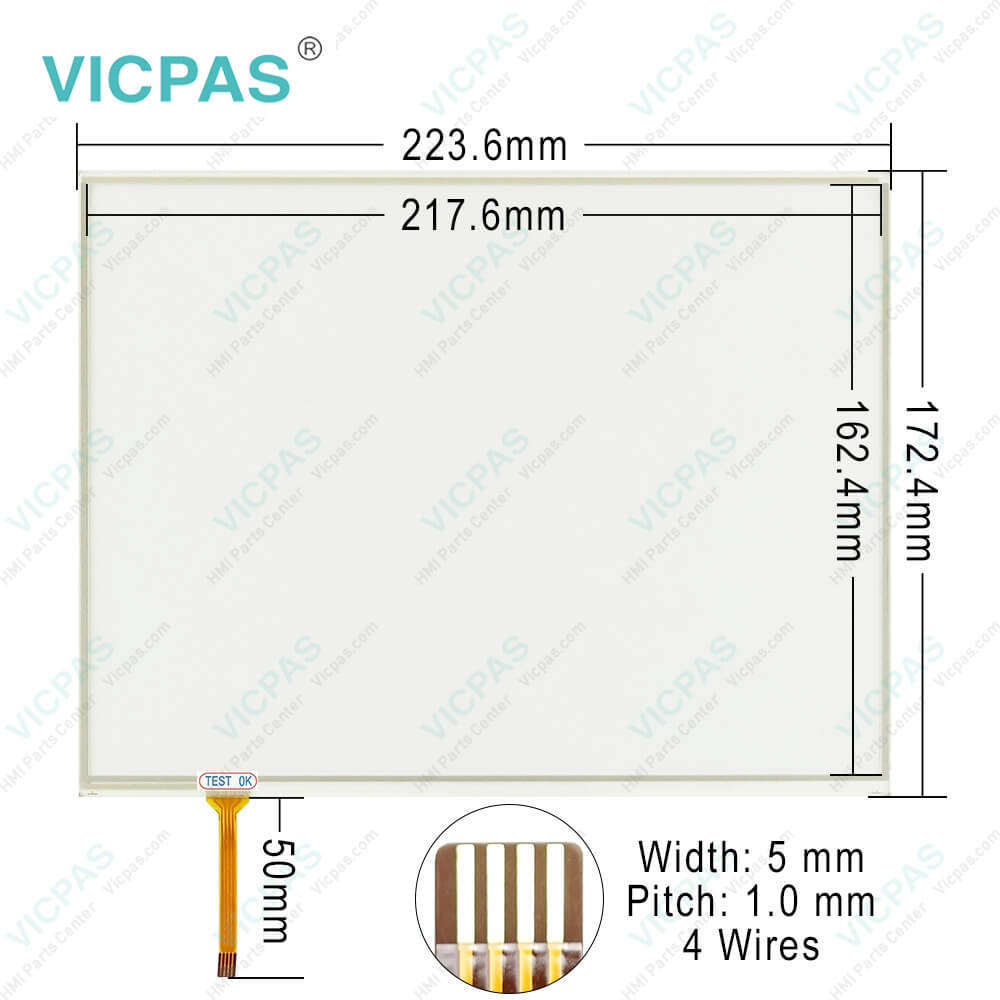
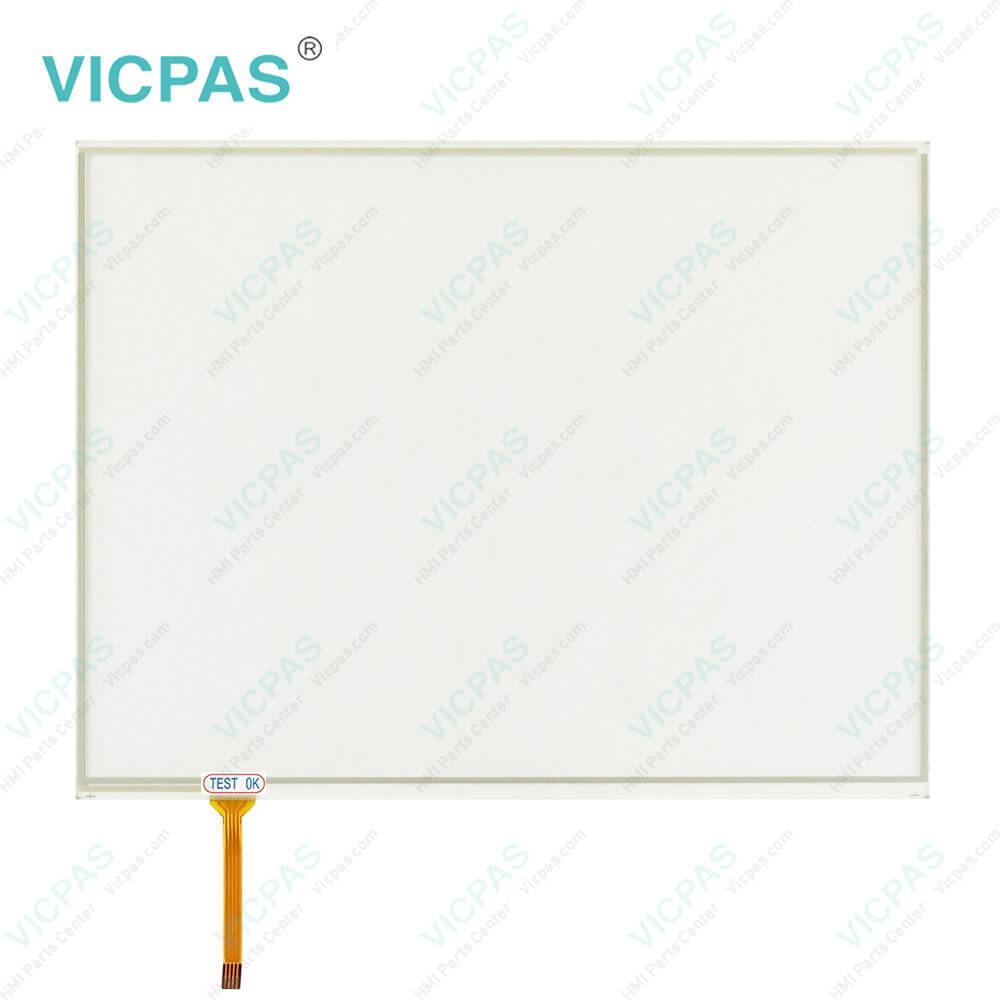
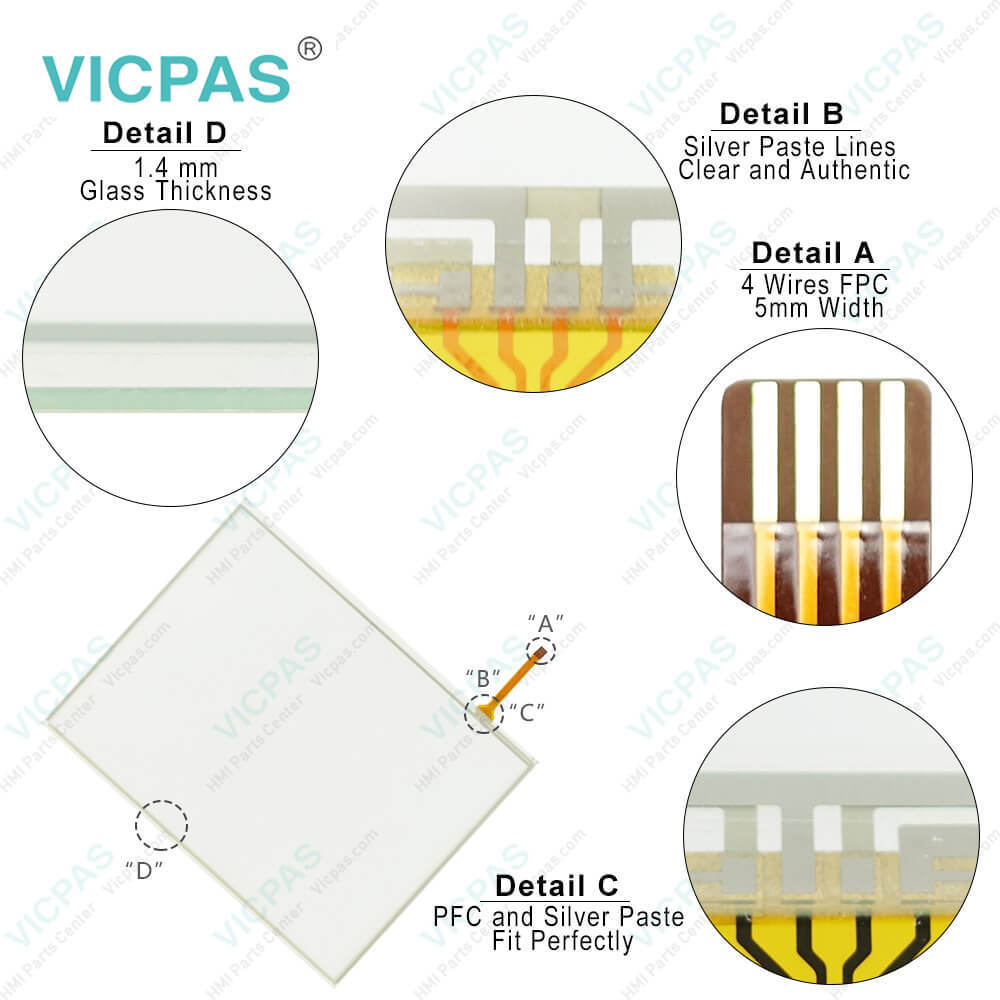
| Categories | Other Panasonic Terminal Repair Kit |
|---|---|
| Model | CF-18 CF-19 |
| Warranty | 365 Days |
| Shipping | DHL/FedEx/UPS/TNT/EMS/Aramex /DPEX |
| FOB port | Guangzhou, Shenzhen, Hongkong |
| Terms of Payment | Western Union, MoneyGram, T/T, Paypal, PayPal, Credit Card |
| Update Time | 2026-02-04 02:27:21 |
Leading Time{{selectedConditionObj.leading}}
{{item.value}}
{{nameObj.name}}{{nameObj.selectedValue}}
{{valueObj.name}}
Shipping
Detail Information
Specifications:
| Brand: | Panasonic |
| Warranty: | 365 Days |
| Operation Temperature: | 5 °C to 35 °C |
| Operation Humidity: | 30% to 80% RH |
| Product Line: | Panasonic Toughbook |
| Display Type: | TFT Color LCD |
| Part Number : | CF-18 CF-19 |
| Type of Supply Voltage: | 24 V DC |
| Storage Temperature: | -20 °C to 60 °C |
| Touch Size: | 10.1" |
Related BB Teach Pendant Part No.:
| CF-18 CF-19 | Description | Inventory status |
| CF-18 | Panasonic Toughbook Touch Screen Panel Repair Part | In Stock |
| CF-19 | Panasonic Toughbook Touch Membrane Replacement | In Stock |
| CF-29 | Panasonic Toughbook Touchscreen Panel Glass Repair | In Stock |
| CF-30 | Panasonic Toughbook Touch Digitizer Glass Overlay Repair | Available Now |
| CF-31 | Panasonic Toughbook MMI Touch Screen Monitor Replacement | In Stock |
Panasonic Toughbook CF-18 CF-19 Touch Screen Panel PDF Download:
FAQ:
Question: The Panasonic CF-18 CF-19 screen becomes disordered, what should we do?
Answer: The screen display may become distorted if the resolution or number of colors is changed, or if an external display is connected or disconnected while the computer is operating. Restart the computer.
Question: Unable to input using the Panasonic CF-18 CF-19 touch pad, what should we do?
Answer: Has the Setup Utility been used to set [Touch Pad] to [Enable]?

Please send your message to us
- Mobile Phone
- *Title
- *Content
 Fast Quote
 Fast Quote
 Worldwide Shipping
 12 Months Warranty
 Customize Service