



Grideal.com-Leading global industrial mall.
Quick Service for Full HMI Parts Replacement
Touchscreen-Keypad-Display-Case & More Search 80000 Inventory
user photo
Account
Login
Cart
0
Home / All / Proface / FP3000 Series / FP3710-T41

FP3710-T41

FP3710-T41
FP3710-T41FP3710-T41FP3710-T41FP3710-T41FP3710-T41
CategoriesProface HMI Touchscreen
BrandAllen Bradley
ModelFP3710-T41
Warranty365 Days
Product LineProface FP3000 Series
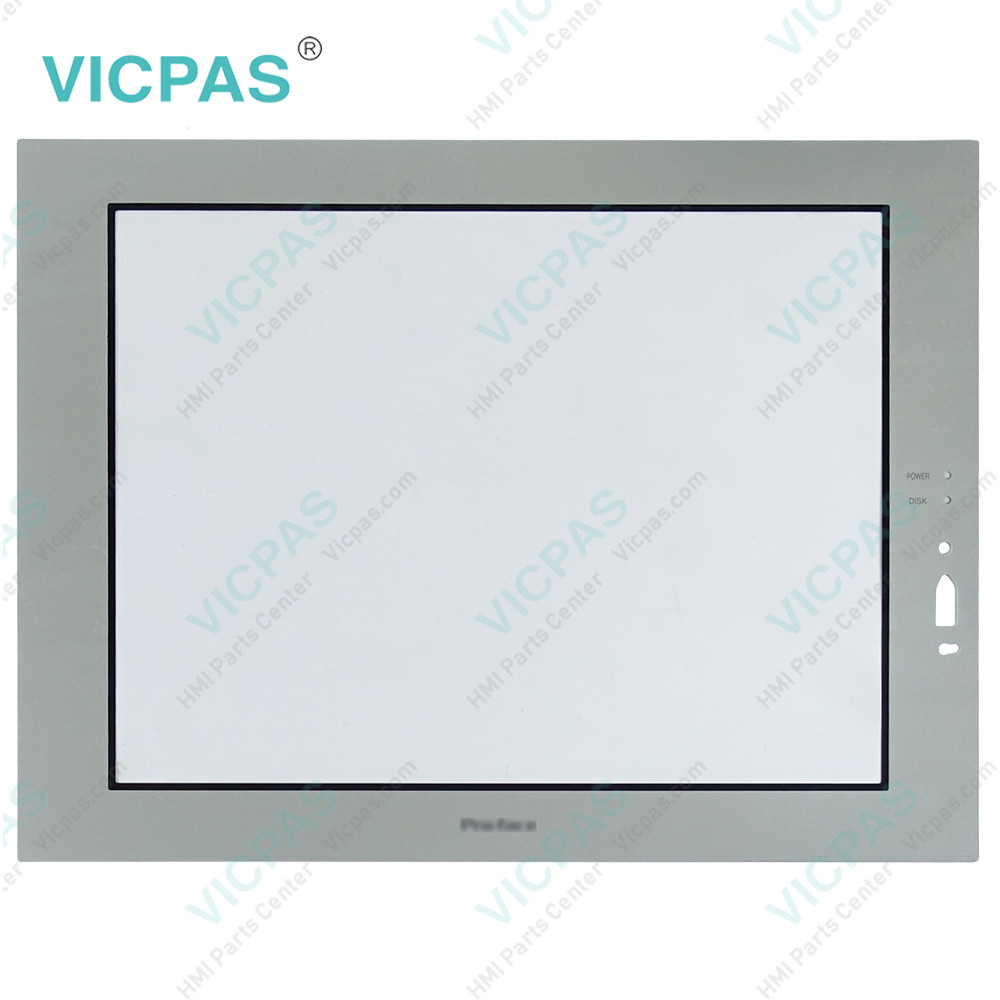
SupplyFP-3710T Front Overlay Touch Glass
Touch size15 inch
Shipping2-4 workdays
Terms of PaymentWestern Union, T/T, PayPal, Credit Card
Download
Update Time2026-02-04 02:42:51
Leading Time{{selectedConditionObj.leading}}
{{item.value}}
{{nameObj.name}}{{nameObj.selectedValue}}
{{valueObj.name}}

Shipping

Free Shipping

Those shipping costs are only estimates, the actual shipping cost will be shown on the order page.

Detail Information

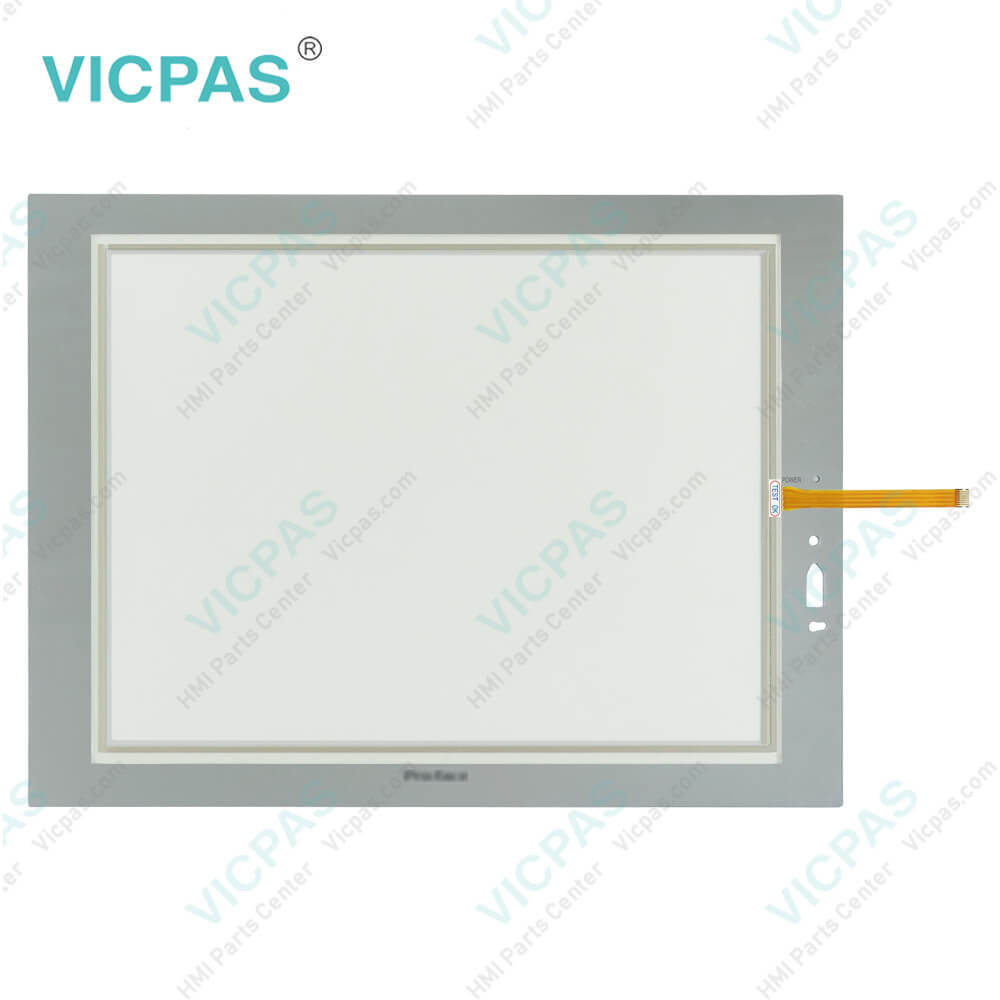
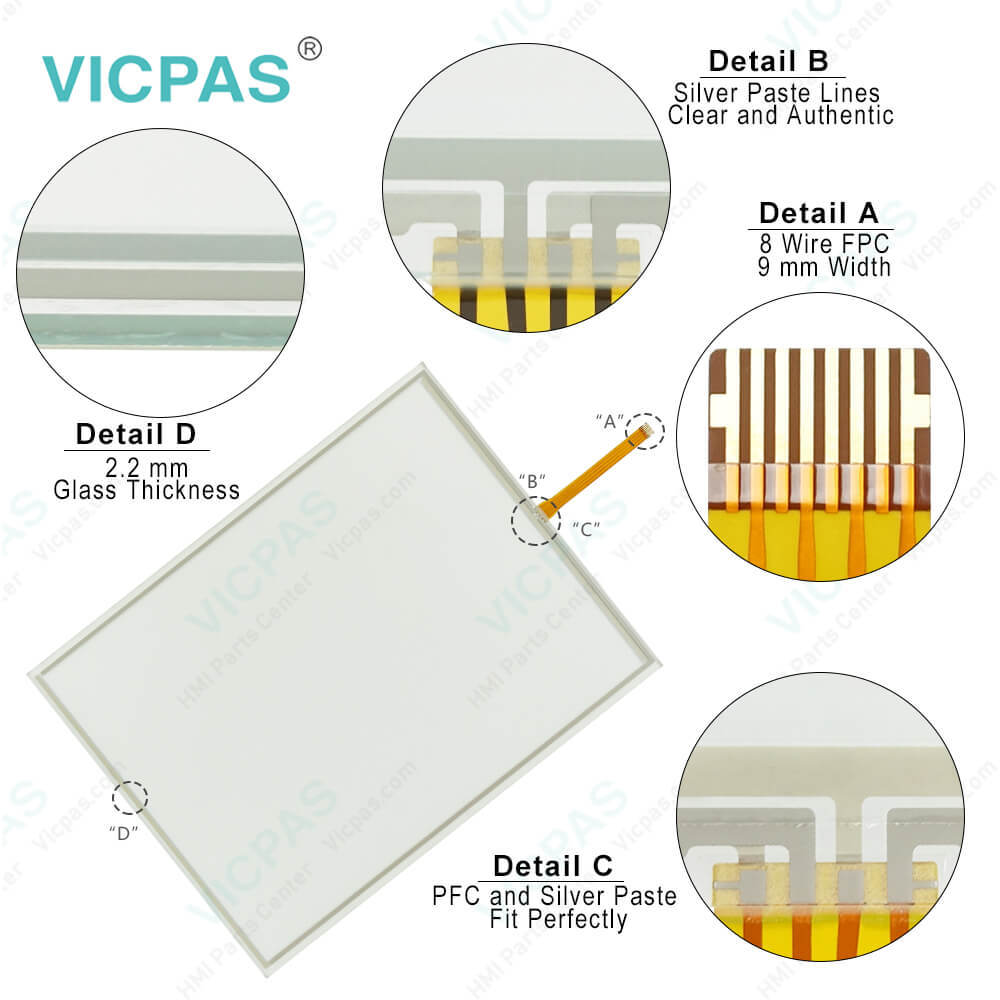
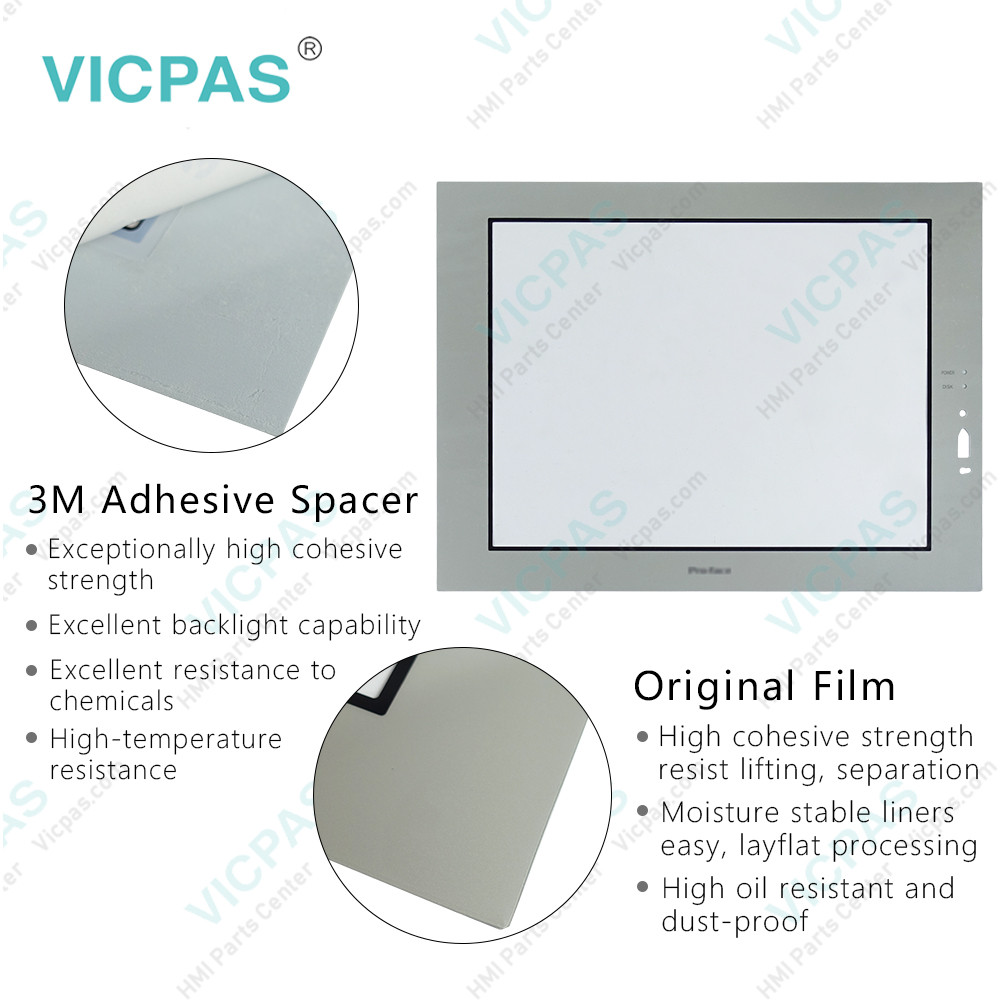
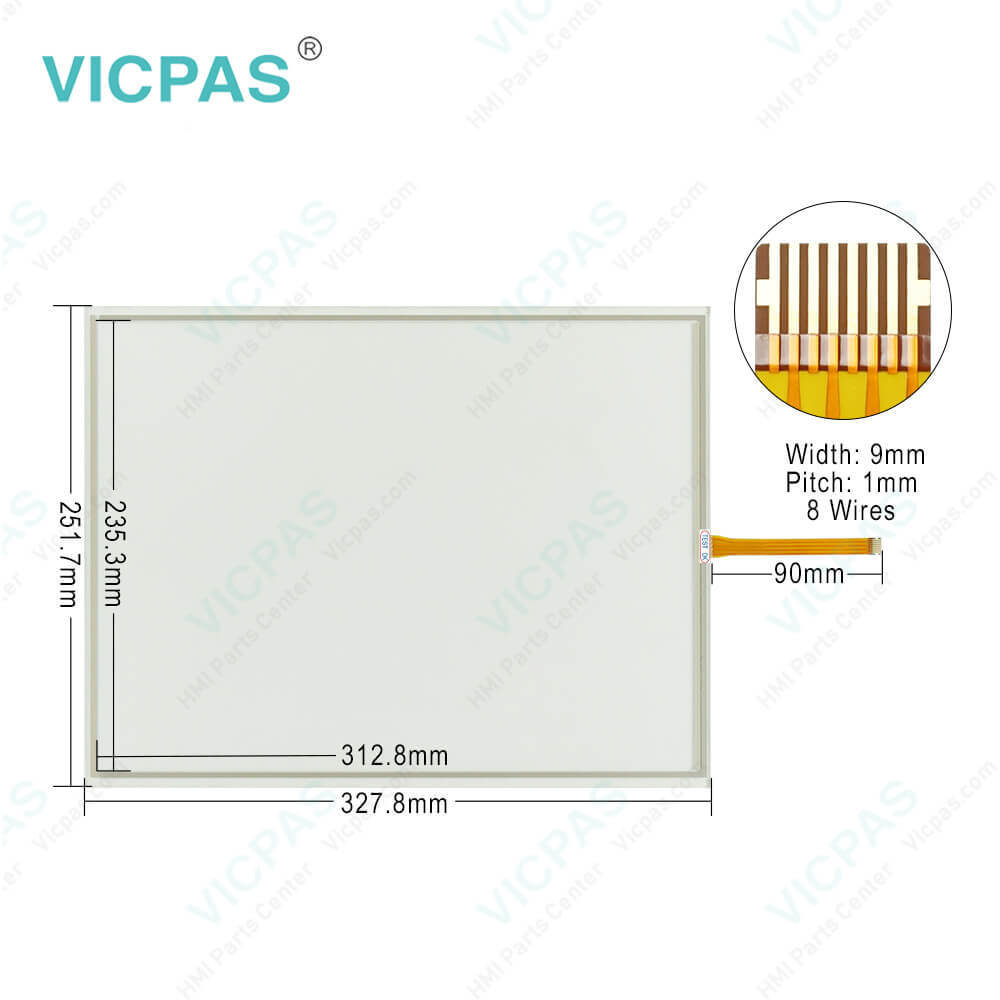
Proface FP3000 FP3710-T41 Touch Screen Monitor Protective Film Replacement

Order each part separately is available

Proface FP3000 FP-3710T FP3710-T41 Touch Panel Front Overlay Repair Replacement

Kernfix supply Pro-face FP3000 Series FP3710-T41 Protective Film and Touch Screen Panel with 365 days warranty and support Urgent Worldwide Shipping.


FP3000 Series FP-3710T FP3710-T41 displays are equipped with the following features.
High-Quality TFT Color LCD Display
This unit is equipped with a 15.0-inch TFT type color LCD. Its superior brightness and wide viewing angle, not found in ordinary laptop-type TFT LCDs, widens your scope of applications.
The screen's maximum resolution is 1024(H) 768(V) pixels and can display 16,770,000 colors.
Easy Installation In User's Cabinets and Panels
The FP3710-T41 Front Overlay Touch Panel FP's slim and compact design makes installation a snap since it was designed specifically for use as an IA (Industrial Automation) or OA (Office Automation) system monitor. The flat, front panel provides protection equivalent to the rigorous IP65f standard. Even without its optional protective cover the front panel is highly resistant to both water and dust.
Panel can be used as a VGA Display
Since the FP3710-T41 HMI Panel Glass Overlay FP is equipped with an analog RGB interface and a DVI-D Interface, it can be connected to a PC and other, similar devices. (The PC's dot clock frequency, however, must be within the standard range.)
Easy-to-use Built-In Touch Panel
The FP's built-in touch panel is standard equipment, allowing touch panel data to be output to a host PC via an RS-232C cable or USB cable. This is perfect for systems requiring both touch panel operation and data monitoring.
USB-HUB function
This FP3710-T41 unit has USB-HUB function and can connect USB devices to the front USB connector.


Specifications:

Ambient Humidity:10 to 90%RH (no condensation)
Allowable Voltage Drop:10 ms or less
Product Line:Proface FP3000
Size:15 inch
Rated Voltage:DC19.2V to DC28.8V
Brand:Proface
Power Supply:24 V DC
Storage Temperature:-20°C to +60°C
Storage Humidity:10%RH to 90%RH
Warranty:365 Days


Related BB Teach Pendant Part No. :

FP3710-T41Description Inventory status
FP3700-T41Proface FP3000 Protective Film Touch Screen ReplacementIn Stock
FP3710-K41Proface FP3000 Touch Panel Protective Film RepairAvailable Now
FP3710-K41-UProface FP3000 Touchscreen Protective Film RepairIn Stock
FP3710-T41Proface FP3000 HMI Protective Film Touch Screen GlassAvailable Now
FP3710-T41-UProface FP3000 Touch Screen Panel Front Overlay RepairIn Stock
FP3710-T42Pro-face FP3000 Front Overlay Touch MembraneIn Stock
FP3710-T42-24VProface FP3000 Touch Glass Front Overlay RepairIn Stock
FP3710-T42-24V-UProface FP3000 Touch Digitizer Glass Overlay RepairAvailable Now
FP3710-T42-UPro-face FP3000 HMI Panel Glass Protective Film RepairAvailable Now
FP3900-T41Proface FP3000 Touch Screen Monitor Front OverlayIn Stock
FP3900-T41-UProface FP3000 Front Overlay MMI Touch Screen ReplacementIn Stock

FP3710-T41 PDF Download:

  • FP3000 Series User Manual
  • FP3700-T41 Installation Guide
  • FP3700-T41 User Manual
  • FP-3710K Series Installation Guide
  • FP-3710K Series User Manual
  • FP-3710T Datasheet
  • FP-3710T Series Installation Guide

  • FAQ:

    Question: How to install the FP3710-T41 FP?

    Answer: (1) Insert the FP3710-T41 Touchscreen Panel Front Overlay FP into the panel cut, as shown here.


    Common misspellings:

    FP3710-T1

    FP370-T41

    PF3710-T41

    FP3710-741

    FP37110-T41

    Please send your message to us
    *Email
    Mobile Phone
    *Title
    *Content
    Upload
    • Only supports .rar/.zip/.jpg/.png/.gif/.doc/.xls/.pdf, maximum 20MB.
    Do you want to quickly know the product quotation you need?
    • Fast QuoteFast Quote
    • Worldwide ShippingWorldwide Shipping
    • 12 Months Warranty12 Months Warranty
    • Customize ServiceCustomize Service
    subscription
    KEEP IN TOUCH
    Please send your message to us
    *Email
    Mobile Phone
    *Title
    *Content
    Upload
    • Only supports .rar/.zip/.jpg/.png/.gif/.doc/.xls/.pdf, maximum 20MB.
    CONTACT US
    QR code
    Mobile Web
    2.054760s