




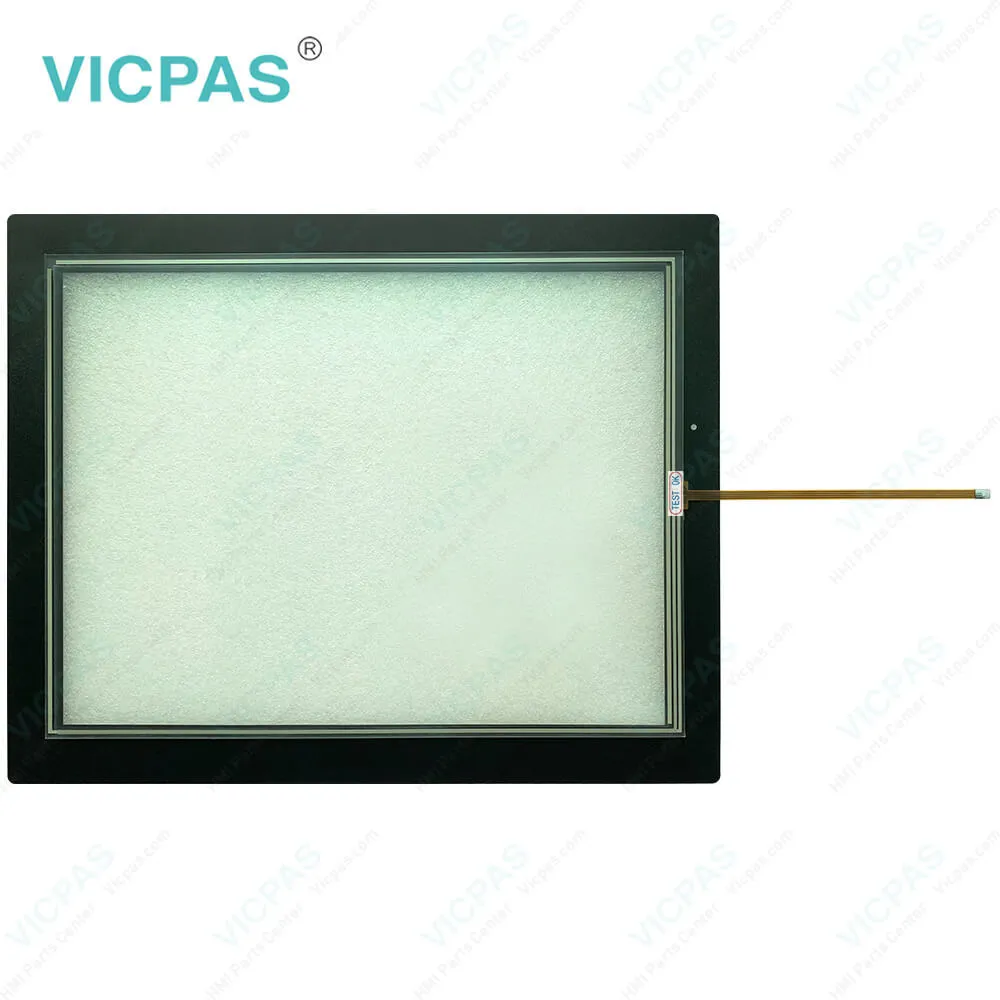
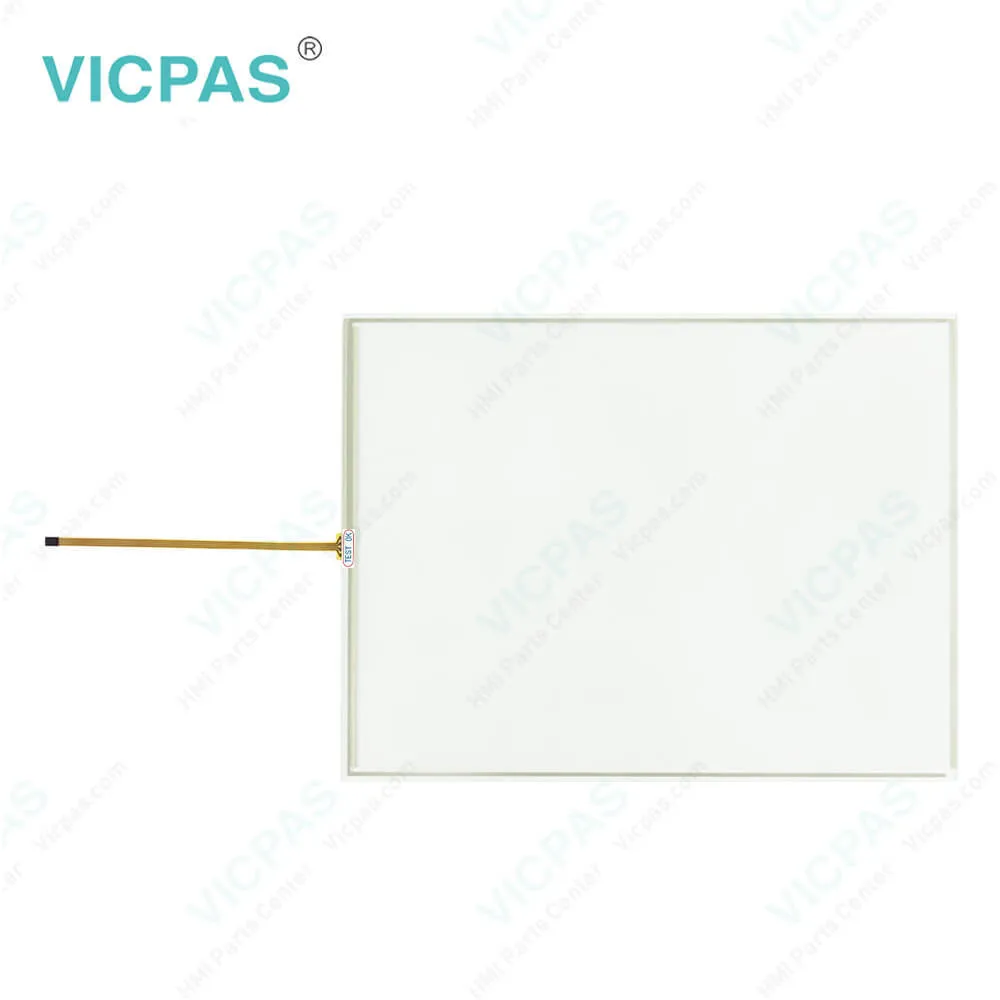
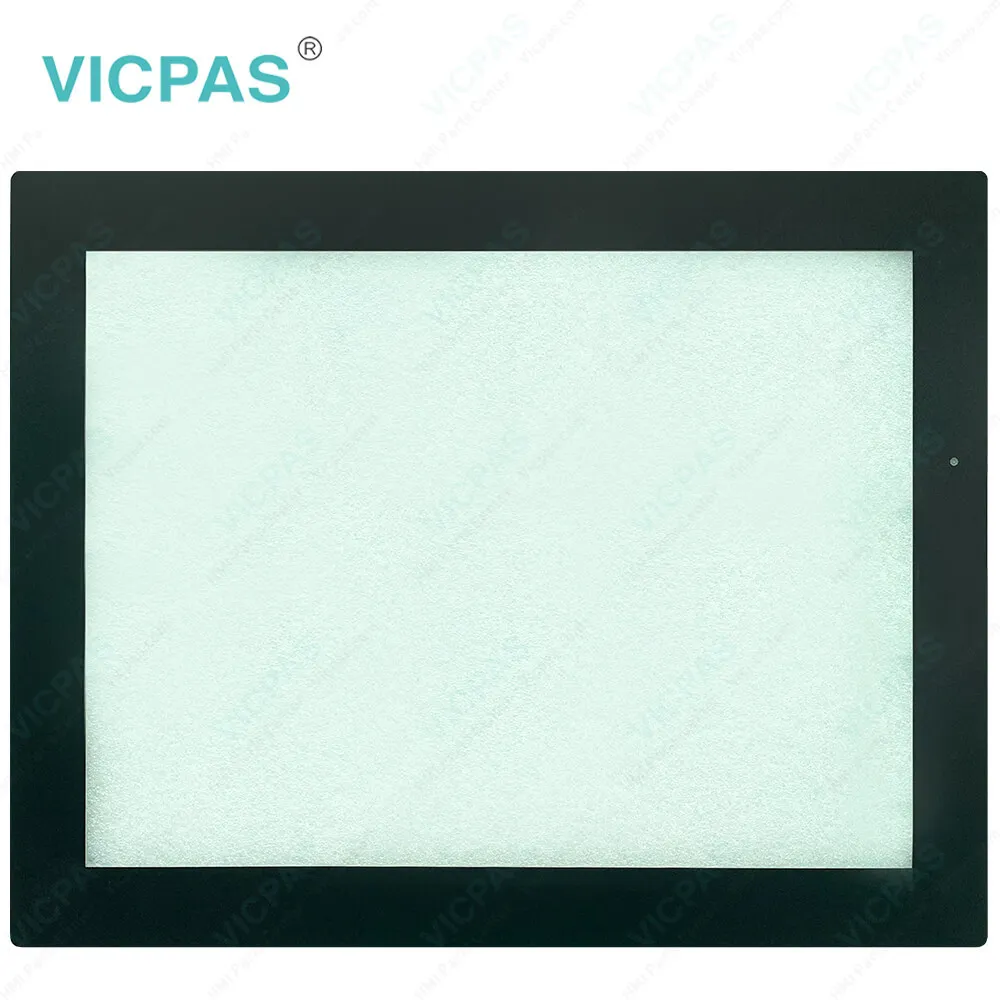
cMT2158X Touch Screen Display Protective Film Repair
| Categories | cMT, cMT X, eMT Series |
|---|---|
| Brand | WEINTEK |
| Model | cMT2158X |
| Warranty | 365 Days |
| Product Line | cMT X Series |
| Supply parts | Touch Digitizer Glass Front Overlay |
| Shipping | 3-5 workdays |
| FOB port | Guangzhou, Shenzhen, Hongkong |
| Terms of Payment | Western Union, MoneyGram, T/T, Paypal, PayPal, T/T ,Credit Card, Western Union |
| Update Time | 2026-02-04 03:16:28 |
Leading Time{{selectedConditionObj.leading}}
{{item.value}}
{{nameObj.name}}{{nameObj.selectedValue}}
{{valueObj.name}}
Shipping
Detail Information
Specifications:
| Mount: | VESA/Panel Mount |
| relative humidity: | 10%~90% |
| Storage Temperature: | -20 ~ 60 °C (-4 ~ 140 °F) |
| Brand: | Weinview |
| Light Transmission: | Above 75% |
| Touch Panel: | 4-Wire Resistive Type |
| Operating Temperature: | 0°~50°C (32°~122°F) |
| Product Line: | cMT X Series |
| Warranty: | 365 Days |
| Display: | TFT LCD |
Related BB Teach Pendant Part No.:
| cMT2158X | Description | Inventory status |
| cMT2078X | Weinview cMT X Series Touch Screen Film Front Overlay Replacement | In Stock |
| cMT2079X | Weinview cMT X Series Protective Film Touch Screen Repair | Available Now |
| cMT2158X | Weinview cMT X Series Touch Panel Front Overlay Replacement | In Stock |
| cMT2159X | Weinview cMT X Series Protective Film Touch Membrane Repair | Available Now |
| cMT3071 | Weinview cMT Series Touchscreen Front Overlay Replacement | In Stock |
| cMT3072 | Weinview cMT Series Front Overlay Touch Screen Film Repair | Available Now |
| cMT3072X | Weinview cMT X Series Touch Screen Glass Shell Cover Protective Film Replacement | In Stock |
| cMT3072X2 | Weinview cMT X Series HMI Touch Glass Front Overlay Plastic Case Repair | Available Now |
| cMT3072XH | Weinview cMT X Series HMI Case Protective Film Touch Screen Monitor Replacement | In Stock |
| cMT3072XH2 | Weinview cMT X Series Touch Screen Display Housing Front Overlay Repair | Available Now |
| cMT3072XHT | Weinview cMT X Series Protective Film HMI Case Touch Screen Tablet Replacement | In Stock |
| cMT3075XH | Weinview cMT X Series Front Overlay Touch Digitizer Repair | Available Now |
| cMT3075XH2 | Weinview cMT X Series Touch Panel Protective Film Replacement | In Stock |
cMT2158X Touch Screen Display Protective Film Repair PDF Download:
FAQ:
Question: How to maintain cMT2158X Touch Screen Panel Protective Film?
Answer: When cleaning the cMT2158X Front Overlay Touch Screen Film, use only a damp cloth. Do not use liquid or spray detergents. Ensure the Touch Digitizer Glass is placed on a stable surface during installation. Avoid direct sunlight exposure for the Touch Screen Film.
Question: How do I calibrate the touch screen on the cMT X Series HMI?
Answer: To calibrate the touch screen, go to the calibration settings in the HMI menu. Follow the on-screen instructions to touch specific calibration points accurately. This process ensures accurate touch input across the screen.
Common misspellings:
cMT21518X
cMT1258X
cMT2151X
cMT21588X
cMT258X

Please send your message to us
- Mobile Phone
- *Title
- *Content
 Fast Quote
 Fast Quote
 Worldwide Shipping
 12 Months Warranty
 Customize Service