Grideal.com-Leading global industrial mall.
Quick Service for Full HMI Parts Replacement
Touchscreen-Keypad-Display-Case & More Search 80000 Inventory
user photo
Account
Login
Cart
0
Home / All / Weinview / MT Series / MT6103iP MT6102iQ MT8102iP Touch Membrane LCD Display Overlay Case
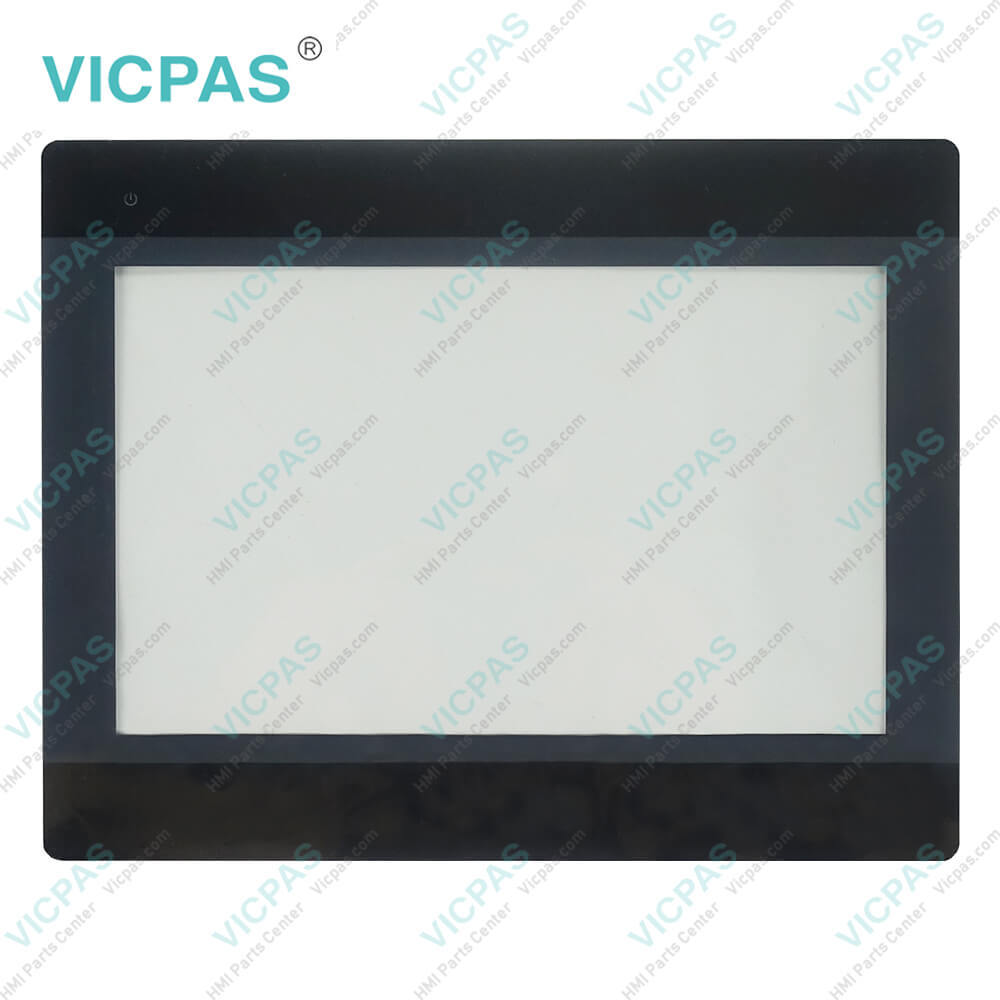
MT6103iP MT6102iQ MT8102iP Touch Membrane LCD Display Overlay Case
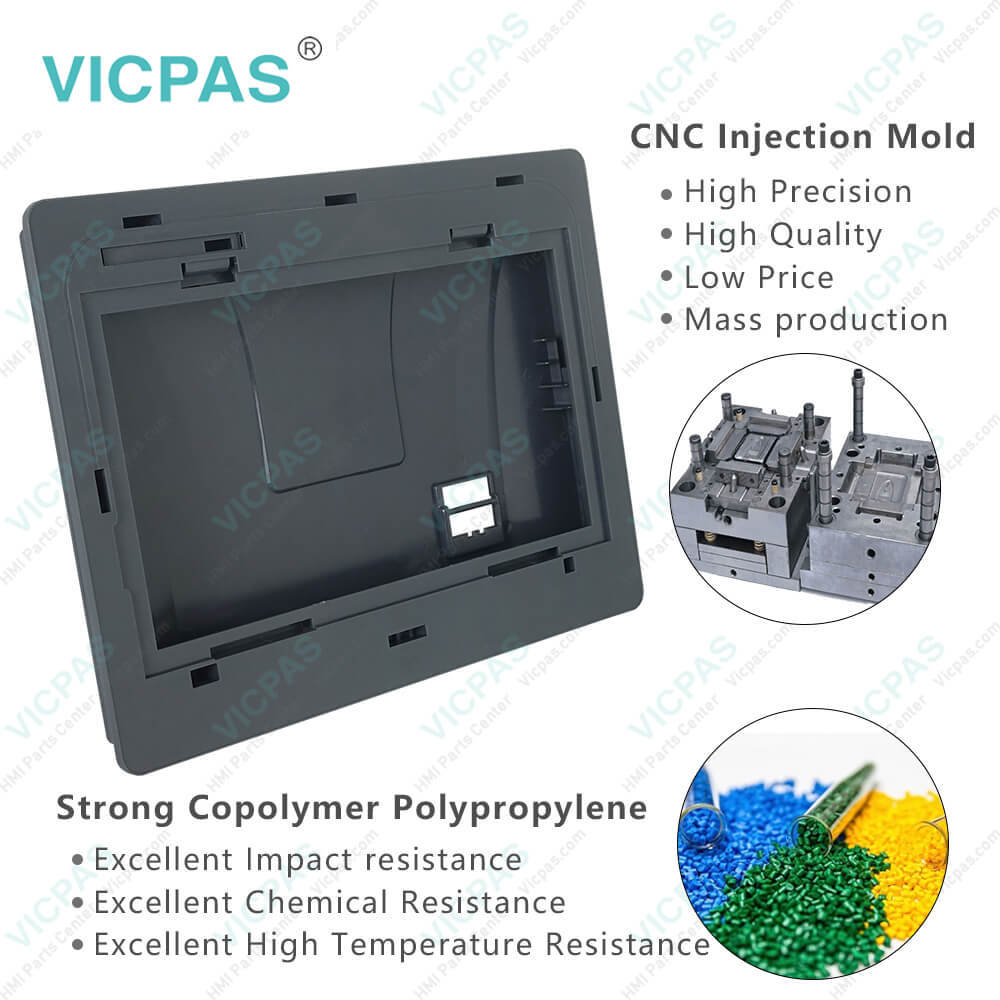
MT6103iP MT6102iQ MT8102iP Touch Membrane LCD Display Overlay Case
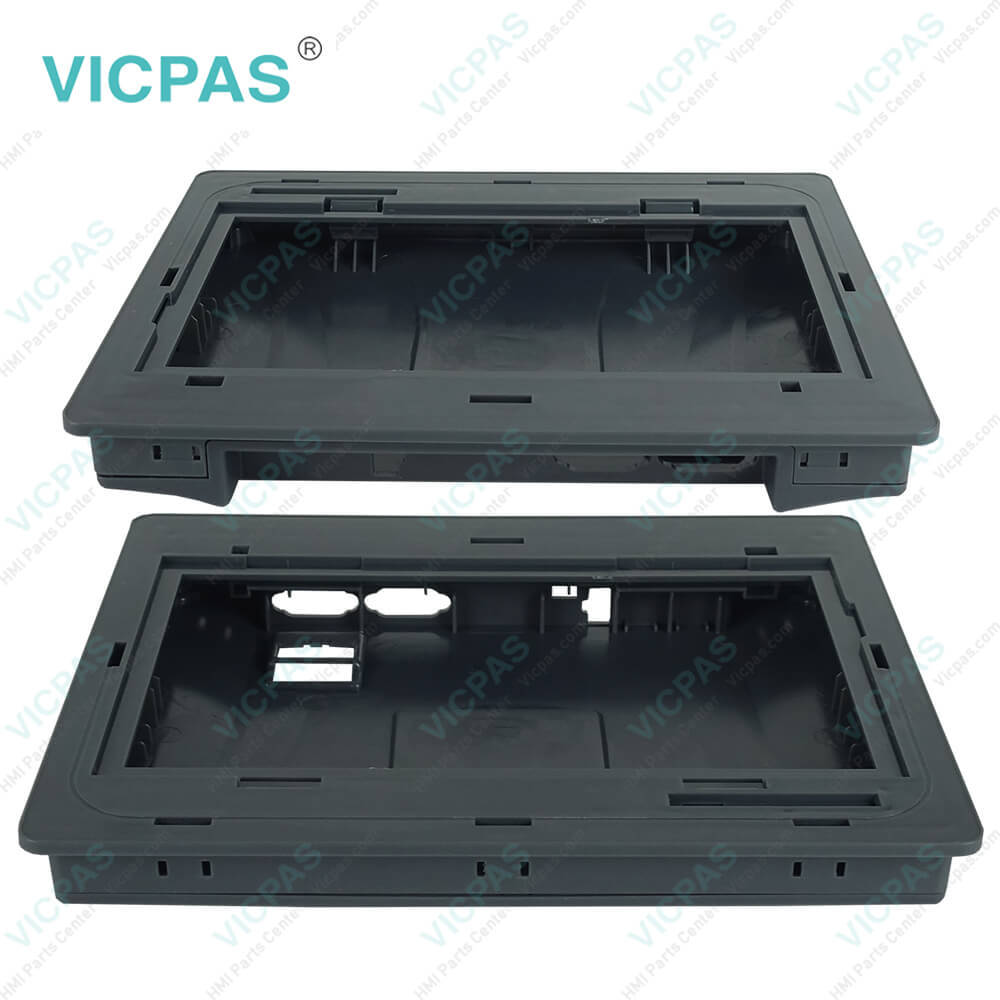
MT6103iP MT6102iQ MT8102iP Touch Membrane LCD Display Overlay CaseMT6103iP MT6102iQ MT8102iP Touch Membrane LCD Display Overlay CaseMT6103iP MT6102iQ MT8102iP Touch Membrane LCD Display Overlay CaseMT6103iP MT6102iQ MT8102iP Touch Membrane LCD Display Overlay CaseMT6103iP MT6102iQ MT8102iP Touch Membrane LCD Display Overlay Case
BrandWEINVIEW
ModelMT6103iP MT6102iQ MT8102iP
Warranty365 Days
Product LineiP Series
Supply partsLCD Panel Overlay Touchpad Housing
Shipping2-4 workdays
FOB portGuangzhou, Shenzhen, Hongkong
Terms of PaymentWestern Union, MoneyGram, T/T, Paypal, PayPal, T/T ,Credit Card, Western Union
Download
Update Time2026-02-04 03:17:27
Leading Time{{selectedConditionObj.leading}}
{{item.value}}
{{nameObj.name}}{{nameObj.selectedValue}}
{{valueObj.name}}

Shipping

Free Shipping

Those shipping costs are only estimates, the actual shipping cost will be shown on the order page.

Detail Information

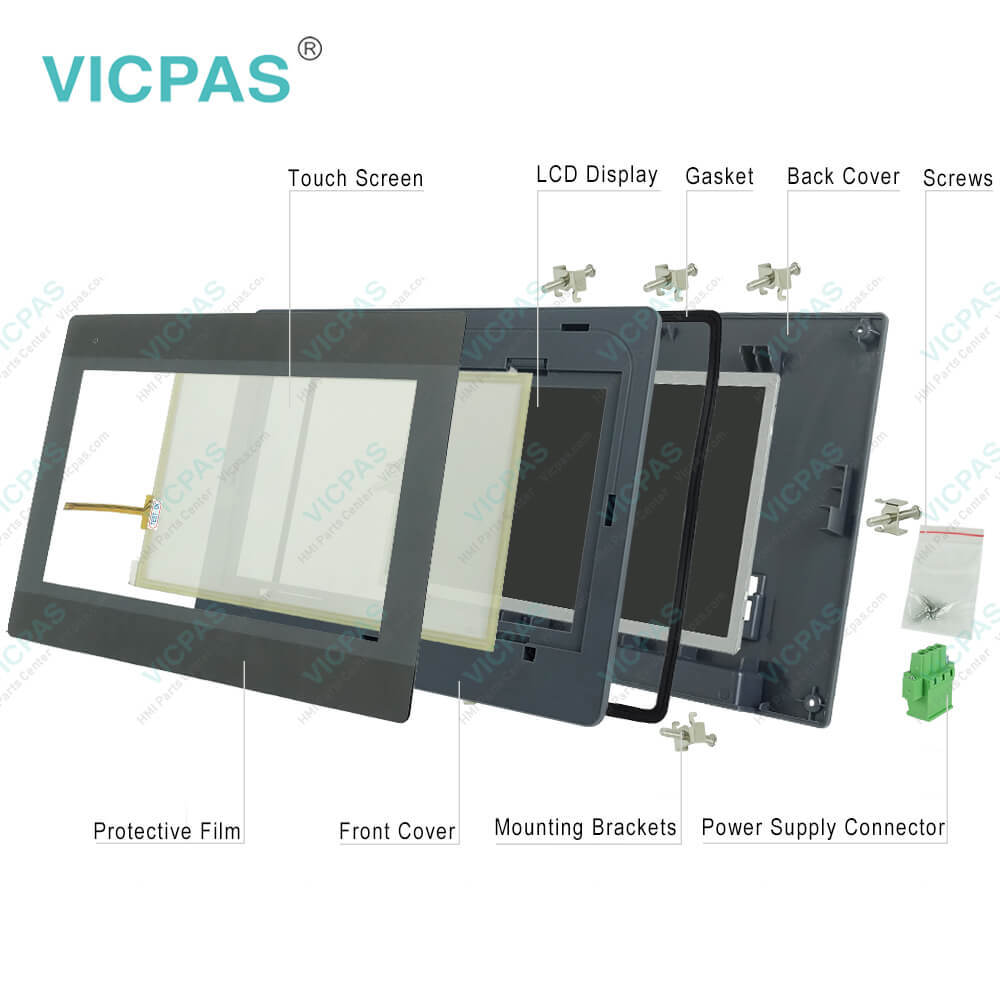
Weinview iP Series MT6103iP MT6102iQ MT8102iP Front Cover, Back Cover, Protective Film, LCD Display, Touch Screen, Gasket, Screws, Mounting Brackets and Power Supply Connector Repair

Order each part separately is available

Weinview iP Series MT6103iP MT6102iQ MT8102iP MMI Cover, Front Overlay, LCD Screen, Touch Screen Monitor, Gasket, Screws, Mounting Brackets and Power Supply Connector Replacement

Environmental Considerations

Care should be taken when locating MT6103iP MT6102iQ MT8102iP LCD Display Screen, Front Overlay, Power Supply Connector, Screws, Front Case, Gasket, Back Cover, Mounting Brackets and Touch Screen Monitor behind the unit to ensure that AC power wiring, PLC output modules, contactors, starters and relays, and any other source of electrical interference are located away from the back of the unit. Particular note should be taken to the position of variable speed drives and switching power supplies. Their input and load cables should be screened to a central star earth point.


Weinview touch screen MT6103iP MT6102iQ MT8102iP Mounting Brackets, Plastic Shell, Power Supply Connector, Touch Panel, LCD Screen, Screws, Gasket and Protective Film is designed for use in factory environments, capable of operating within temperatures ranging from 32 to 113 F (0 to 45 C), typical of most industrial settings. It may not be suitable for certain outdoor applications, so it is advised to consult the factory for recommendations on outdoor usage. There is a front bezel of the iP Series, ensuring that when properly installed in the panel, the panel's rating remains intact, preventing fluid entry during washdowns.

Do not operate HMI Weinview MT6103iP MT6102iQ MT8102iP Screws, Power Supply Connector, Mounting Brackets, Front Overlay, Front Case, Touch Screen Glass, LCD Display Screen and Back Cover in areas with explosion hazards from flammable gases, vapors, or dust. Additionally, the unit should not be installed in locations with rapid temperature changes or high humidity, as this can cause condensation inside the device. Avoid environments with severe mechanical vibrations or shocks during installation because it will do harm to MT6103iP MT6102iQ MT8102iP Touch Screen, Protective Film, LCD Display, Back Cover, Front Cover, Gasket, Mounting Brackets, Screws and Power Supply Connector.


Specifications:

Warranty:12 Months
Light Transmission:Above 80%
Brand:Weinview
Storage Temperature:-20 ~ 60 °C (-4 ~ 140 °F)
Mount:VESA/Panel Mount
Operating Temperature:0°~50°C (32°~122°F)
Relative Humidity:10%~90%
Product Line:iP Series
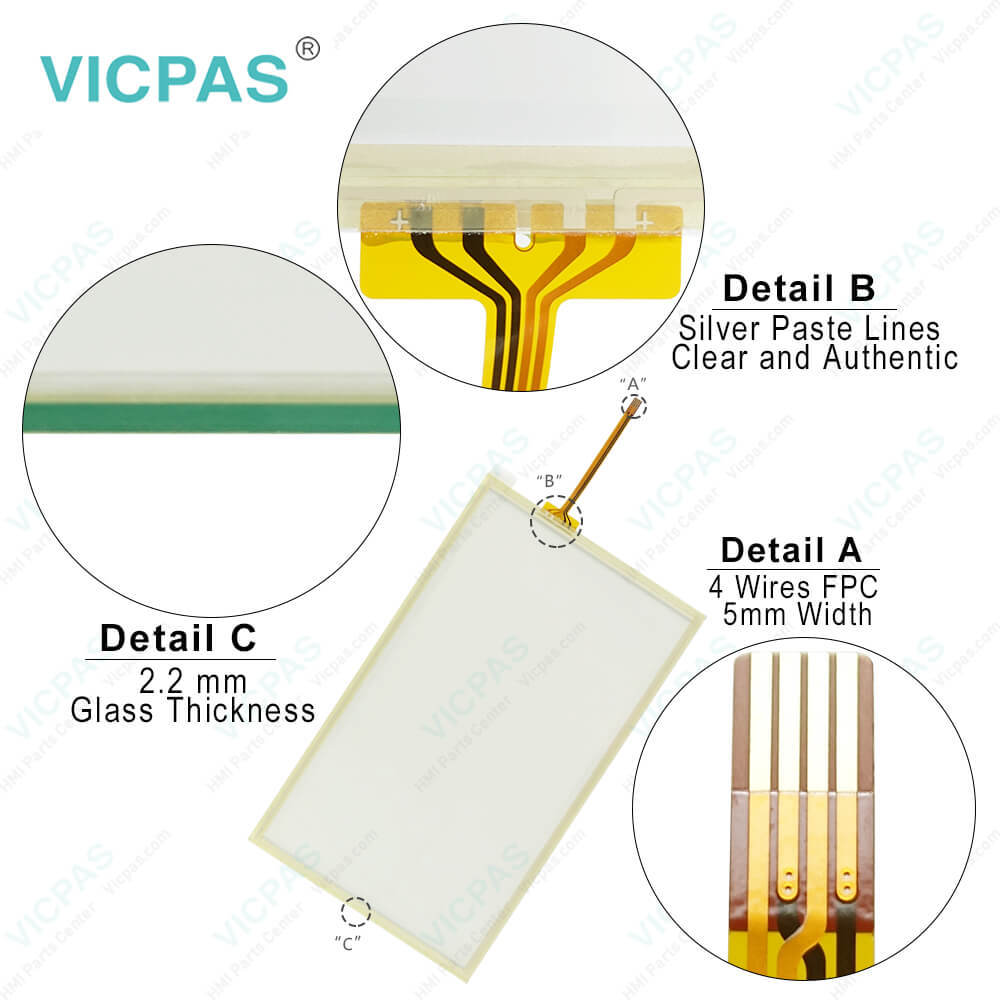
Touch Panel:4-Wire Resistive Type


Related BB Teach Pendant Part No. :

MT6103iP MT6102iQ MT8102iPDescription Inventory status
MT6100i V5WVWeinview MT6000i Series Touch Screen Film Front Overlay ReplacementIn Stock
MT6103iP MT6102iQ MT8102iPWeinview iP Series LCD Protective Film Touch Screen Case RepairAvailable Now
MT8050iWeinview MT8000i Series Protective Film Touch Panel ReplacementIn Stock
MT8050i V2EV MT8050i V2WKWeinview MT8000i Series Touch Membrane Front Overlay RepairAvailable Now
MT8050iE MT8051iEWeinview iE Series Touchscreen Enclosure LCD Overlay ReplacementIn Stock
MT8050iPWeinview MT8000i Series MMI Cover Protective Film Touch Panel LCD RepairAvailable Now
MT8051iPWeinview iP Series Overlay LCD Touch Membrane Case ReplacementIn Stock
MT8052iPWeinview iP Series LCD HMI Touch Glass Shell Cover Overlay RepairAvailable Now
MT8053iEWeinview iE Series Protective Film Touch Digtizer Housing ReplacementIn Stock
MT8056TWeinview iE Series Touch Screen Display Front Overlay RepairAvailable Now
MT8070iE MT8070iE1Weinview iE Series Protective Film Touchpad Case LCD ReplacementIn Stock
MT8070iHWeinview MT8000i Series Front Overlay Touch Screen Monitor RepairAvailable Now
MT8070iH5 MT8070iH 5WVWeinview iE Series Touchscreen Protective Film ReplacementIn Stock
MT8070iPWeinview iE Series Housing Overlay Touch Panel LCD RepairAvailable Now
MT8070T MT8070iWeinview iE Series Protective Film Touch Screen Tablet RepairAvailable Now

MT6103iP MT6102iQ MT8102iP Touch Membrane LCD Display Overlay Case PDF Download:
  • iE_iP_Brochure_ENG.pdf
  • MT6051iP1_DataSheet_ENG.pdf
  • MT6051_8051iP1V2.0_Installation.pdf
  • MT6071iP1_DataSheet_ENG.pdf
  • MT6103iP_Installation.pdf
  • MT8051iP_Datasheet_ENG.pdf
  • MT8052iP_Datasheet_ENG.pdf
  • MT8071iP2_Datasheet_ENG.pdf
  • MT8071iP_Datasheet_ENG.pdf
  • MT8072iP_Datasheet_ENG.pdf
  • MT8102iP_Installation.pdf
  • MT8106iP_Datasheet_ENG.pdf

  • FAQ:

    Question: Can I connect external devices to the iP Series HMI?

    Answer: Yes, the iP Series HMIs typically offer various communication ports, such as Ethernet, USB, RS232, or RS485. These ports allow you to connect external devices, such as PLCs, sensors, or other control equipment, for data exchange and system integration.

    Question: How can I create and modify screens on the iP Series HMI?

    Answer: iP Series HMIs usually come with dedicated software for screen development. Install the software on your computer, and then use it to design and customize screens with elements like buttons, images, text, and data display. The software often offers intuitive drag-and-drop interfaces for easy screen creation and modification.

    Question: What is the price of Weinview MT6103iP MT6102iQ MT8102iP MMI Spare Parts?

    Answer: Submit a fast quote, send Kernfix an email for best price.


    Common misspellings:

    MT8i21iE

    MT81121iE

    MT81211iEWV

    MT8101iE1WV

    MT121iE1

    MT8120iE2

    MT8821iE2VW

    MT8121iE0WV

    MT8121iT

    MT18121T

    Please send your message to us
    *Email
    Mobile Phone
    *Title
    *Content
    Upload
    • Only supports .rar/.zip/.jpg/.png/.gif/.doc/.xls/.pdf, maximum 20MB.
    Do you want to quickly know the product quotation you need?
    • Fast QuoteFast Quote
    • Worldwide ShippingWorldwide Shipping
    • 12 Months Warranty12 Months Warranty
    • Customize ServiceCustomize Service
    subscription
    KEEP IN TOUCH
    Please send your message to us
    *Email
    Mobile Phone
    *Title
    *Content
    Upload
    • Only supports .rar/.zip/.jpg/.png/.gif/.doc/.xls/.pdf, maximum 20MB.
    CONTACT US
    QR code
    Mobile Web
    1.496378s