




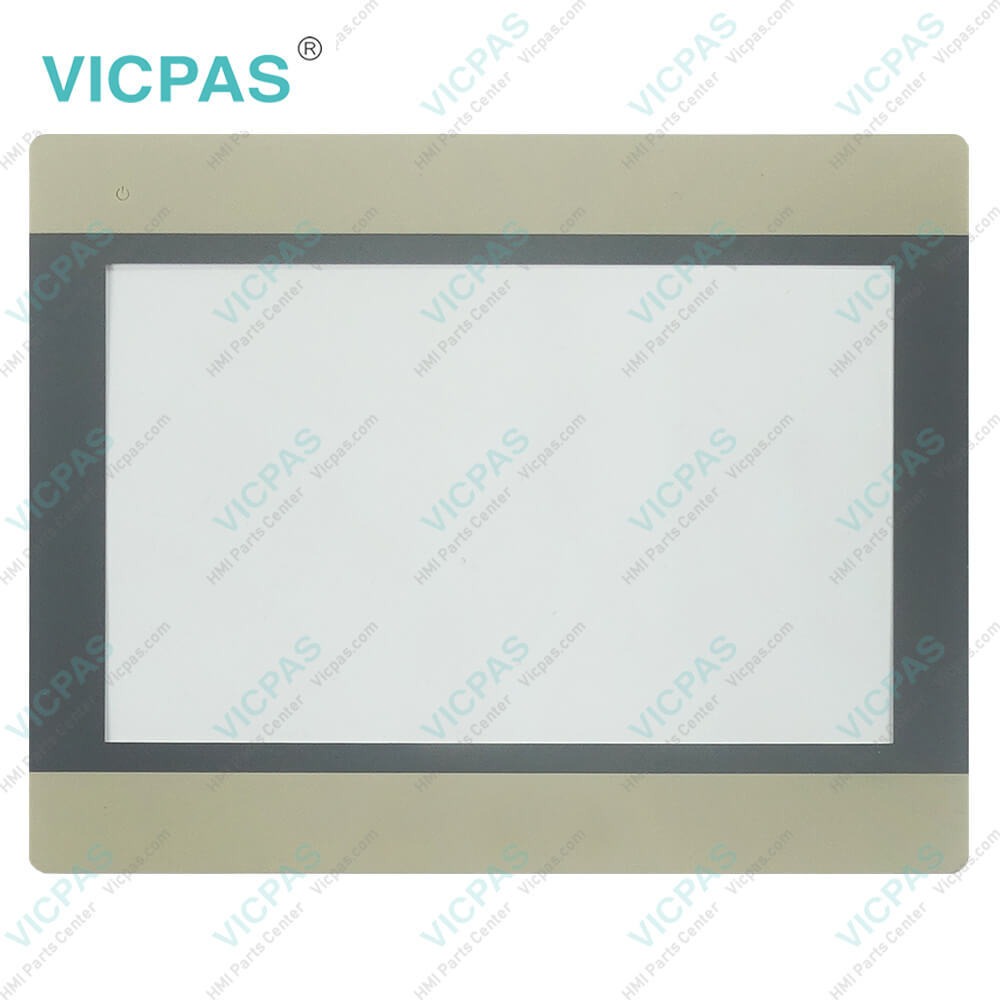
HMI5102L Protective Film Touch Screen Tablet Repair
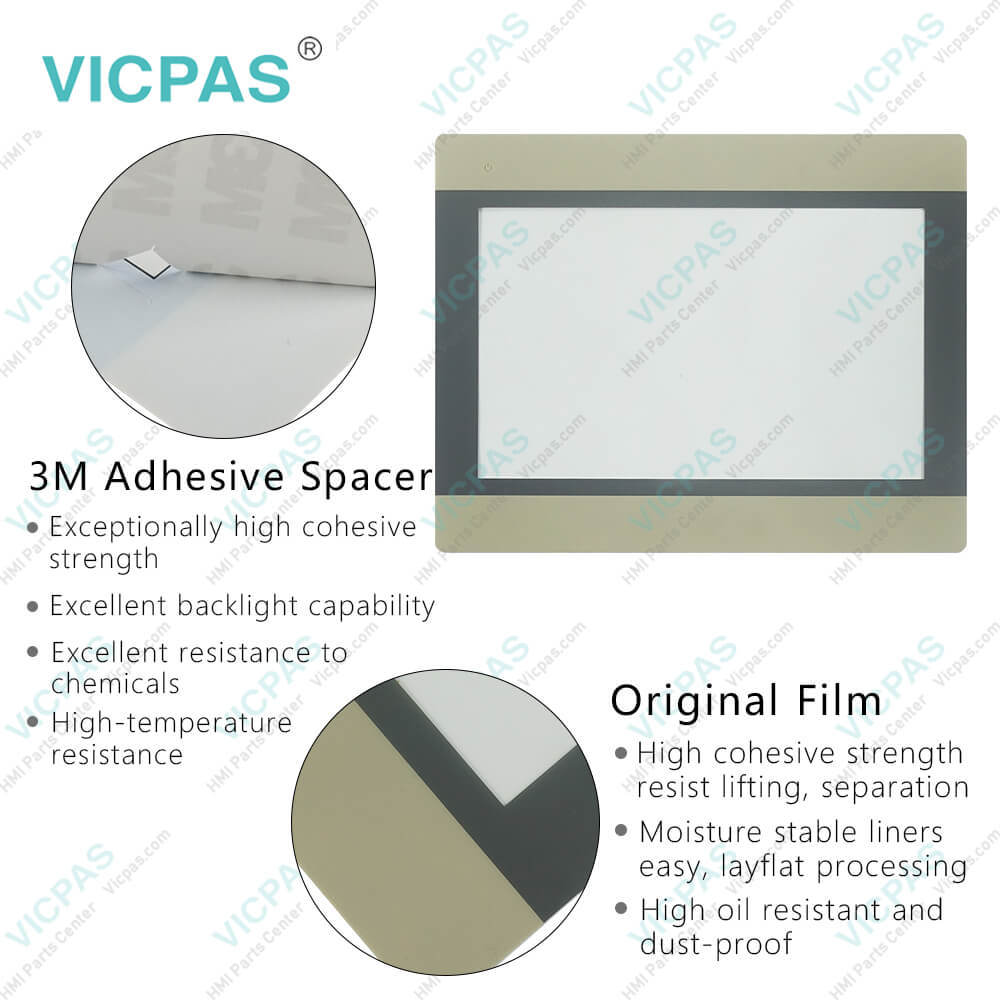
| Categories | Other Weinview Series |
|---|---|
| Brand | WEINVIEW |
| Model | HMI5102L |
| Warranty | 365 Days |
| Product Line | Advanced HMIs |
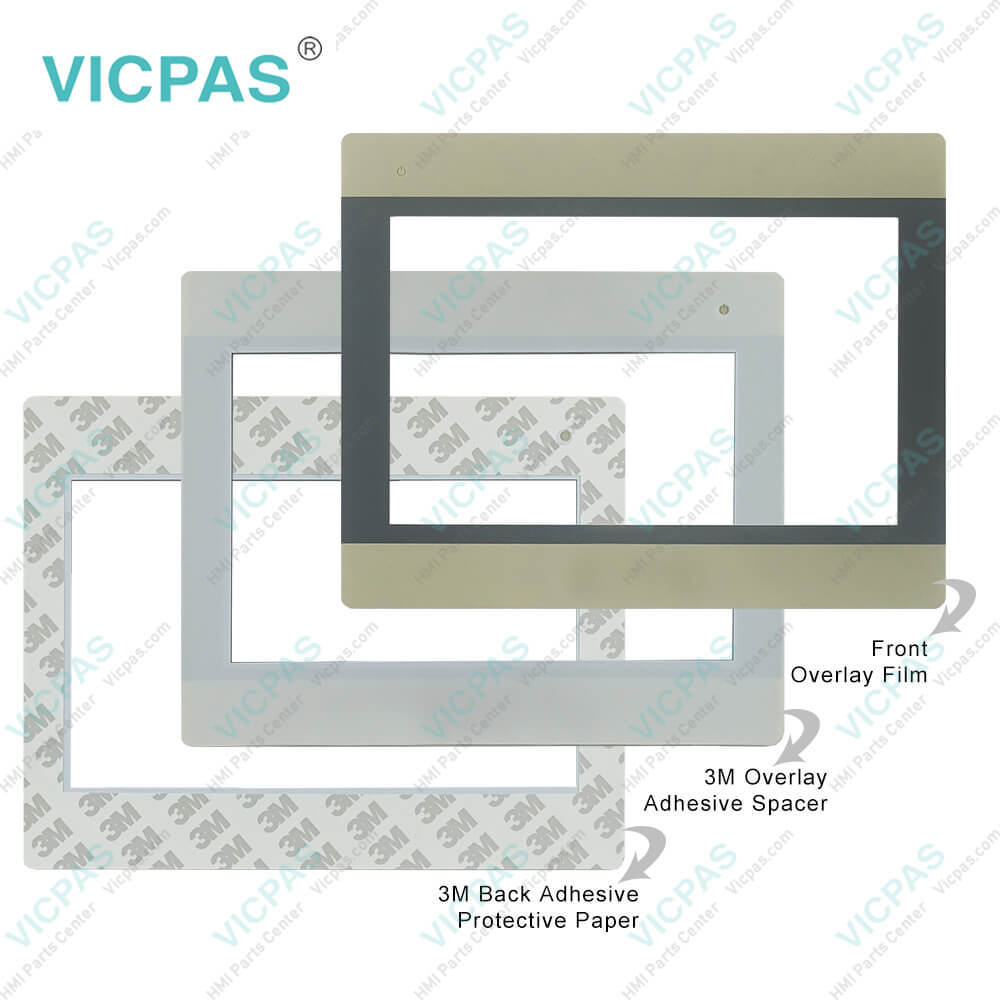
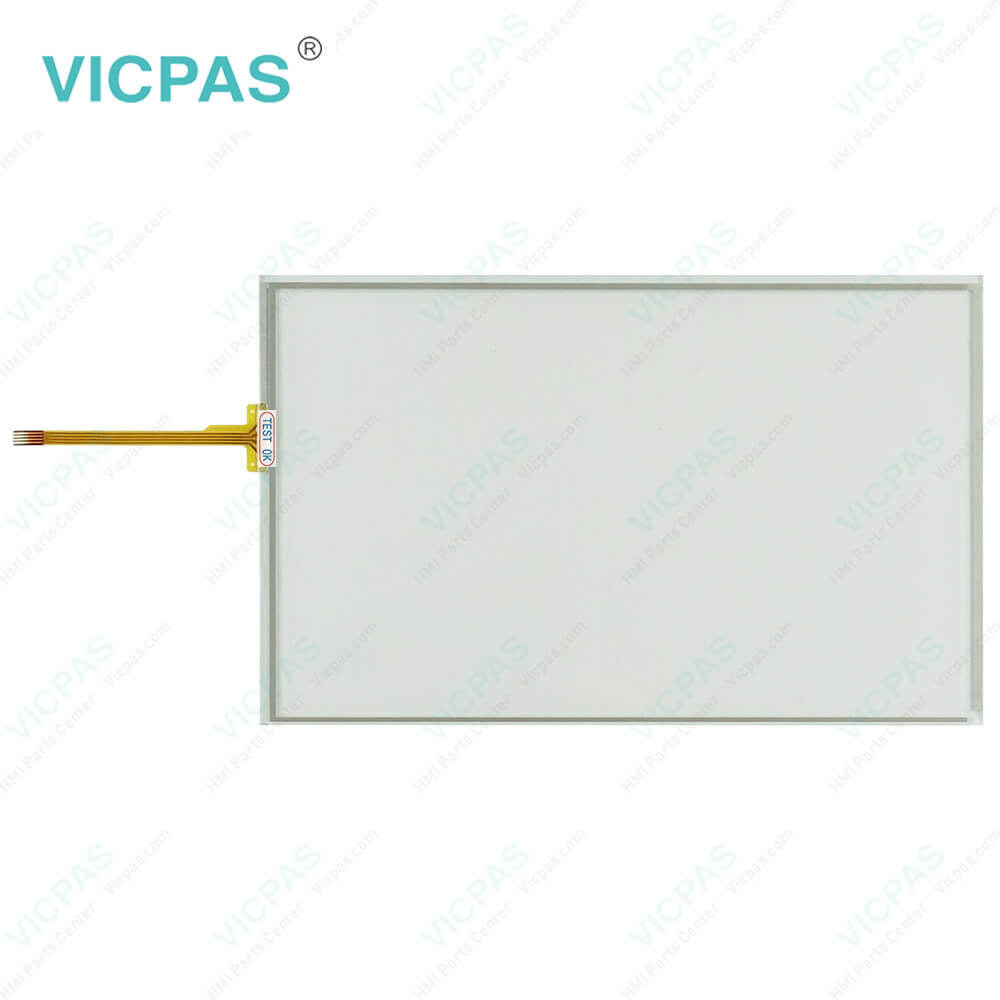
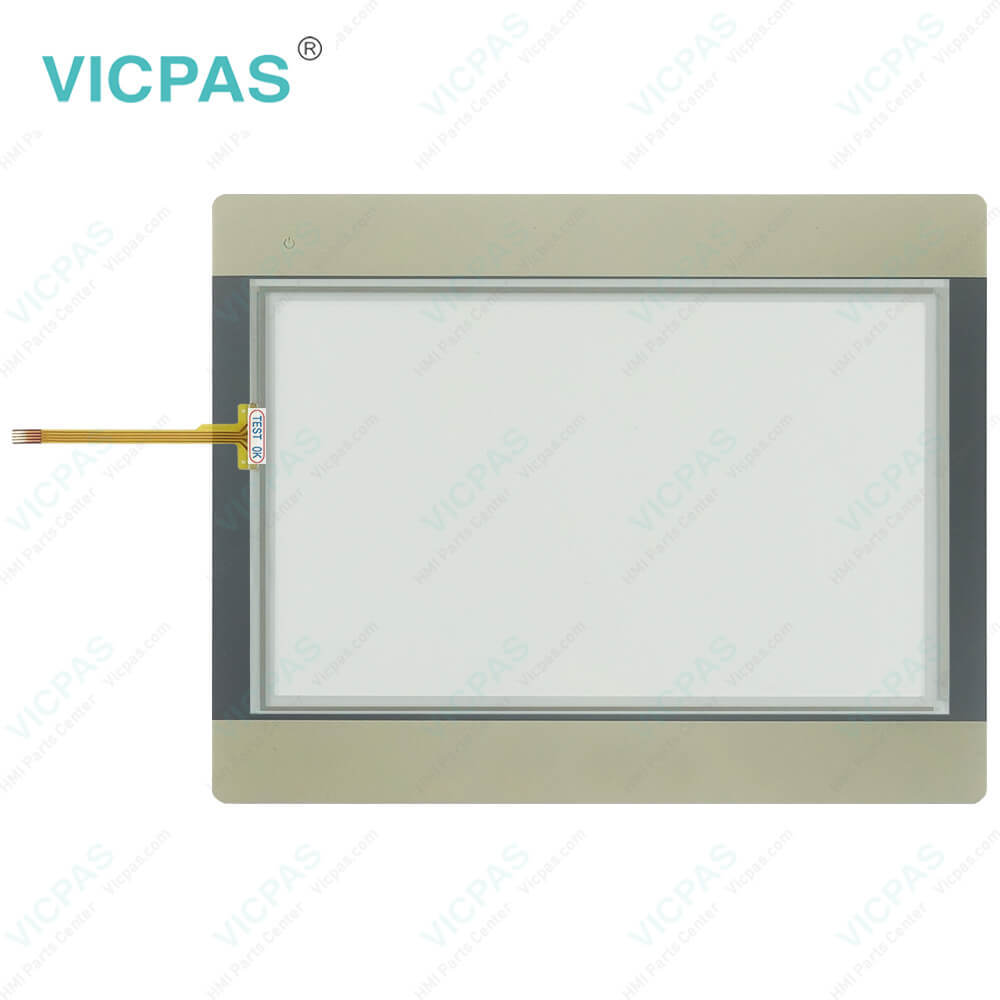
| Supply parts | Front Overlay Touch Screen Monitor |
| Shipping | 2-4 workdays |
| FOB port | Guangzhou, Shenzhen, Hongkong |
| Terms of Payment | Western Union, MoneyGram, T/T, Paypal, PayPal, T/T ,Credit Card, Western Union |
| Update Time | 2026-02-04 03:20:27 |
Leading Time{{selectedConditionObj.leading}}
{{item.value}}
{{nameObj.name}}{{nameObj.selectedValue}}
{{valueObj.name}}
Shipping
Detail Information
Specifications:
| Operating Temperature: | 0°~50°C (32°~122°F) |
| Light Transmission: | Above 80% |
| Brand: | Weinview |
| Storage Temperature: | -20 ~ 60 °C (-4 ~ 140 °F) |
| relative humidity: | 10%~90% |
| Touch Size: | 10.1'' |
| Warranty: | 365 Days |
| Mounting: | Panel Mounting |
| Display Resolution: | 1024 x 600 Pixels |
| Product Line: | Advanced HMIs |
Related BB Teach Pendant Part No.:
| HMI5102L | Description | Inventory status |
| HMI5043N HMI5043T | Weinview Advanced HMIs Touch Screen Front Overlay Replacement | In Stock |
| HMI5043DL | Weinview Advanced HMIs Protective Film Touch Digitizer Repair | Available Now |
| HMI5043L | Weinview Advanced HMIs Housing Touch Digitizer LCD Overlay Replacement | In Stock |
| HMI5043LB | Weinview Advanced HMIs LCD Protective Film Case Cover Touch Screen Glass Repair | Available Now |
| HMI5070DL | Weinview Advanced HMIs Front Overlay Touch Digitizer Glass Replacement | In Stock |
| HMI5070NL HMI5070L HMI5070LB | Weinview Advanced HMIs Case Touch Screen Tablet Protective Film LCD Repair | Available Now |
| HMI5070P HMI5070P v2 | Weinview Advanced HMIs Touch Screen Monitor Front Overlay Replacement | In Stock |
| HMI5071L | Weinview Advanced HMIs Touch Screen Glass Shell Cover LCD Protective Film Repair | Available Now |
| HMI5080T | Weinview Advanced HMIs HMI Touch Glass Front Overlay Replacement | In Stock |
| HMI5100L | Weinview Advanced HMIs LCD Protective Film Touch Membrane Enclosure Replacement | In Stock |
| HMI5100N | Weinview Advanced HMIs Protective Film Touch Digitizer Repair | Available Now |
| HMI5100T | Weinview Advanced HMIs Front Overlay Touch Digitizer Glass Replacement | In Stock |
| HMI5102L | Weinview Advanced HMIs Touch Screen Tablet Protective Film Repair | Available Now |
| HMI5104TH | Weinview Advanced HMIs Touch Screen Monitor Front Overlay Replacement | In Stock |
| HMI5121P HMI5121X | Weinview Advanced HMIs Protective Film MMI Panel Screen Repair | Available Now |
| HMI5150XL HMI5150P | Weinview Advanced HMIs Touch Membrane Front Overlay Replacement | In Stock |
HMI5102L Protective Film Touch Screen Tablet Repair PDF Download:
FAQ:
Question: What should I pay attention to during mounting the Weinview Advanced HMIs HMI5102L Touch Screen Tablet Protective Film?
Answer: 1. Make sure the mounting location provides adequate support and stability to prevent vibration or movement that could affect the unit's performance.
Question: What is the size of HMI5102L Touch Screen Display?
Answer: The size of HMI5102L Touch Screen Tablet is 10.1''.
Common misspellings:
HM15102L
HMI0102L
HMI512L
HMI510L2L
HMI1502L

Please send your message to us
- Mobile Phone
- *Title
- *Content
 Fast Quote
 Fast Quote
 Worldwide Shipping
 12 Months Warranty
 Customize Service