



Grideal.com-Leading global industrial mall.
Quick Service for Full HMI Parts Replacement
Touchscreen-Keypad-Display-Case & More Search 80000 Inventory
user photo
Account
Login
Cart
0
Home / All / Other Terminal Brand / M2I / M2I XTOP Products Normal/EX TOPRX1000SD Touch Overlay
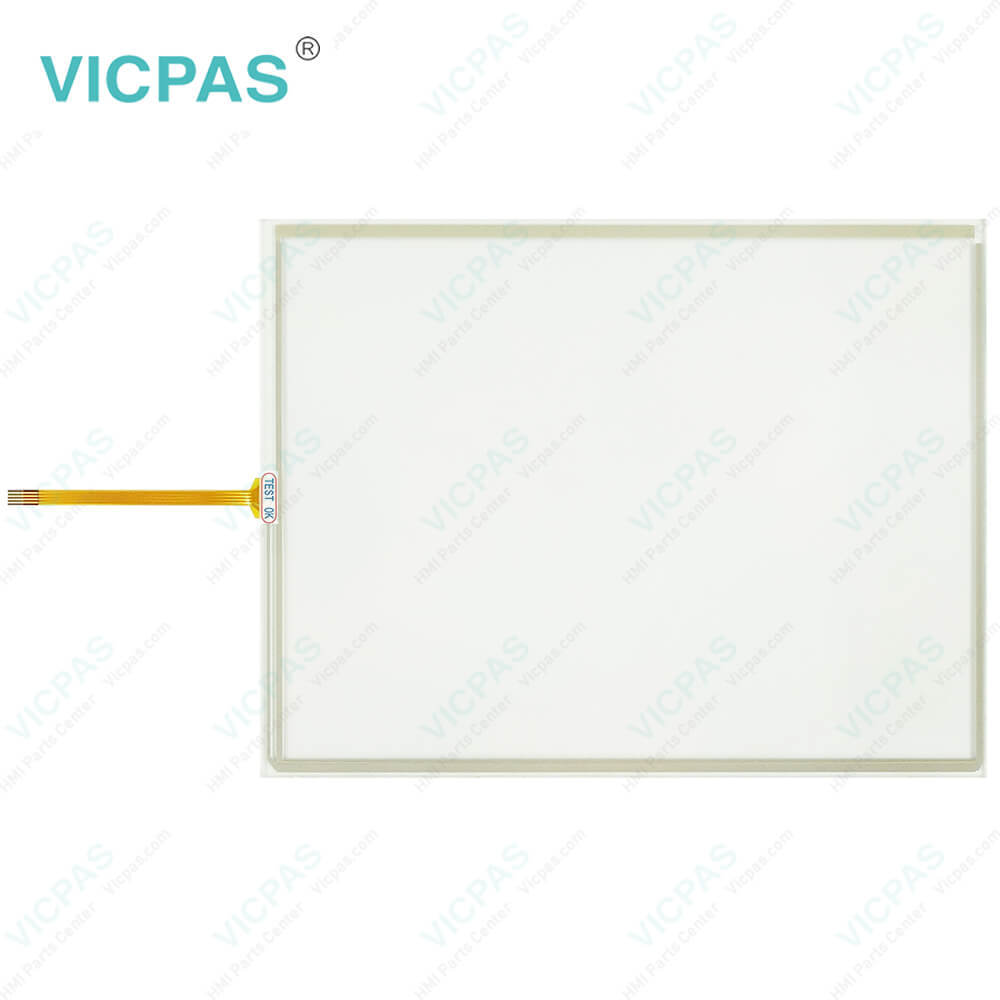
M2I XTOP Products Normal/EX TOPRX1000SD Touch Overlay
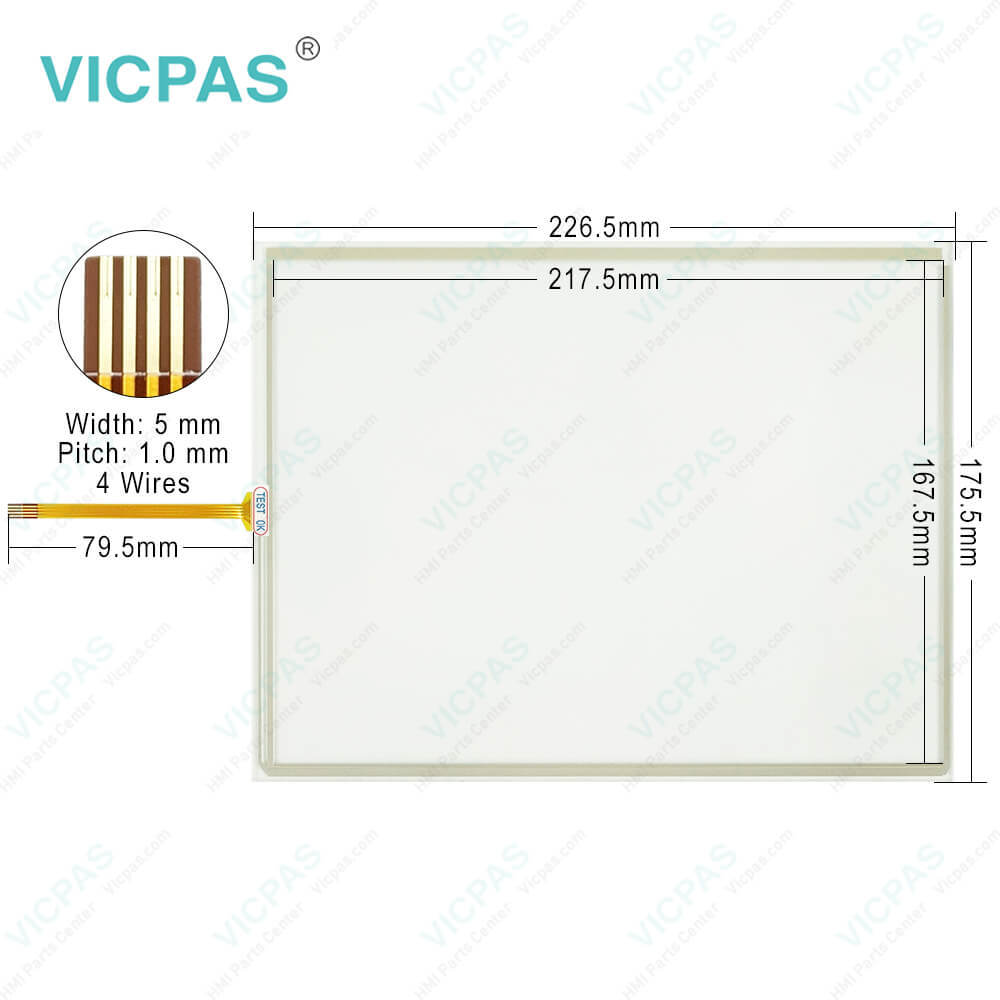
M2I XTOP Products Normal/EX TOPRX1000SD Touch Overlay
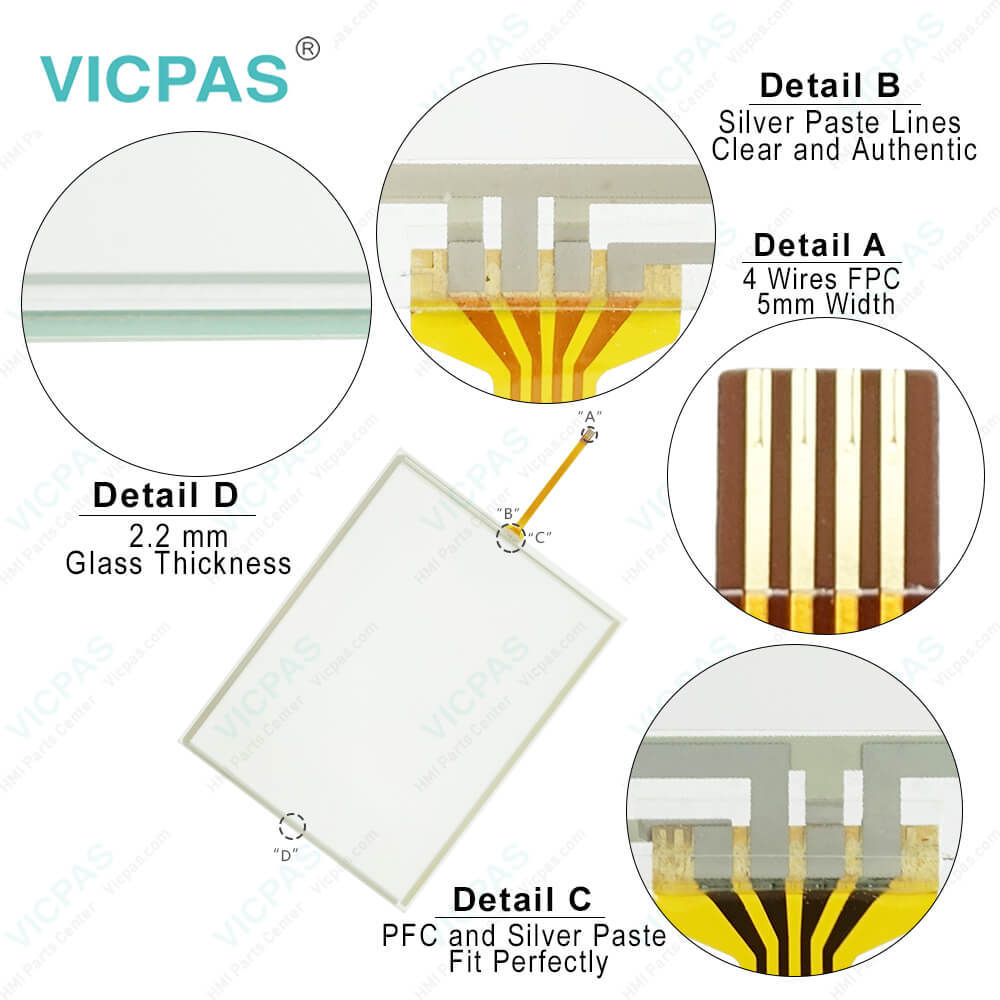
M2I XTOP Products Normal/EX TOPRX1000SD Touch OverlayM2I XTOP Products Normal/EX TOPRX1000SD Touch OverlayM2I XTOP Products Normal/EX TOPRX1000SD Touch Overlay
BrandM2I
ModelM2I TOPRX1000SD
Warranty365 Days
Product LineM2I XTOP Products Normal/EX Model
SupplyTOPRX1000SD Protective Film Touch Screen Film
Shipping2-4 workdays
Terms of PaymentWestern Union, T/T, PayPal, Credit Card
Download
Update Time2026-02-04 03:29:12
Leading Time{{selectedConditionObj.leading}}
{{item.value}}
{{nameObj.name}}{{nameObj.selectedValue}}
{{valueObj.name}}

Shipping

Free Shipping

Those shipping costs are only estimates, the actual shipping cost will be shown on the order page.

Detail Information

M2I XTOP Products Normal/EX Model TOPRX1000SD Touch Membrane Front Overlay Replacement


M2I XTOP Products Normal/EX Model TOPRX1000SD Front Overlay HMI Panel Glass Repair Replacement

Screen calibration steps of XTOP Products Normal/EX Model TOPRX1000SD Front Overlay Touch Panel

1. Turn the power of XTOP Module off.
2. When the power of TOP Module is on, keep the lower part of the screen is touched.
3. When the TOPRX1000SD Protective Film HMI Panel screen is turned white color, remove your hand from the screen.
4. Then the screen display "Touch any point for Calibration" and the number is counted down.
5. Touch anywhere on the TOPRX1000SD HMI Touch Glass screen Front Overlay before changing this number to "0".
6. Along with the message of Calibration Mode, touch the black square is indicated in the middle of the screen.
Continuously touch the TOPRX1000SD Protective Film Touch Membrane upper left, upper right, lower left and lower right part's black square. When completed, the calibration is completed together with the message of Data Saving.


Specification and exchanging on battery

Turn off the TOPRX1000SD Touch Digitizer Glass Protective Film product by using a screwdriver, open the battery case of product and exchange the battery. After exchange of battery, please do assemble the M2I TOPRX1000SD Front Overlay Touch Screen Glass case again. Because rechargeable battery is built in, the internal memory is backed up when the battery is exchanged.


Specifications:


Related BB Teach Pendant Part No. :

M2I TOPRX1000SDDescription Inventory status
TOPRX0500VDM2I HMI Touch Screen Panel Front Overlay ReplacementIn Stock
TOPRX0800SDM2I HMI Protective Film Touch Digitizer Glass RepairAvailable Now
TOPRX0800VDM2I HMI Front Overlay Touch Membrane ReplacementIn Stock
TOPRX1000SD-ExM2I HMI Touch Screen Display Front Overlay ReplacementIn Stock
TOPRX1000VDM2I HMI Protective Film HMI Panel Screen RepairAvailable Now
TOPRX1000VD-ExM2I HMI Touchscreen Monitor Front Overlay ReplacementIn Stock
TOPRX1200SDM2I HMI Touch Screen Film Protective Film RepairAvailable Now
TOPRX1200SD-ExM2I HMI Front Overlay Touch Digitizer Glass ReplacementIn Stock
TOPRX1200XDM2I HMI Protective Film Touch Membrane RepairAvailable Now
TOPRX1200XD-ExM2I HMI Touch Screen Tablet Front Overlay ReplacementIn Stock
TOPRX1500XDM2I HMI Front Overlay Touch Screen Panel RepairAvailable Now
TOPRX1500XD-ExM2I HMI Touch Screen Display Protective Film ReplacementIn Stock

M2I XTOP Products Normal/EX TOPRX1000SD Touch Overlay PDF Download:

  • M2I
  • Strengthen Customer's Industrial Value
  • M2I Corporation Industrial HMI Touch Panel HW Installation Manual
  • TOPPCVIEW Catalog

  • FAQ:

    Question: What are the environment specifications of TOPRX1000SD Front Overlay Touch Screen Display?

    Answer:

    Question: What is M2I XTOP Products Normal/EX Model TOPRX1000SD Touch Screen and Protective Film HMI parts price?

    Answer: Submit a fast quote, send Kernfix an email for best price.


    Common misspellings:

    OPRX1000SD

    TOPRX1000D

    TOPRX10000SD

    TOPRX100S0D

    TOPRX1000DS

    Please send your message to us
    *Email
    Mobile Phone
    *Title
    *Content
    Upload
    • Only supports .rar/.zip/.jpg/.png/.gif/.doc/.xls/.pdf, maximum 20MB.
    Do you want to quickly know the product quotation you need?
    • Fast QuoteFast Quote
    • Worldwide ShippingWorldwide Shipping
    • 12 Months Warranty12 Months Warranty
    • Customize ServiceCustomize Service
    subscription
    KEEP IN TOUCH
    Please send your message to us
    *Email
    Mobile Phone
    *Title
    *Content
    Upload
    • Only supports .rar/.zip/.jpg/.png/.gif/.doc/.xls/.pdf, maximum 20MB.
    CONTACT US
    QR code
    Mobile Web
    1.603589s