



Grideal.com-Leading global industrial mall.
Quick Service for Full HMI Parts Replacement
Touchscreen-Keypad-Display-Case & More Search 80000 Inventory
user photo
Account
Login
Cart
0
Home / All / Other Terminal Brand / M2I / M2I XTOP Products Normal/EX TOPRX1000SD-Ex Overlay Panel
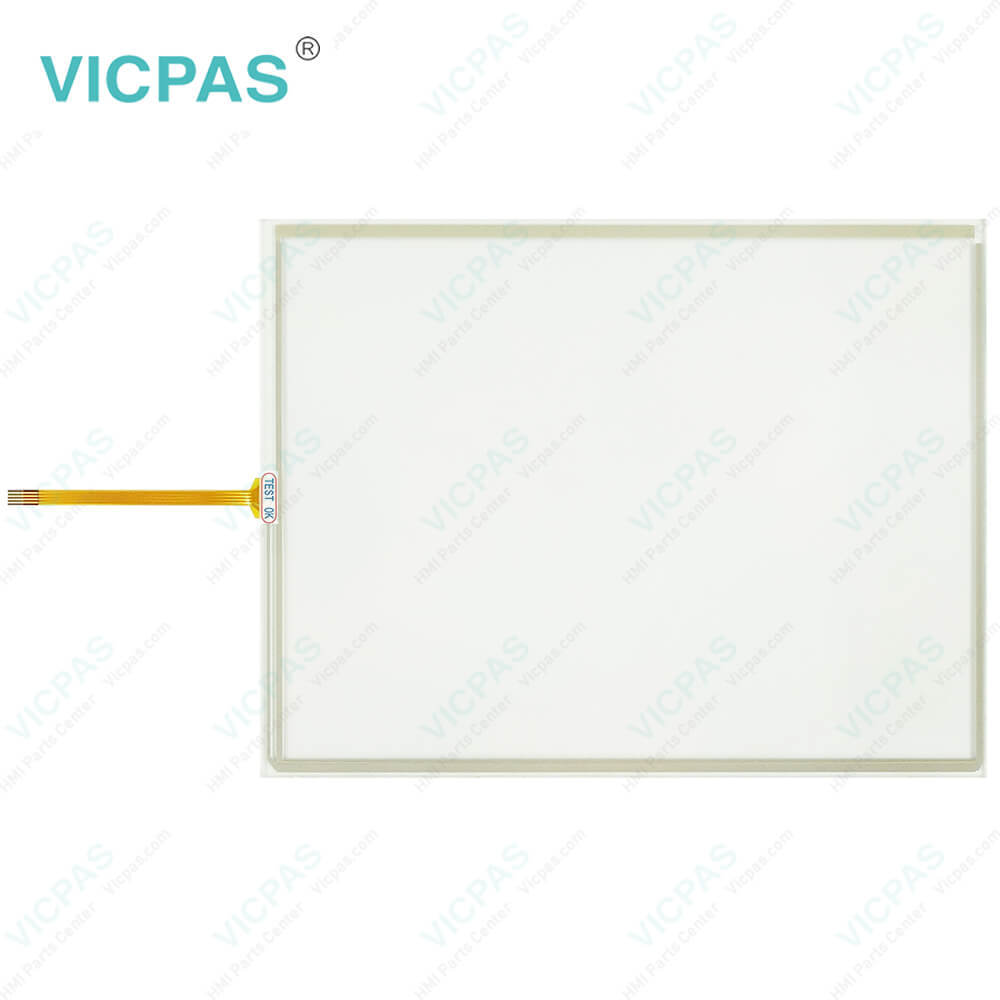
M2I XTOP Products Normal/EX TOPRX1000SD-Ex Overlay Panel
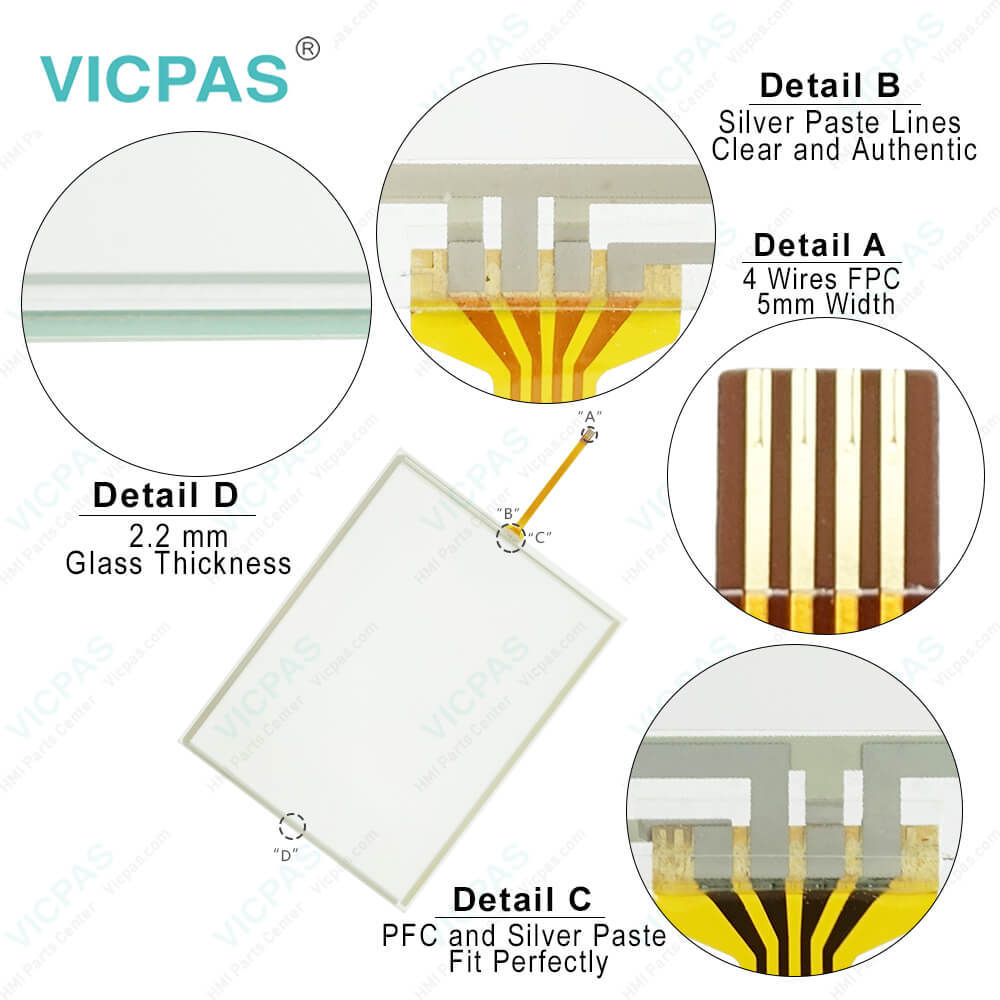
M2I XTOP Products Normal/EX TOPRX1000SD-Ex Overlay Panel
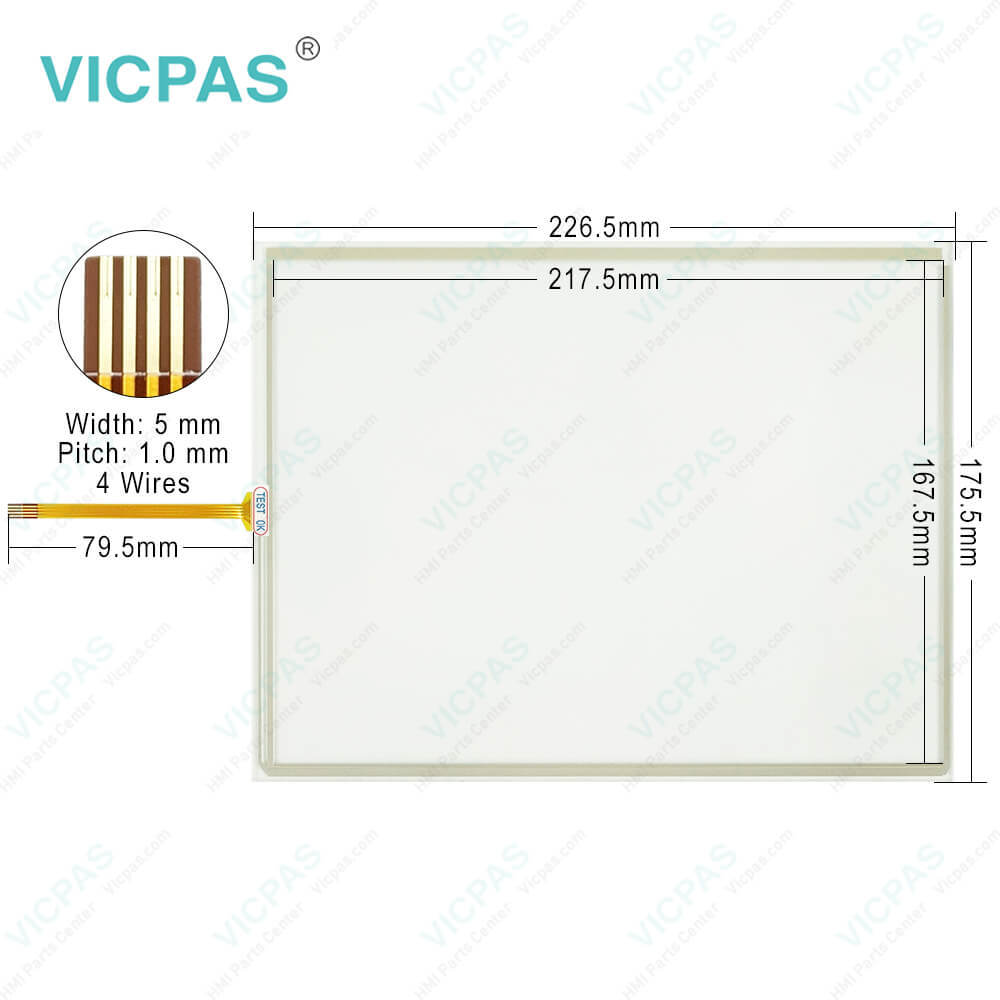
M2I XTOP Products Normal/EX TOPRX1000SD-Ex Overlay PanelM2I XTOP Products Normal/EX TOPRX1000SD-Ex Overlay PanelM2I XTOP Products Normal/EX TOPRX1000SD-Ex Overlay Panel
BrandM2I
ModelM2I TOPRX1000SD-Ex
Warranty365 Days
Product LineM2I XTOP Products Normal/EX Model
SupplyTOPRX1000SD-Ex Touch Membrane Protective Film
Shipping2-4 workdays
Terms of PaymentWestern Union, T/T, PayPal, Credit Card
Download
Update Time2026-02-04 03:29:15
Leading Time{{selectedConditionObj.leading}}
{{item.value}}
{{nameObj.name}}{{nameObj.selectedValue}}
{{valueObj.name}}

Shipping

Free Shipping

Those shipping costs are only estimates, the actual shipping cost will be shown on the order page.

Detail Information

M2I XTOP Products Normal/EX Model TOPRX1000SD-Ex Touch Screen Monitor Protective Film Replacement


M2I XTOP Products Normal/EX Model TOPRX1000SD-Ex Front Overlay Touch Glass Film Repair Replacement

Installation and Panel Cut Size of M2I XTOP Products Normal/EX Model TOPRX1000SD-Ex Protective Film HMI Panel Glass

For mounting product to the control panel, it should be recommended following below items. Make a panel cut which TOPRX1000SD-Ex Touch Digitizer Front Overlay is mounted and insert product to the panel form the front side. Installation methods should be following by using the supplied installation Clamp 4PCS.
1. Insert the product into the TOPRX1000SD-Ex Protective Film Touch Membrane Panel Cut(mounting place). Attach the installation clamps to the installation slot of the product and secure the product to the Panel Cut(mounting place) with screw driver.
2. If the screw is over tightened, it may cause the front deformation, thus resulting the touch sensor can't work properly.
3. Make the Panel Cut (Mounting Size) per each XTOP Products Normal/EX Model before install the M2I TOPRX1000SD-Ex Touch Screen Display Front Overlay product.


Periodic Check Points

Check the followings periodically for best condition of the TOPRX1000SD-Ex Touch Screen Glass Protective Film.
Environment
a.Is the operating temperature within the allowable range (-10C~50C)?
b.Is the operating humidity of TOPRX1000SD-Ex Touch Panel Protective Film within the allowable range (10%~80%RH)?
c.Is the Surrounding pollution no corrosive gas?
Power
Is the input voltage within the change range (-15%~+10%)?
Related Items
a.Check the guarantee duration of LCD Backlight of TOPRX1000SD-Ex Front Overlay Touch Screen Tablet by eye.
b.Check the touch pad there is no damage, scratch or pollution by eye.


Specifications:

Ambient Humidity:85% RH or less
Operation Temperature:0°C ~ +50°C
Operating Humidity:0~ +90%
Display Type:TFT Color
Brand:M2I
Part Number:TOPRX1000SD-Ex
Screen Size:10.4''
Warranty:365 Days
Storage Temperature:-10°C ~ +60°C
Backlight:Yes


Related BB Teach Pendant Part No. :

M2I TOPRX1000SD-ExDescription Inventory status
TOPRX0500VDM2I HMI Touch Screen Panel Front Overlay ReplacementIn Stock
TOPRX0800SDM2I HMI Protective Film Touch Digitizer Glass RepairAvailable Now
TOPRX0800VDM2I HMI Front Overlay Touch Membrane ReplacementIn Stock
TOPRX1000SDM2I HMI HMI Touch Screen Protective Film RepairAvailable Now
TOPRX1000VDM2I HMI Protective Film HMI Panel Screen RepairAvailable Now
TOPRX1000VD-ExM2I HMI Touchscreen Monitor Front Overlay ReplacementIn Stock
TOPRX1200SDM2I HMI Touch Screen Film Protective Film RepairAvailable Now
TOPRX1200SD-ExM2I HMI Front Overlay Touch Digitizer Glass ReplacementIn Stock
TOPRX1200XDM2I HMI Protective Film Touch Membrane RepairAvailable Now
TOPRX1200XD-ExM2I HMI Touch Screen Tablet Front Overlay ReplacementIn Stock
TOPRX1500XDM2I HMI Front Overlay Touch Screen Panel RepairAvailable Now
TOPRX1500XD-ExM2I HMI Touch Screen Display Protective Film ReplacementIn Stock

M2I XTOP Products Normal/EX TOPRX1000SD-Ex Overlay Panel PDF Download:

  • M2I
  • Industrial HMI Solution TOP
  • TOP Series Product Catalog
  • XTOP SERIES Installation Manual

  • FAQ:

    Question: What are the rear part names and specifications of X TOP-E 10 series TOPRX1000SD-Ex?

    Answer:

    Question: How to shift from RUN Mode to Main Menu Mode of TOPRX1000SD-Ex?

    Answer: 1. Turn the power of X TOP-E Module off.


    Common misspellings:

    OPRX1000SD-Ex

    TOPX1000SD-Ex

    TOPPRX1000SD-Ex

    TOPRX1000SD-Ez

    TOPRX1000SD-Ecx

    Please send your message to us
    *Email
    Mobile Phone
    *Title
    *Content
    Upload
    • Only supports .rar/.zip/.jpg/.png/.gif/.doc/.xls/.pdf, maximum 20MB.
    Do you want to quickly know the product quotation you need?
    • Fast QuoteFast Quote
    • Worldwide ShippingWorldwide Shipping
    • 12 Months Warranty12 Months Warranty
    • Customize ServiceCustomize Service
    subscription
    KEEP IN TOUCH
    Please send your message to us
    *Email
    Mobile Phone
    *Title
    *Content
    Upload
    • Only supports .rar/.zip/.jpg/.png/.gif/.doc/.xls/.pdf, maximum 20MB.
    CONTACT US
    QR code
    Mobile Web
    1.494239s