




CP7901-1400-0000
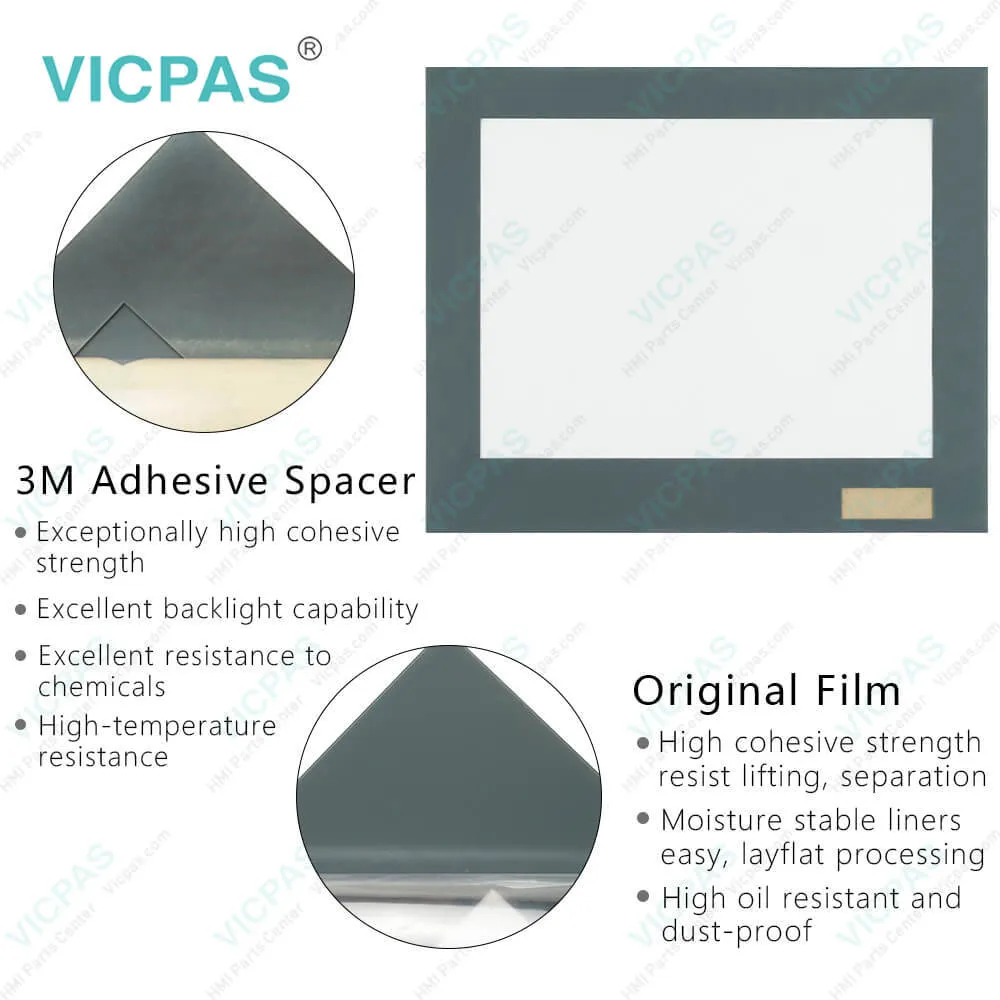
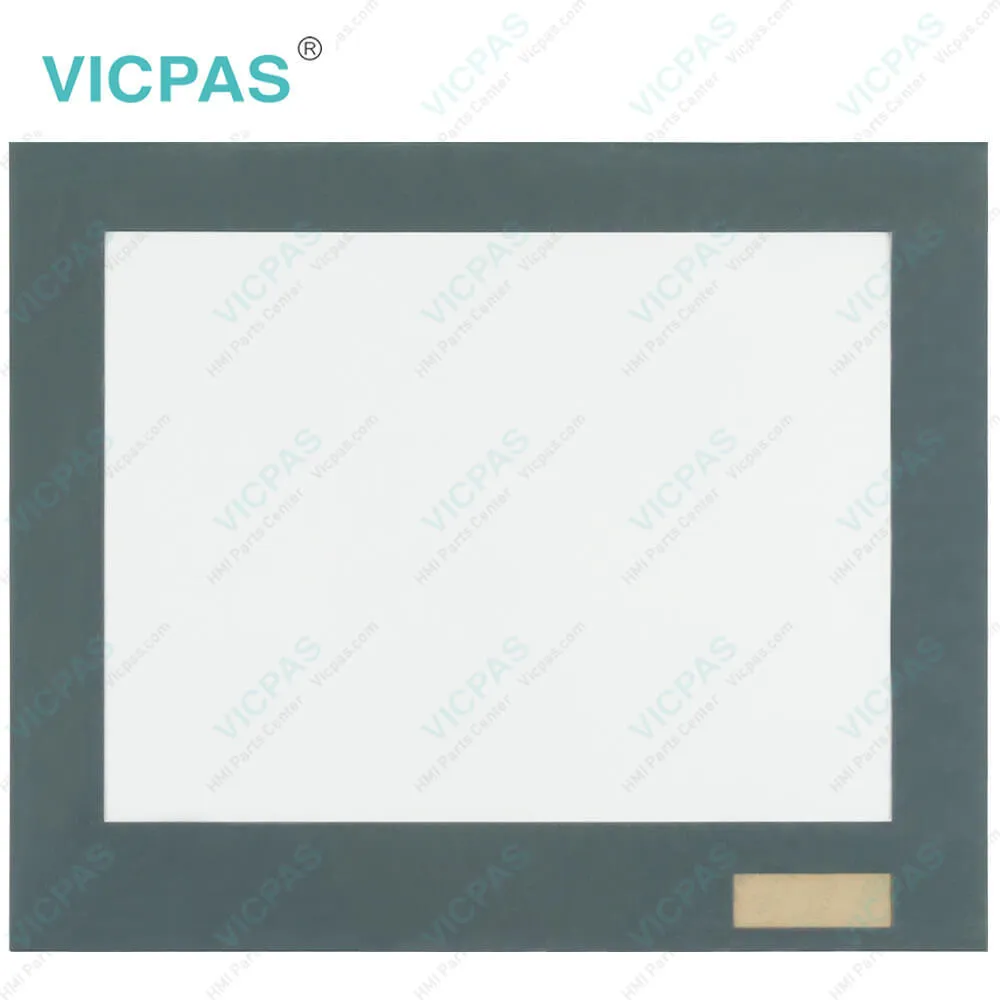
| Categories | CP78XX CP79XX |
|---|---|
| Model | CP7901-1400-0000 |
| Product Line | CP78XX CP79XX |
| Supply parts | Touch Screen Glass Front Overlay |
| FOB port | Guangzhou, Shenzhen, Hongkong |
| Terms of Payment | Western Union, MoneyGram, T/T, Paypal, PayPal, Credit Card |
| Update Time | 2026-01-31 00:37:54 |
Leading Time{{selectedConditionObj.leading}}
{{item.value}}
{{nameObj.name}}{{nameObj.selectedValue}}
{{valueObj.name}}
Shipping
Detail Information
Specifications:
| Storage Temperature: | -25 °C ... +65 °C |
| Warranty: | 365 Days |
| Operating Temperature: | 0 °C ... +55 °C |
| Brand: | VICPAS |
| Product Line: | CP78XX CP79XX |
| Size: | 12'' |
| Design of Display: | TFT |
| Cooling Method: | Natural Air Cooling |
| relative humidity: | 95% |
| Environment: | Free From Corrosive Gases |
Related BB Teach Pendant Part No.:
| CP7901-1400-0000 | Description | Inventory status |
| CP7901-1400-0000 | Beckhoff CP79XX Front Overlay Touch Screen Film Replacement | In Stock |
| CP7901-1400-0010 | Beckhoff CP79XX HMI Touch Glass Repair | Available Now |
| CP7901-1401-0000 | Beckhoff CP79XX Touch Screen Monitor Replacement | In Stock |
| CP7901-1401-0010 | Beckhoff CP79XX Touch Digitizer Glass Repair | Available Now |
| CP7902-0000-0000 | Beckhoff CP79XX Touch Screen Display Replacement | In Stock |
| CP7902-0000-0010 | Beckhoff CP79XX Touch Screen Tablet Repair | Available Now |
| CP7902-0001-0000 | Beckhoff CP79XX Touch Membrane Replacement | In Stock |
| CP7902-0001-0010 | Beckhoff CP79XX Touch Screen Panel Repair | Available Now |
| CP7902-0020-0000 | Beckhoff CP79XX Touch Screen Glass Replacement | In Stock |
| CP7902-0020-0010 | Beckhoff CP79XX Touch Screen Film Repair | Available Now |
| CP7902-0021-0000 | Beckhoff CP79XX Touch Screen Monitor Replacement | In Stock |
| CP7902-0021-0010 | Beckhoff CP79XX HMI Touch Glass Repair | Available Now |
| CP7902-1071-0000 | Beckhoff CP79XX Touch Screen Panel Protective Film Replacement | In Stock |
| CP7902-1204-0000 | Beckhoff CP79XX Touch Screen Display Repair | Available Now |
| CP7902-1400-0000 | Beckhoff CP79XX Touch Digitizer Glass Replacement | In Stock |
CP7901-1400-0000 PDF Download:
FAQ:
Question: What are the environment conditions during replacing my Beckhoff CP7901-1400-0000 Touch Membrane Front Overlay?
Answer: • Keep CP7901-1400-0000 Protective Film Touchscreen away from extreme environmental conditions.
Question: Where is the battery of CP7901-1400-0000?
Answer:
Common misspellings:
CP7901-4100-0000
CP7911-1400-0000
CP7901-1400-0001
CP7901-140-0000
CP79001-1400-0000

Please send your message to us
- Mobile Phone
- *Title
- *Content
 Fast Quote
 Fast Quote
 Worldwide Shipping
 12 Months Warranty
 Customize Service