




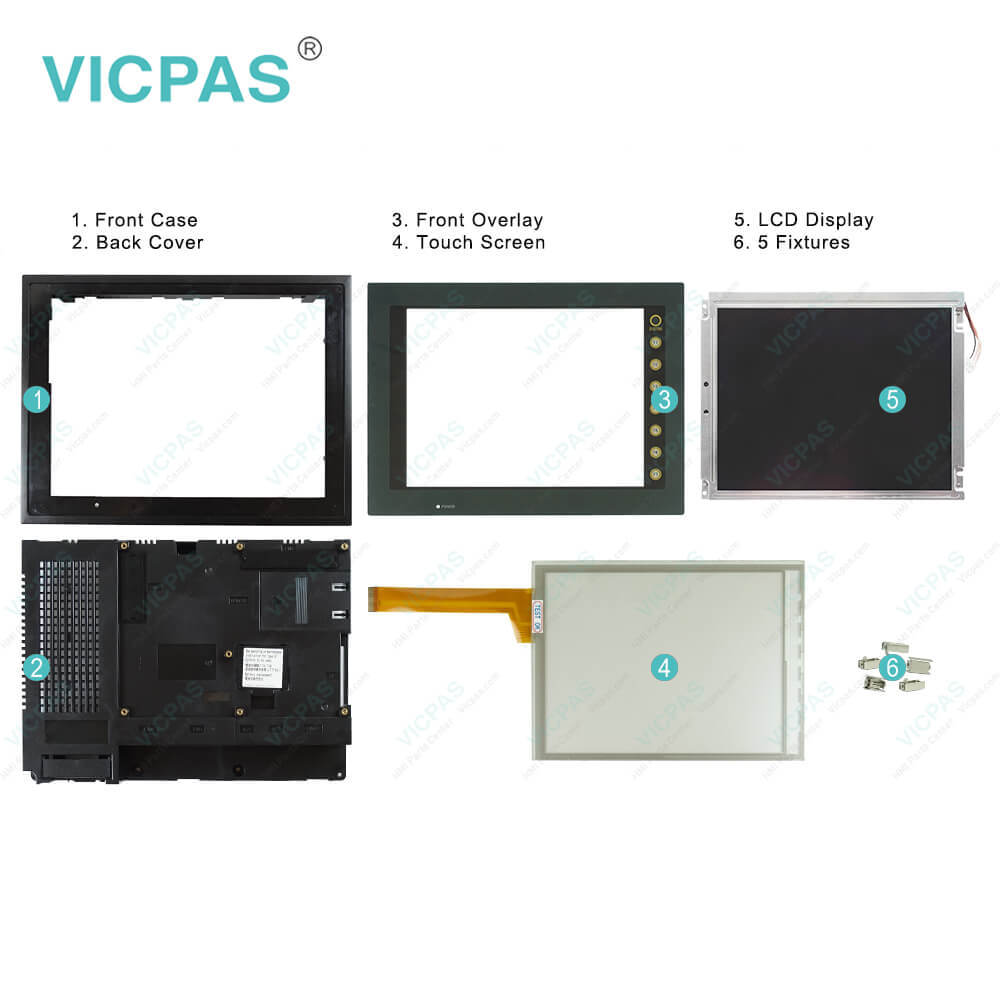
Hakko V710iS Touchscreen V710iSD Film Housing Repair
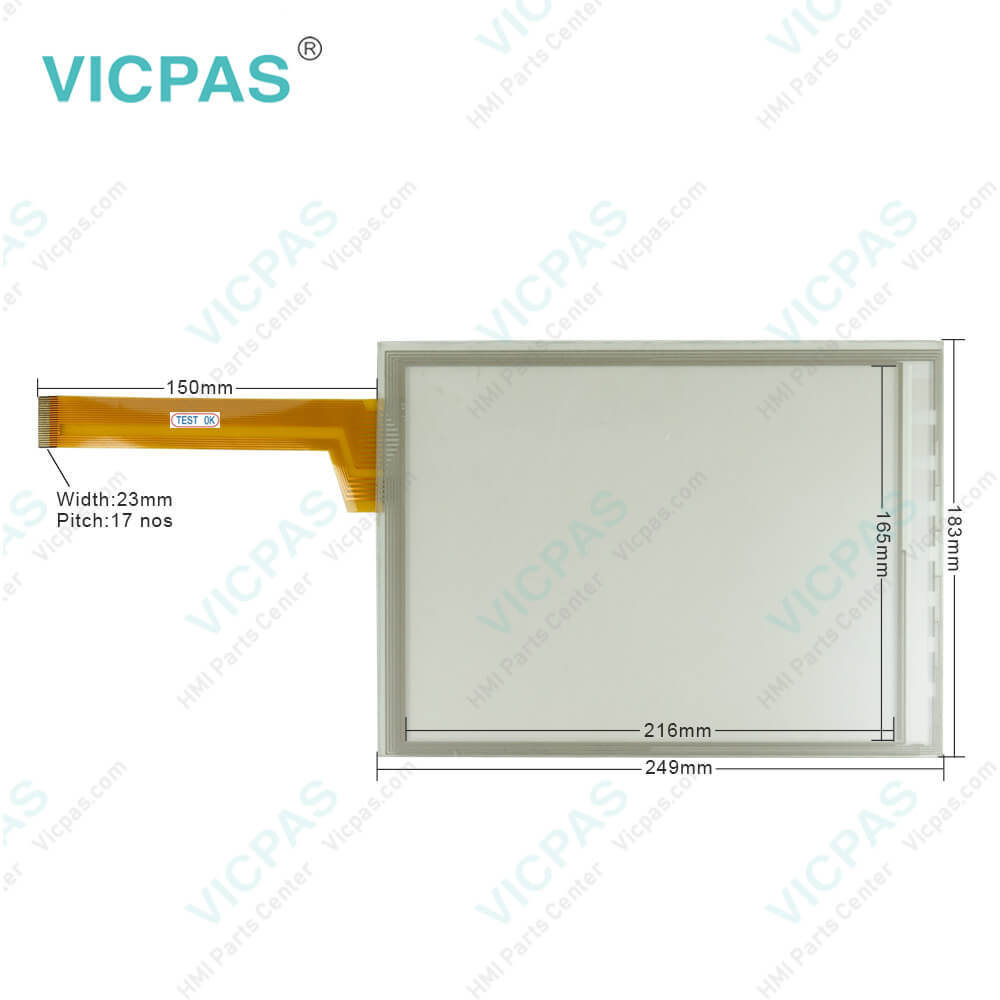
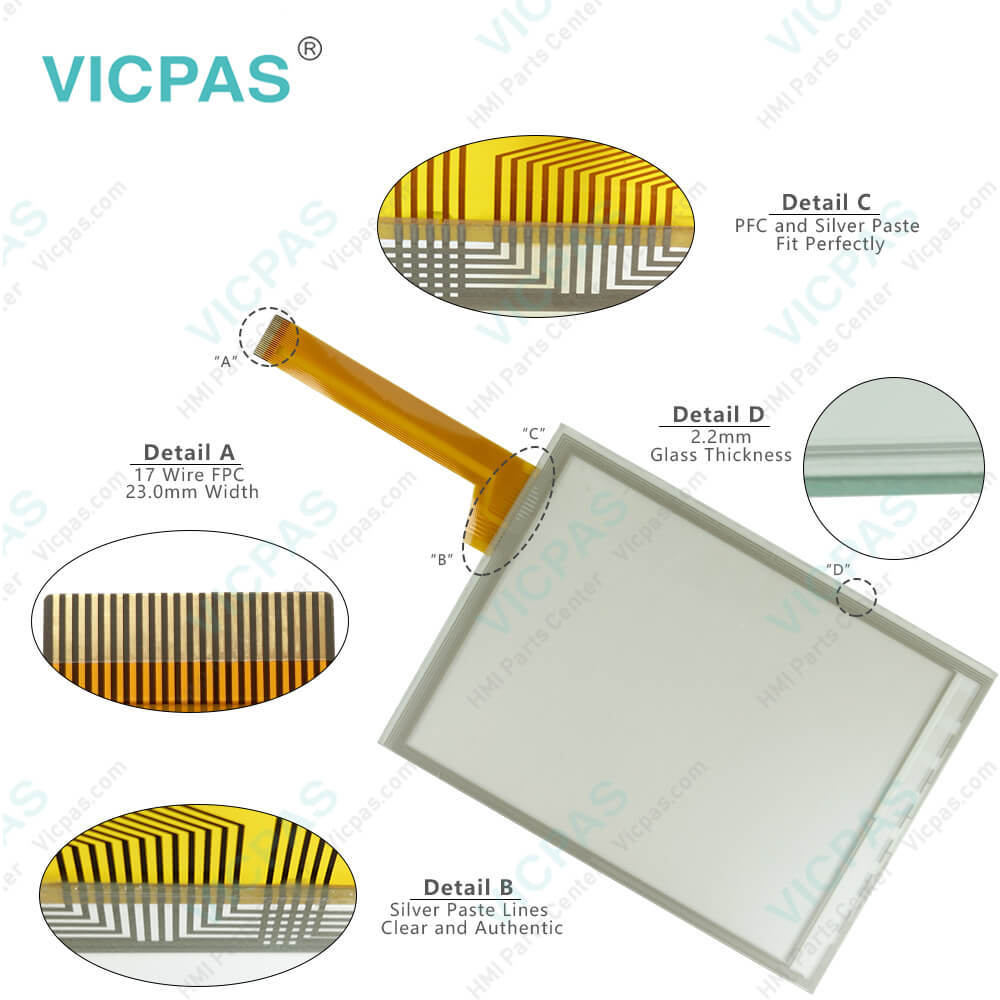
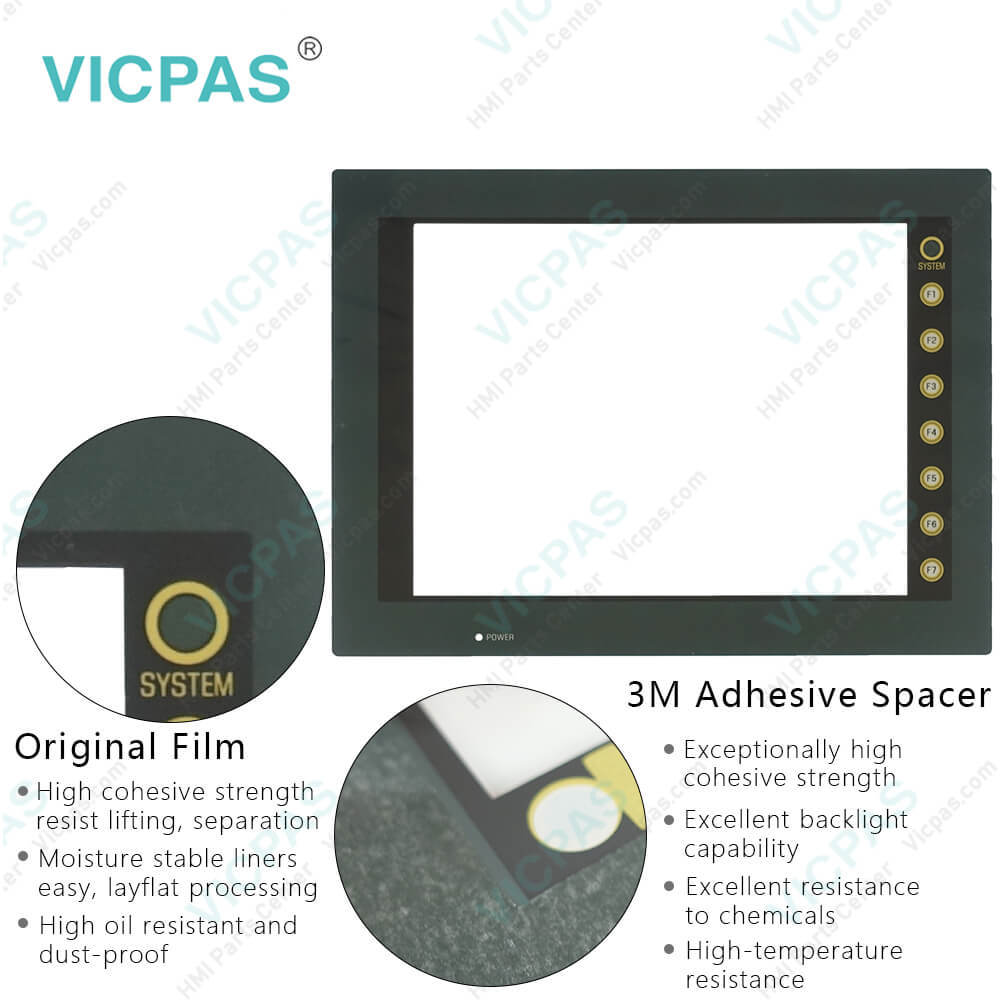
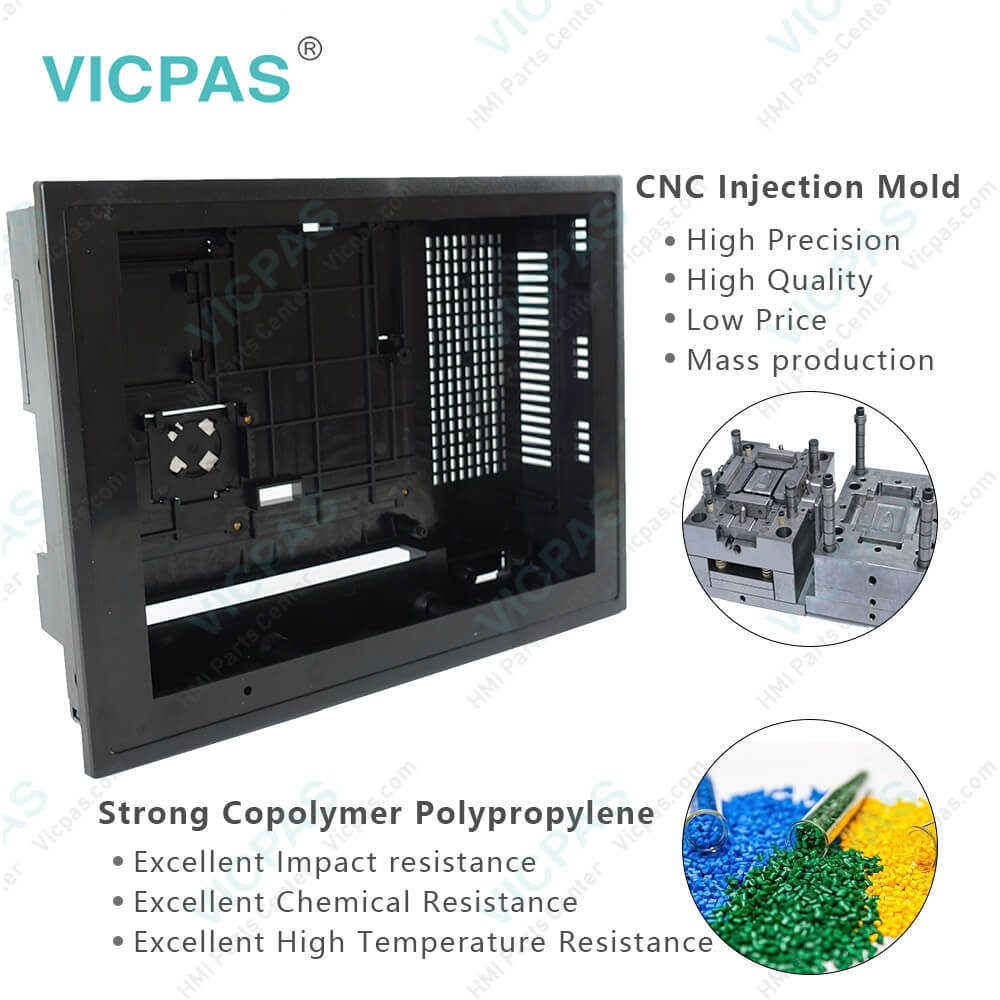
| Categories | Hakko V7 Series |
|---|---|
| Brand | HAKKO |
| Model | V710iS V710iSD |
| Warranty | 365 Days |
| Product Line | Monitouch V7 Series |
| Supply | V710iS V710iSD Touch Screen Glass Repair |
| Parts | Touchscreen Panel Protective Film Plastic Case |
| Terms of Payment | Western Union, MoneyGram, T/T, Paypal, PayPal, Credit Card |
| Update Time | 2026-01-31 01:43:39 |
Shipping
Specifications:
| Part Number : | V710iS V710iSD |
| Display Size: | 10 inches |
| Display Color: | Amber |
| Warranty: | 365 days Warranty |
| Product Line: | Monitouch V7 Series |
| Input Type: | Touchscreen Glass |
| Mounting position: | vertical |
| Communication: | ControlNet |
| Software: | FactoryTalk |
Related BB Teach Pendant Part No.:
| V710iS V710iSD | Description | Inventory status |
| V708C V708CD | Hakko Monitouch V708 Series Touchscreen Film Case Replacement | In Stock |
| V708SD V708iSD | Hakko Monitouch V708 Series Touch Panel Glass Front Overlay Plastic Case | Available Now |
| V710C V710CD | Hakko Monitouch V710 Series Touchscreen Overlay Housing Replacement | In Stock |
| V710CM V710CMD | Hakko Monitouch V710 Series Touchscreen Film Case Replacement | In Stock |
| V710iS V710iSD | Hakko Monitouch V710 Series Touchscreen Front Overlay Plastic Case | In Stock |
| V710iT V710iTD | Hakko Monitouch V710 Series Touch Screen Front Overlay Plastic Case | In Stock |
| V710iTM V710iTMD | Hakko Monitouch V710 Series Touch Membrane Overlay Plastic Shell | Available Now |
| V710S V710SD | Hakko Monitouch V710 Series HMI Touch Screen Front Film Housing | In Stock |
| V710T V710TD | Hakko Monitouch V710 Series Touchscreen Membrane Switch Overlay Case | Available Now |
| V710TM V710TMD | Hakko Monitouch V710 Series Panel Glass Overlay Front Cover | In Stock |
Hakko V710iS Touchscreen V710iSD Film Housing Repair PDF Download:
FAQ:
Question: What is the procedure of V710iS V710iSD Battery Mounting?
Answer: 1. Turn the unit off.2. Slide the battery holder cover in the direction of the arrow as shown in the left illustration below to open it.3. Check that the battery is securely attached to the backside of the cover, and connect the battery connector.4. Close the battery holder cover.5. Enter a date five years from now for “Battery replacement” on the sticker on the battery holder.* The battery status is output to the internal memory $s167 of the V7 series. If the battery voltage drops before five years has elapsed, replace the battery immediately.6. Turn on the power to the V7 unit and check that the battery is correctly mounted on the Main Menu screen.When the battery is not connected, the [SRAM/Clock] switch blinks and the message “Battery not set” is displayed at the bottom left corner.When the battery is correctly connected, the [SRAM/Clock] switch goes out and the message is cleared.When the battery voltage has dropped, the message “Brownout Battery” is displayed.
Question: How to check V710iS V710iSD Print?
Answer: 1. Connect the V7 unit to the printer.2. Press the [Printer Check] switch. The test is successful when a test page is printed out without problem.
Common misspellings:
V70iS
V71iSDV710S
V710iSV7100iS
V7109SD7V10iS
V701iSDV710uS
V710iSDDV710jS
V710ilSDV710ioS
V710jiSD

- Mobile Phone
- *Title
- *Content
 Fast Quote
 Fast Quote
 Worldwide Shipping
 12 Months Warranty
 Customize Service