




IDEC HG2G-SB21VF-S Front Overlay Touch Membrane Repair
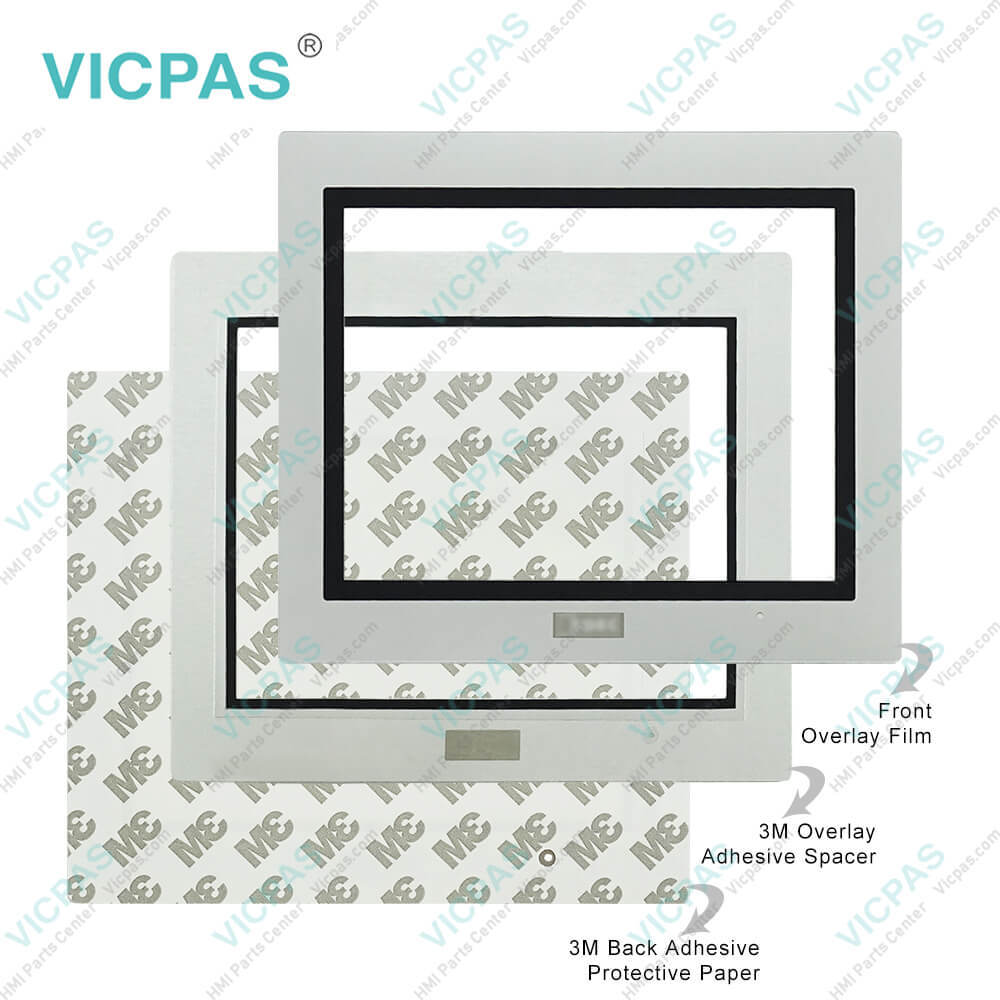
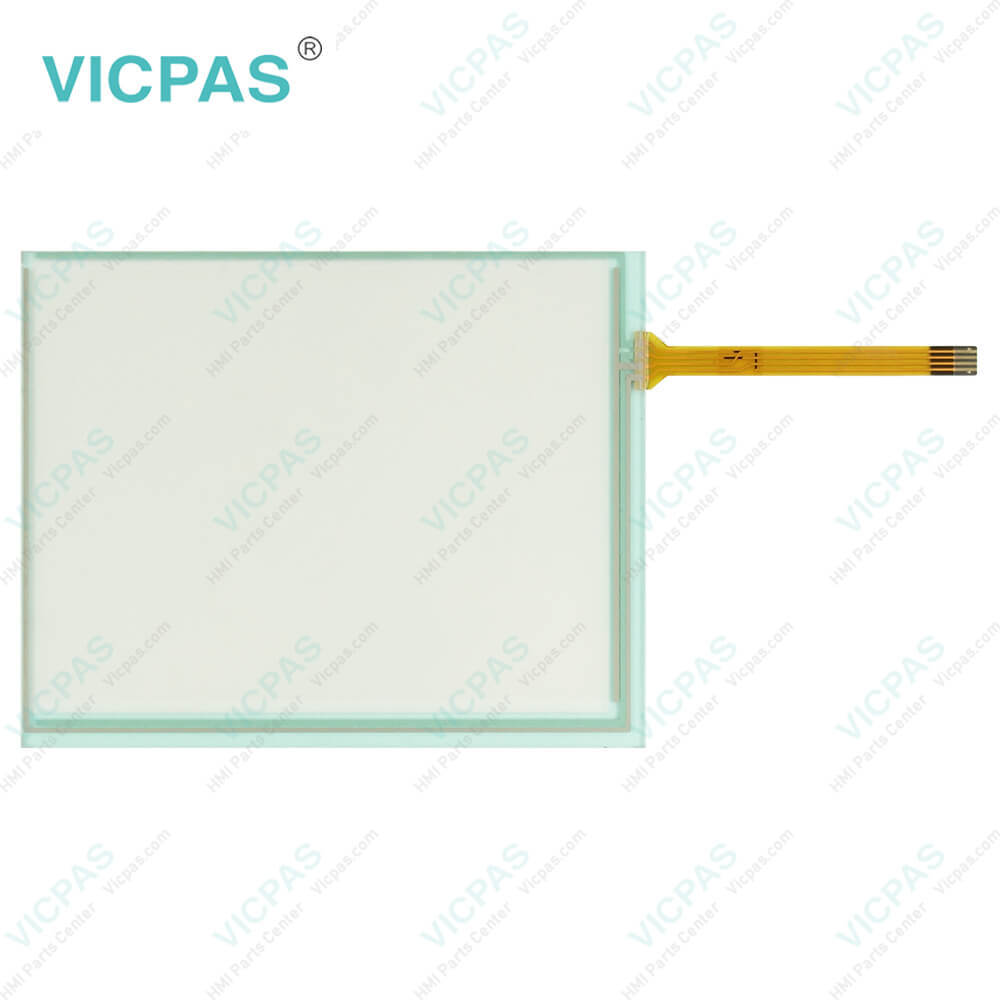
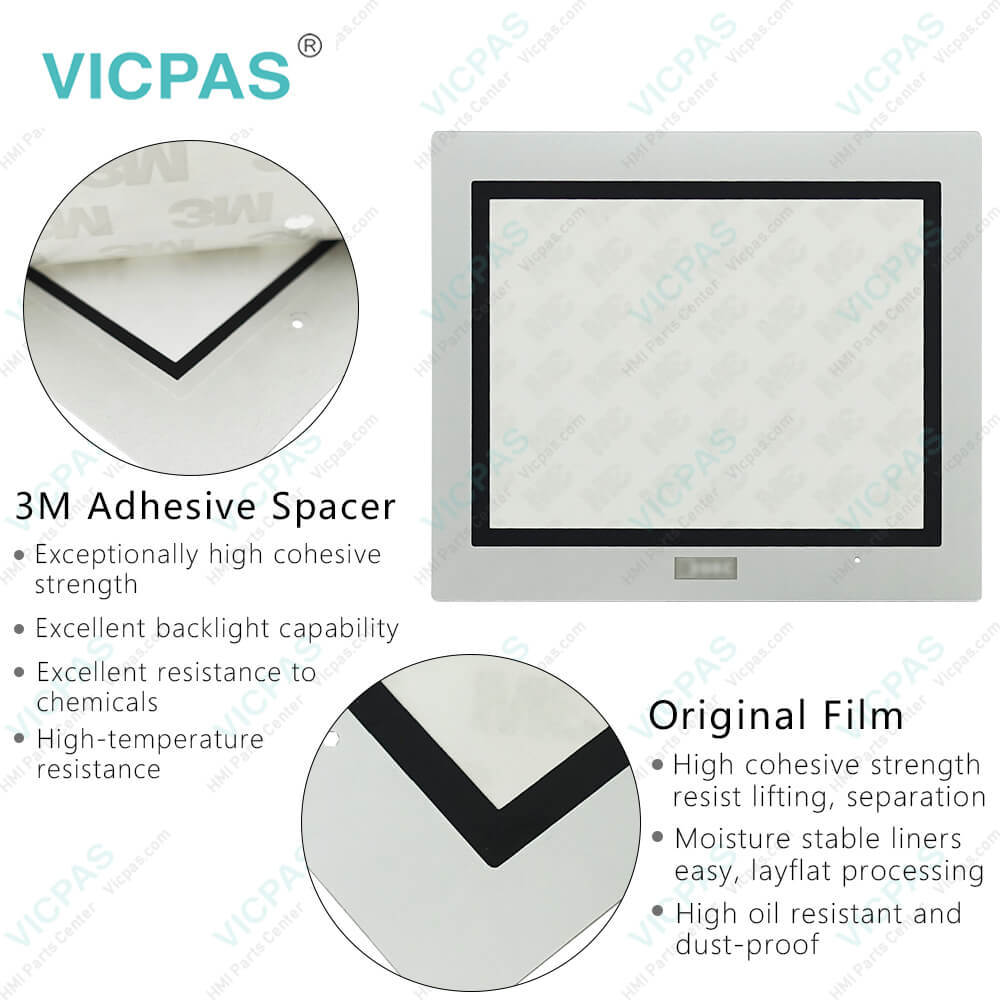
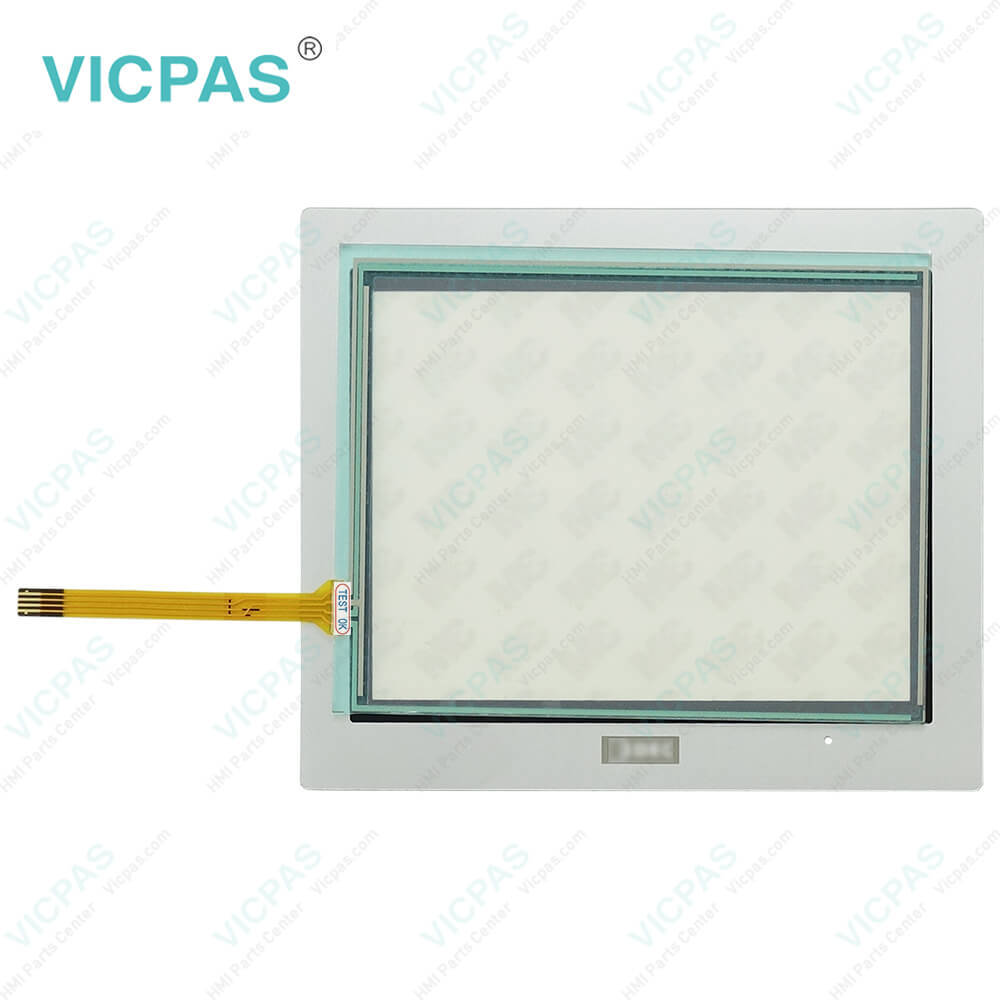
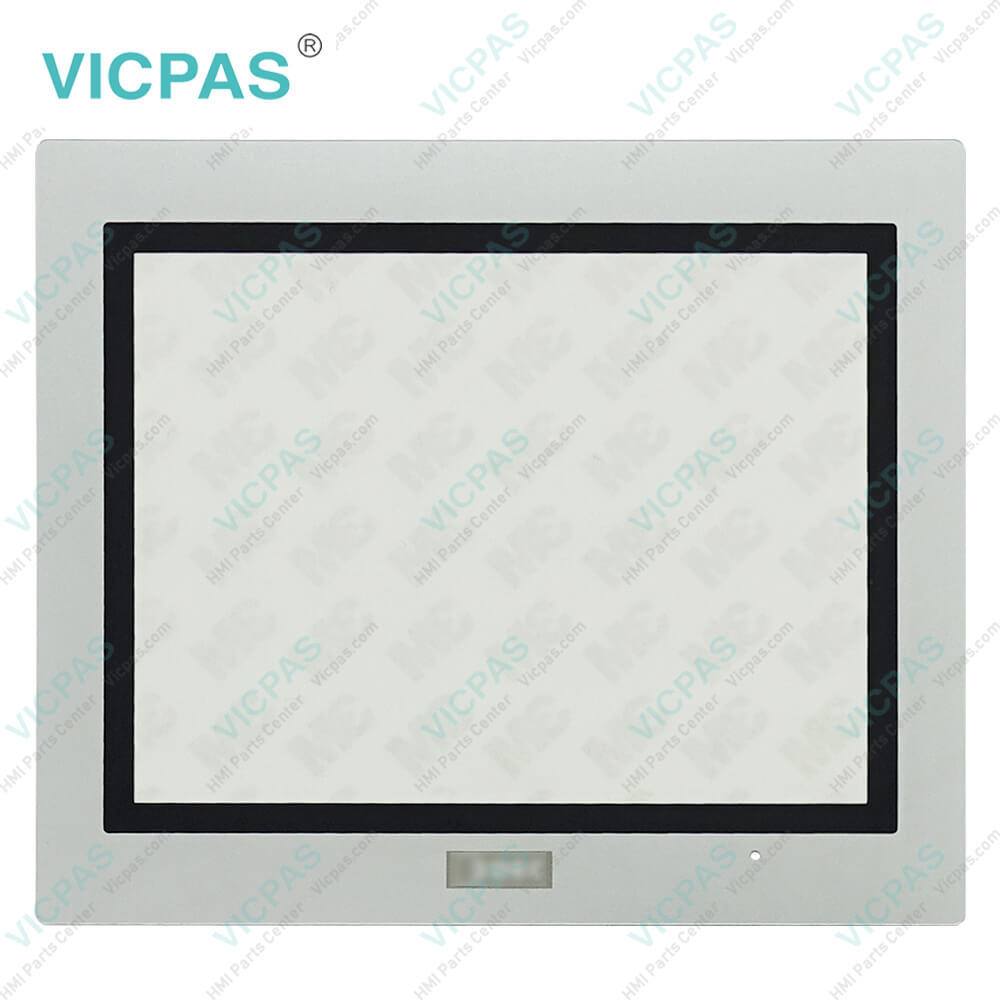
| Categories | HG2G 5.7in Enhanced |
|---|---|
| Brand | IDEC |
| Model | HG2G-SB21VF-S |
| Warranty | 365 Days |
| Supply parts | Touch Digitizer Glass Protective Film |
| Shipping | 2-4 workdays |
| FOB port | Guangzhou, Shenzhen, Hongkong |
| Terms of Payment | Western Union, MoneyGram, T/T, Paypal, PayPal, T/T ,Credit Card, Western Union |
| Update Time | 2026-01-31 02:02:40 |
Leading Time{{selectedConditionObj.leading}}
{{item.value}}
{{nameObj.name}}{{nameObj.selectedValue}}
{{valueObj.name}}
Shipping
Detail Information
Specifications:
| Storage Temperature: | -20 ~ 70°C |
| Model Number: | HG2G-SB21VF-S |
| Brand: | IDEC |
| Display Type: | 256 Color LCD |
| Protection Rating: | IP65 |
| Product Line: | HG2G 5.7in Enhanced |
| Operating Humidity: | 10 to 90% RH |
| Operating Temperature: | -20 ~ 60°C |
| Display Size: | 5.7" |
| Warranty: | 1-Year Warranty |
Related BB Teach Pendant Part No.:
| HG2G-SB21VF-S | Description | Inventory status |
| HG2G-5TT22TF-B | IDEC HG2G 5.7in Enhanced Touch Digitizer Overlay Film Replacement | In Stock |
| HG2G-5TT22TF-S | IDEC HG2G 5.7in Enhanced Touch Screen Glass Protective Film Repair | Available Now |
| HG2G-5TT22TF-W | IDEC HG2G 5.7in Enhanced Touch Screen Display Front Overlay Replacement | In Stock |
| HG2G-SB21TF-B | IDEC HG2G 5.7in Enhanced Protective Film HMI Panel Screen Repair | Available Now |
| HG2G-SB21TF-S | IDEC HG2G 5.7in Enhanced Touchscreen Monitor Front Overlay Replacement | In Stock |
| HG2G-SB21TF-W | IDEC HG2G 5.7in Enhanced Touch Screen Film Protective Film Repair | Available Now |
| HG2G-SB21VF-B | IDEC HG2G 5.7in Enhanced Front Overlay Touch Monitor Replacement | In Stock |
| HG2G-SB21VF-S | IDEC HG2G 5.7in Enhanced Protective Film Touch Membrane Repair | Available Now |
| HG2G-SB21VF-W | IDEC HG2G 5.7in Enhanced Touch Screen Tablet Front Overlay Replacement | In Stock |
| HG2G-SB22TF-B | IDEC HG2G 5.7in Enhanced Front Overlay Touch Screen Panel Repair | Available Now |
| HG2G-SB22TF-S | IDEC HG2G 5.7in Enhanced Touch Screen Tablet Protective Film Replacement | In Stock |
IDEC HG2G-SB21VF-S Front Overlay Touch Membrane Repair PDF Download:
FAQ:
Question: How to adjust HG2G-SB21VF-S Touchscreen Glass Front Overlay?
Answer:
Question: What should I pay attention to during operation?
Answer: During operation, the screen becomes blank when the backlight is burnt out; however, the Touch Screen Monitor of HG2G-SB21VF-S Terminal remains enabled. Incorrect touch panel operation will occur when operating the touch panel when the backlight appears to be turned off but is actually burnt out. Note that this erroneous operation may result in damage.
Common misspellings:
G2G-SB21VF-S
HG2GSB21VF-S
HG2G--SB21VF-S
HG2G-SB21VF-SS
HG2G-SB21VFS-

Please send your message to us
- Mobile Phone
- *Title
- *Content
 Fast Quote
 Fast Quote
 Worldwide Shipping
 12 Months Warranty
 Customize Service