Grideal.com-Leading global industrial mall.
Quick Service for Full HMI Parts Replacement
Touchscreen-Keypad-Display-Case & More Search 80000 Inventory
user photo
Account
Login
Cart
0
Home / All / Koyo / Koyo Other Series / ATLAS Monitors ATM1900T Front Overlay Touch Membrane
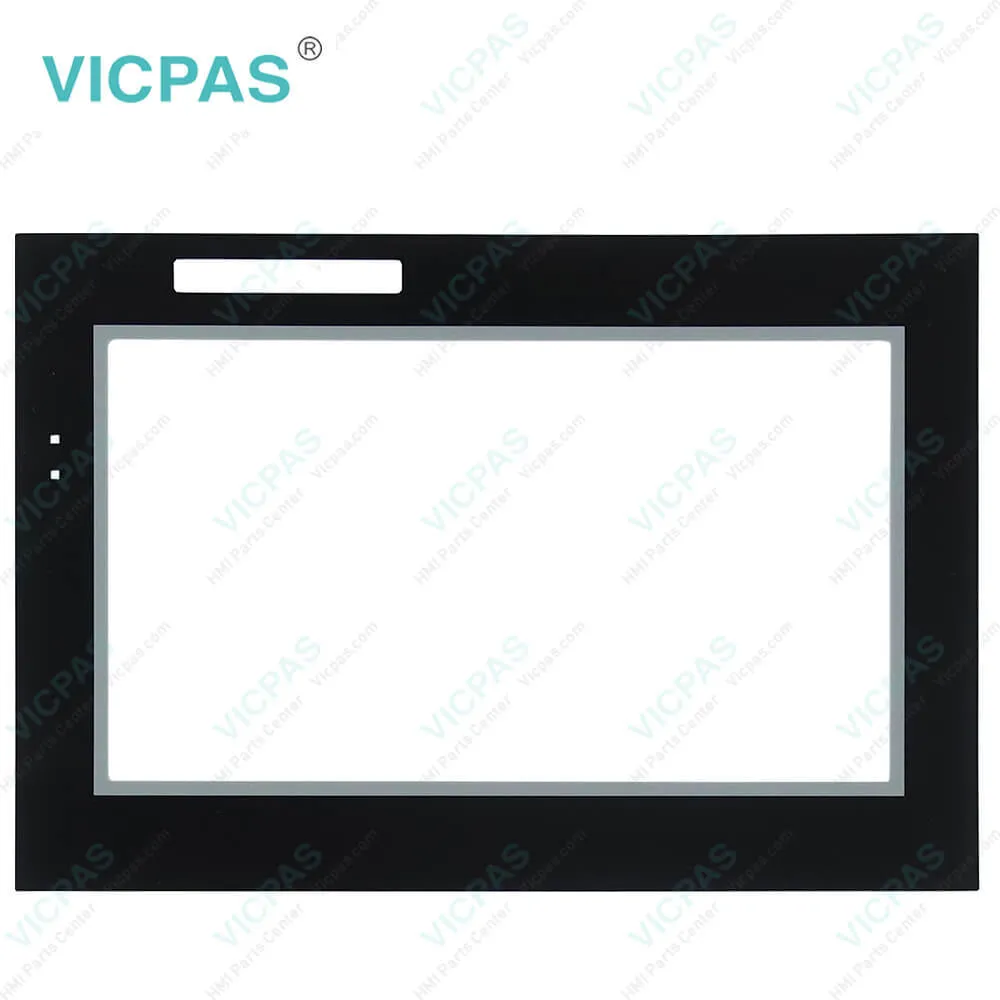
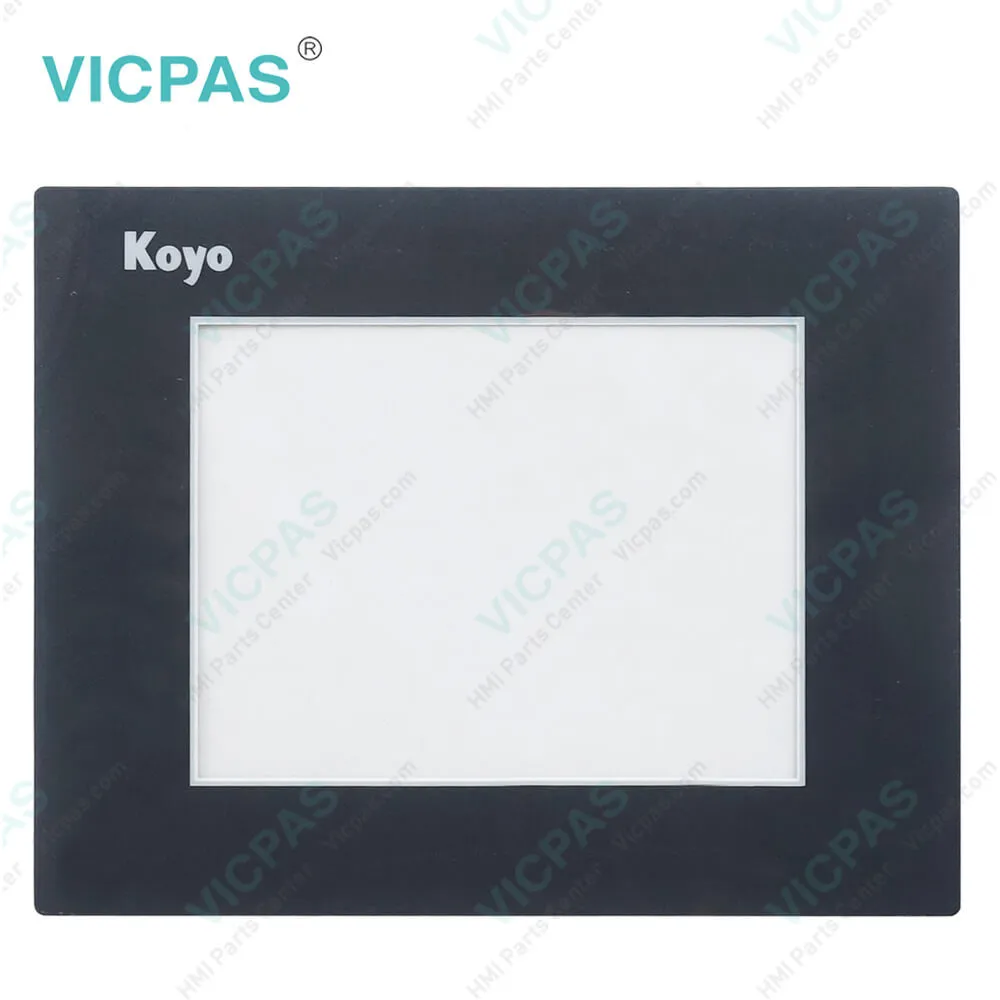
ATLAS Monitors ATM1900T Front Overlay Touch Membrane
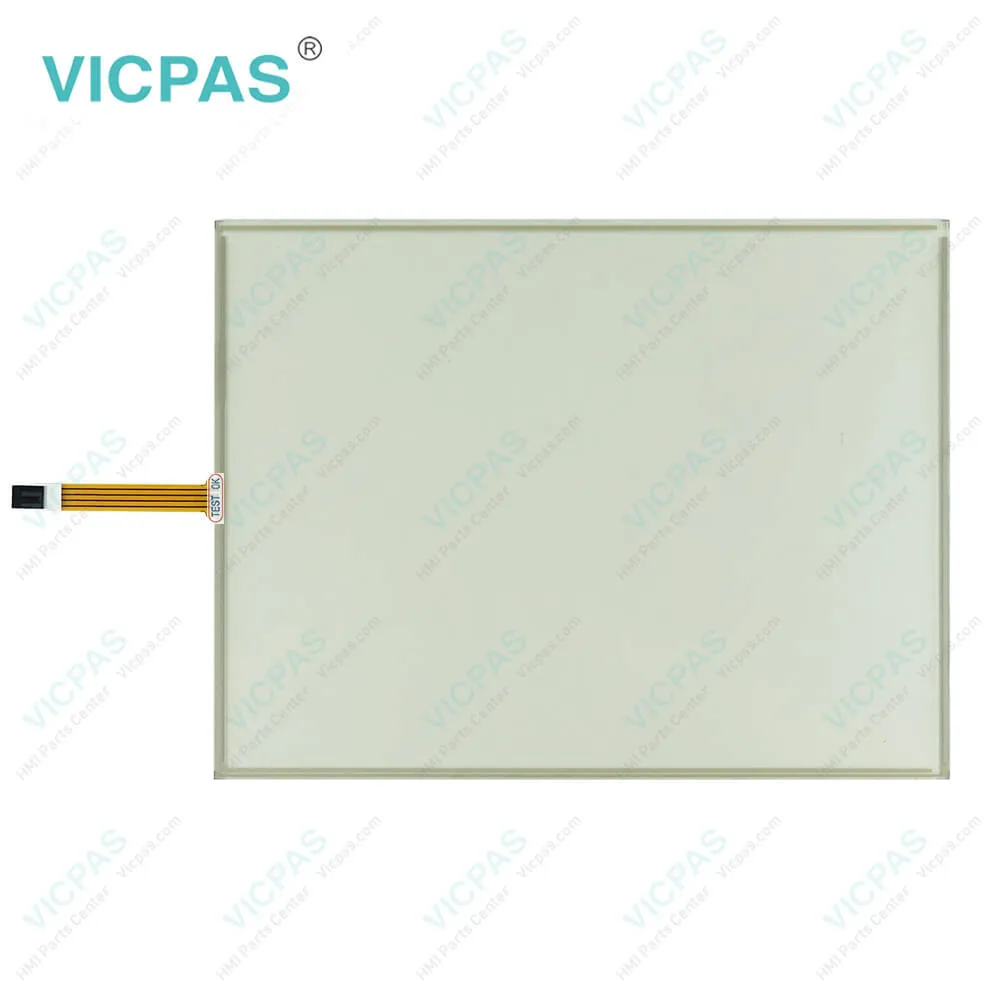
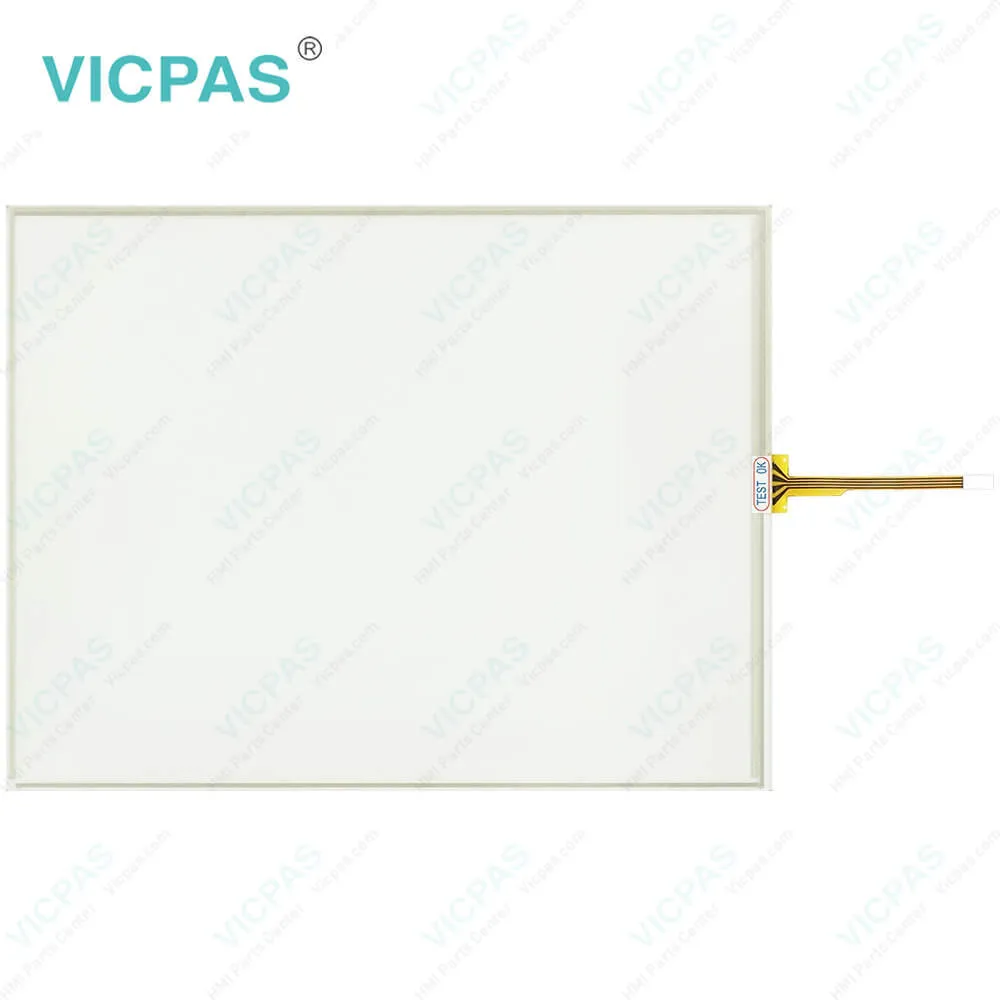
ATLAS Monitors ATM1900T Front Overlay Touch Membrane
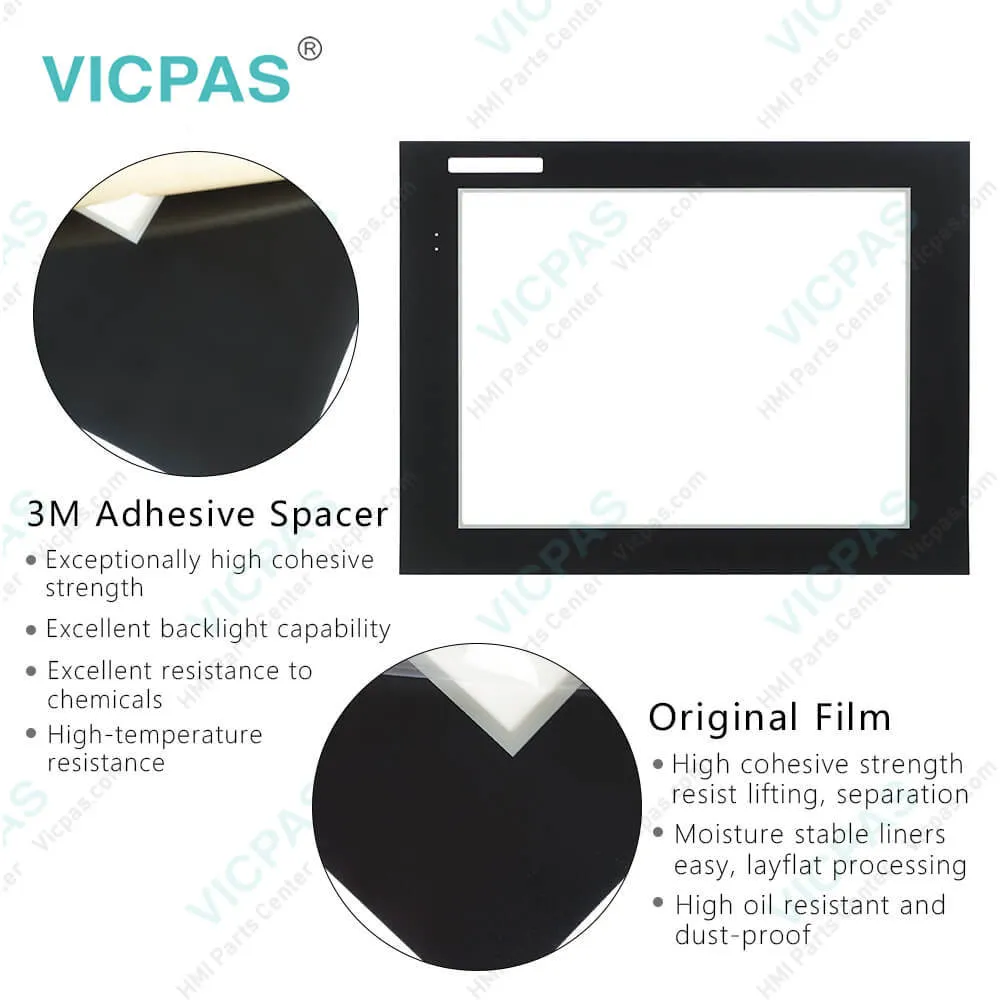
ATLAS Monitors ATM1900T Front Overlay Touch MembraneATLAS Monitors ATM1900T Front Overlay Touch MembraneATLAS Monitors ATM1900T Front Overlay Touch MembraneATLAS Monitors ATM1900T Front Overlay Touch MembraneATLAS Monitors ATM1900T Front Overlay Touch Membrane
BrandKOYO
ModelATM1900T
Warranty365 Days
Product LineATLAS Industrial Monitors
SupplyATM1900T Protective Film Touch Screen Monitor
Shipping2-4 workdays
Terms of PaymentWestern Union, T/T, PayPal, Credit Card
Download
Update Time2026-01-31 02:07:47
Leading Time{{selectedConditionObj.leading}}
{{item.value}}
{{nameObj.name}}{{nameObj.selectedValue}}
{{valueObj.name}}

Shipping

Free Shipping

Those shipping costs are only estimates, the actual shipping cost will be shown on the order page.

Detail Information

Koyo ATLAS Industrial Monitors ATM1900T Front Overlay Touch Glass Repair Replacement

Order each part separately is available

Koyo ATLAS Industrial Monitors ATM1900T Protective Film Touch Screen Repair Replacement

Kernfix supply Koyo ATLAS Industrial Monitors ATM1900T Front Overlay and Touch Panel with 365 days warranty and support Urgent Worldwide Shipping.


The Atlas ATM1900T Front Overlay Touch Digitizer Glass Monitor is a high-performance 19" color TFT flat panel monitor specifically designed for harsh industrial environments including Class I Division 2, Class II Division 2 and Class III Hazardous Locations. The ATM1900T accepts standard analog VGA input, or digital DVI input, and can display all VESA video modes up to 1280 x 1024 at 75Hz, 2000:1 contrast with 16 million colors. An optional 5-wire analog touch screen (ATM1900T) offers both RS-232 and USB interface capability. The monitor is housed in a heavy-duty steel chassis with a powder coated machined aluminum bezel. The monitor is certified to NEMA 4/4X/12 standards and is UL/CUL listed. Panel mounting is simplified using convenient mounting clips instead of conventional studs.


ATM1900T Touchscreen Panel Protective Film ATLAS Industrial Monitors Features
• 19" color TFT LCD display
• UL 508 and ANSI/ISA 12.12.01-2012 listed for Hazardous Locations: Class I, Division 2, Groups A, B, C, D; Class II, Division 2, Groups F and G and Class III hazardous locations when mounted in a NEMA Type 1, 4, 4X or 12 enclosures
• NEMA 4/4X/12 front bezel
• 2-Year warranty
• Integral 100 -240 VAC power supply
• Simplified installation with no studs
• Thin design - only 2.7” behind bezel
• Accepts analog 15-pin Video input, digital input DVI-D
• VESA compliant - all modes up to SXGA, 75Hz
• Optional 5-wire resistive touch screen with both RS-232 and USB interface


Specifications:

Brand:KOYO
LCD Backlight:270 Nit
Product Line:ATLAS Industrial Monitors
Resolution:1080 x 1024 pixels (SXGA)
Warranty:12 Months Warranty
Ambient temperature:10 to 90% RH
Display Type:TFT color LCD
Power supply:24 V DC
Storage Temperature:-20 to 60 °C (-4 to 140 °F)
Touch Size:19"


Related BB Teach Pendant Part No. :

ATM1900TDescription Inventory status
ATM1500KOYO ATLAS Industrial Monitors Front Overlay Touch MembraneIn Stock
ATM1500TKoyo ATLAS Industrial Monitors Touch Glass Front Overlay RepairIn Stock
ATM1700Koyo ATLAS Industrial Monitors Touch Digitizer Glass Overlay RepairAvailable Now
ATM1700TKOYO ATLAS Industrial Monitors HMI Panel Glass Protective FilmAvailable Now
ATM1900Koyo ATLAS Industrial Monitors Touch Screen Monitor Front OverlayIn Stock
ATM1900TKoyo ATLAS Industrial Monitors Front Overlay MMI Touch Screen ReplacementAvailable Now

ATLAS Monitors ATM1900T Front Overlay Touch Membrane PDF Download:
  • Atlas Industrial Monitor 15-inch PDF
  • Atlas Industrial Monitor 17-inch PDF
  • Atlas Industrial Monitor 19-inch PDF
  • Atlas™ Industrial Flat Panel PC Monitor Quick Installation Guide
  • Industrial Flat Panel PC Monitor User's Guide

  • FAQ:

    Question: What are ATLAS Industrial Monitors ATM1900T Touch Screen and Protective Film HMI parts prices?

    Answer: Submit a fast quote, send Kernfix an email for best price.

    Question: Connection of Video and Touch Screen Cables

    Answer: Connect either a 15-pin VGA or DVI cable and either an RS-232 or USB cable if the monitor is equipped with a touch screen. All communication cables should include a chassis ground shield. Hazardous location, Division 2, requires that all cables have adequate strain relief. For this reason, tighten all connector thumb screws securely. If a USB cable is being used, install the provided USB retention bracket. Insert the USB connector through the square cutout in the base of the bracket and pull the cable and body of the connector back through the round hole in the bracket flange. Now insert the bracket into the two slots on the rear of the monitor and slide it forward so the connector is fully inserted in the mating bulkhead connector. Install and tighten two 4-40 x .25" Philips screws.


    Common misspellings:

    ATM900T

    TM1900T

    AT1M900T

    ATM1q00T

    ATM19000T

    Please send your message to us
    *Email
    Mobile Phone
    *Title
    *Content
    Upload
    • Only supports .rar/.zip/.jpg/.png/.gif/.doc/.xls/.pdf, maximum 20MB.
    Do you want to quickly know the product quotation you need?
    • Fast QuoteFast Quote
    • Worldwide ShippingWorldwide Shipping
    • 12 Months Warranty12 Months Warranty
    • Customize ServiceCustomize Service
    subscription
    KEEP IN TOUCH
    Please send your message to us
    *Email
    Mobile Phone
    *Title
    *Content
    Upload
    • Only supports .rar/.zip/.jpg/.png/.gif/.doc/.xls/.pdf, maximum 20MB.
    CONTACT US
    QR code
    Mobile Web
    1.400653s