



Grideal.com-Leading global industrial mall.
Quick Service for Full HMI Parts Replacement
Touchscreen-Keypad-Display-Case & More Search 80000 Inventory
user photo
Account
Login
Cart
0
Home / All / Lenze / Other Lenze Series / MP 2000 DVI P/N:5080-2 Protective Film Touch Screen Panel
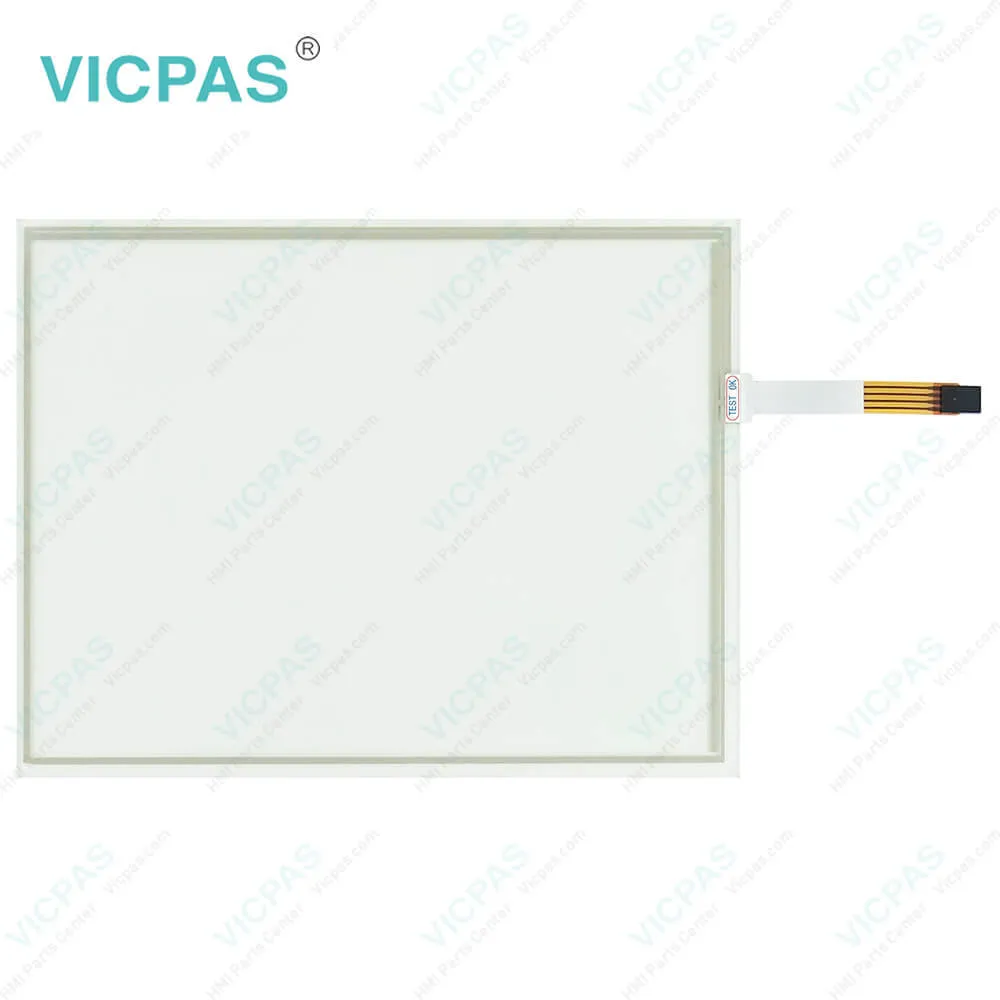
MP 2000 DVI P/N:5080-2 Protective Film Touch Screen Panel

MP 2000 DVI P/N:5080-2 Protective Film Touch Screen Panel
BrandLENZE
ModelMP 2000 DVI P/N:5080-2
Warranty365 Days
Product LineLENZE MP Series
SupplyLENZE MP Series Touch Panel Protective Film
Shipping2-4 workdays
Terms of PaymentWestern Union, T/T, PayPal, Credit Card
Download
Update Time2026-02-04 02:04:51
Leading Time{{selectedConditionObj.leading}}
{{item.value}}
{{nameObj.name}}{{nameObj.selectedValue}}
{{valueObj.name}}

Shipping

Free Shipping

Those shipping costs are only estimates, the actual shipping cost will be shown on the order page.

Detail Information

LENZE MP Series MP 2000 DVI P/N:5080-2 Touch Digitizer Glass Protective Film Replacement


LENZE MP Series MP 2000 DVI P/N:5080-2 Touch Screen Front Overlay Repair Replacement

Kernfix supplies LENZE MP Series MP 2000 DVI P/N:5080-2 Protective Film and Touch Panel with 365 days warranty and support Urgent Worldwide Shipping. The MP 2000 DVI P/N:5080-2 human-machine interface (HMI) is a cutting-edge device designed for industrial applications. It features a high-resolution DVI touchscreen that provides intuitive and efficient control over machinery operations. With its sleek design and durable construction, this HMI is built to withstand demanding industrial environments. It offers a wide range of functionalities, including real-time monitoring, parameter adjustment, and diagnostics, empowering operators to optimize machine performance and productivity. The MP 2000 DVI HMI is designed with a user-friendly interface, making it easy to navigate and access various machine functions. Compatible with various systems, this HMI is a powerful and versatile choice for modern industrial applications.


The MP 2000 DVI P/N:5080-2 Front Overlay Touch Screen Monitor HMI offers advanced features for enhanced functionality and convenience. It supports multi-language support, allowing operators to switch between different languages for global operations. The HMI also supports data logging and trend analysis, enabling operators to monitor and analyze machine performance in real-time. With its alarm management and event logging capabilities, the MP 2000 DVI HMI provides timely notifications and alerts for efficient troubleshooting and maintenance. Additionally, the HMI supports remote access, allowing operators to monitor and control machinery operations remotely, providing flexibility and convenience. With its high-resolution DVI touchscreen and comprehensive features, the MP 2000 DVI P/N:5080-2 Touch Digitizer Protective Film HMI empowers operators with effective control and optimization of machinery operations.


The MP 2000 DVI P/N:5080-2 Touch Digitizer Front Overlay HMI offers a customizable interface that can be tailored to suit specific application requirements. It provides a wide range of options for screen layout, data display, and user settings, allowing operators to personalize their experience. The HMI also supports connectivity options such as Ethernet, USB, and serial ports for seamless integration with other devices and systems. Additionally, the MP 2000 DVI HMI features a robust and reliable design, ensuring long-term performance and durability in industrial environments. With its advanced functionalities, user-friendly interface, and customizable options, the MP 2000 DVI P/N:5080-2 Protective Film Touch Membrane HMI is a reliable and efficient choice for modern industrial operations, enabling operators to optimize machine performance and productivity.


Specifications:

Backlight:LED
Display Resolution:800 x 600 pixels
Part Number:MP 2000 DVI P/N:5080-2
Product Line:LENZE MP Series
Touchscreen:Polyester foil
Brand:Lenze
Front Frame:Aluminium
Power Supply:+24 VDC, (+18 ... 32 VDC)
Storage Temperature:-20 °C ~ +60 °C
Warranty:365 Days


Related BB Teach Pendant Part No. :

MP 2000 DVI P/N:5080-2Description Inventory status
MP 800 DVILENZE MP Series Touch Screen Glass Protective FilmIn Stock
MP 1000 DVILENZE MP Series Front Overlay Touch Screen Panel RepairAvailable Now
MP 1000s DVILENZE MP Series Protective Film Touch Panel RepairIn Stock
MP 1050 DVILENZE MP Series HMI Touch Glass Front Overlay ReplacementAvailable Now
MP 1050s DVILENZE MP Series Touch Screen Panel Front Overlay RepairIn Stock
MP 2000 DVI P/N:5080-2LENZE MP Series HMI Protective Film Touch MembraneIn Stock
MP 2050 DVILENZE MP Series Front Overlay Touch Glass RepairIn Stock
MP 5000 DVILENZE MP Series Touch Digitizer Glass Protective FilmAvailable Now
MP 5000 DVI P/N:5204-0004LENZE MP Series HMI Touch Screen Protective FilmIn Stock
MP 5020 DVILENZE MP Series Front Overlay Touch Digitizer GlassAvailable Now
MP 5050 DVILENZE MP Series Protective Film Touch Screen MonitorIn Stock
MP 5070 DVILENZE MP Series MMI Touch Screen Front Overlay ReplacementIn Stock
MP 9000 DVI P/N:5205-201LENZE MP Series Front Overlay Touch Screen Panel RepairIn Stock

MP 2000 DVI P/N:5080-2 Protective Film Touch Screen Panel PDF Download:

  • Conformity__MP800-MP1000-MP2000-MP5000-MP9000__2227504.04__DE_EN
  • MP800 DVI-MP9000 DVI__Monitor Panel Embedded Line__v4-0__EN
  • MP800 DVI-MP9000 DVI__Monitor Panel__v2-0__DE_EN_FR_ES_IT

  • FAQ:

    Question: How do I connect the Lenze human-machine interface (HMI) to my Lenze drive or controller?

    Answer: You can connect the Lenze HMI to your Lenze drive or controller using standard communication protocols such as EtherCAT, CANopen, or Modbus, depending on the specific model and configuration. Please refer to the user manual or documentation of your Lenze HMI and drive/controller for detailed instructions on how to establish the communication link.

    Question: How to perform the MP 2000 DVI P/N:5080-2 control board mounting installation?

    Answer: 1. Prepare the control board by cutting the mounting cutout and drilling the mounting holes into it.

    Question: How can I configure the Lenze HMI to display my specific parameters or data?

    Answer: You can configure the Lenze HMI using the Lenze Designer software, which allows you to create custom screens, buttons, and displays to suit your specific needs. You can also use the pre-defined templates and libraries provided by Lenze for common applications. Refer to the user manual or online resources for Lenze Designer for detailed instructions on how to configure the HMI for your specific requirements.


    Common misspellings:

    MP

    2000

    DVI

    P/N:080-2

    DI

    P/N:5080-2

    MP2

    000

    2ooo

    P/NN:5080-2

    Please send your message to us
    *Email
    Mobile Phone
    *Title
    *Content
    Upload
    • Only supports .rar/.zip/.jpg/.png/.gif/.doc/.xls/.pdf, maximum 20MB.
    Do you want to quickly know the product quotation you need?
    • Fast QuoteFast Quote
    • Worldwide ShippingWorldwide Shipping
    • 12 Months Warranty12 Months Warranty
    • Customize ServiceCustomize Service
    subscription
    KEEP IN TOUCH
    Please send your message to us
    *Email
    Mobile Phone
    *Title
    *Content
    Upload
    • Only supports .rar/.zip/.jpg/.png/.gif/.doc/.xls/.pdf, maximum 20MB.
    CONTACT US
    QR code
    Mobile Web
    1.458778s