




Red Lion CR10000400000210 HMI Panel Glass Repair
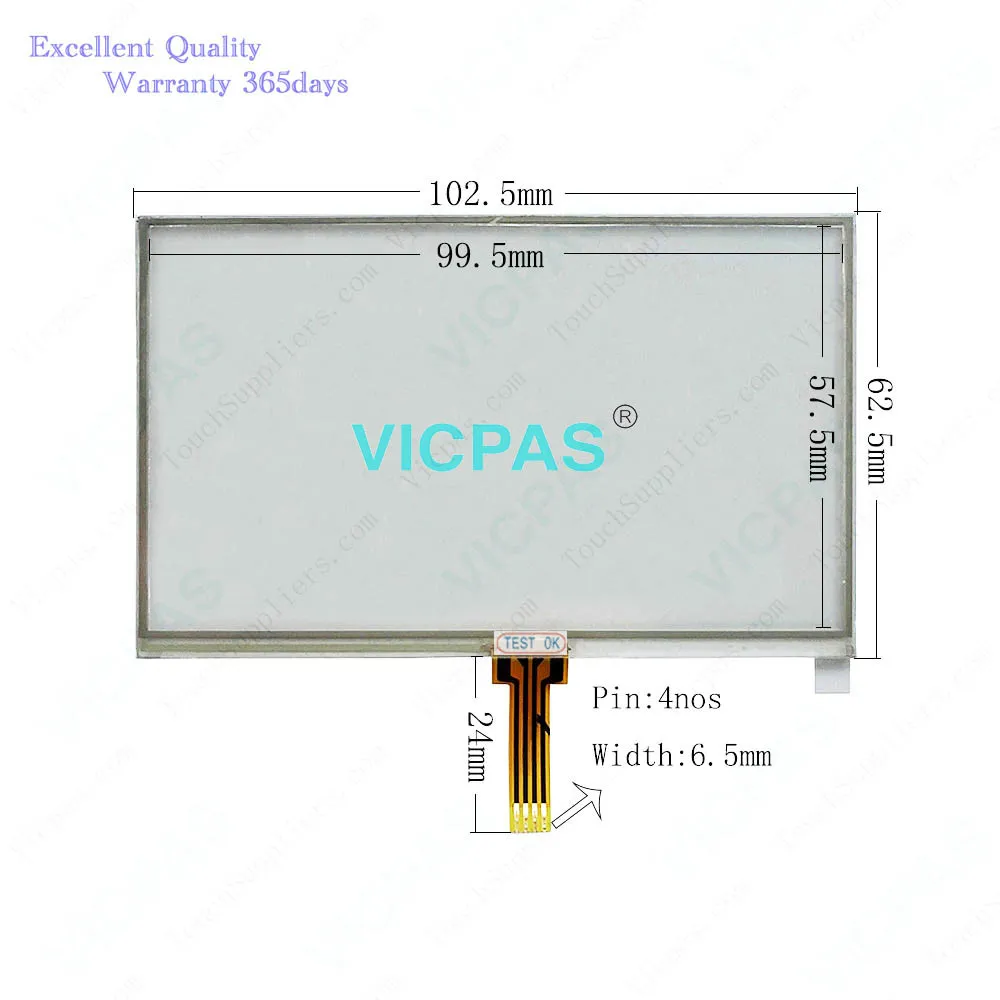
| Categories | Red Lion Other Series |
|---|---|
| Brand | LION |
| Model | CR10000400000210 |
| Warranty | 365 Days |
| Product Line | Red Lion CR1000 series |
| Supply | CR10000400000210 Touch Screen Hmi Repair Parts |
| FOB port | Guangzhou, Shenzhen, Hongkong |
| Terms of Payment | Western Union, MoneyGram, T/T, Paypal, PayPal, Credit Card |
| Update Time | 2026-02-04 02:56:04 |
Shipping
Specifications:
| Part Number : | CR10000400000210 |
| Display Type: | STN |
| Warranty: | 365 Days |
| Product Line: | Red Lion CR1000 Series |
| Input Power: | +24 VDC +/-20% |
| Resolution: | 480 X 272 dot |
| Storage Temperature: | -20°C to 60°C |
| Screen diagonal: | 4.3 in |
Related BB Teach Pendant Part No.:
| CR10000400000210 | Description | Inventory status |
| CR10000400000210 | Red Lion Controls CR1000 Touch Screen Monitor | In Stock |
| CR10000700000210 | Touch Screen Red Lion Controls CR1000 Series | Available Now |
| CR10001000000210 | Red Lion CR1000 Touch Screen Glass Repair | In Stock |
| CR30000400000310 | Red Lion Controls CR3000 HMI Touch Class | In Stock |
| CR30000700000420 | Red Lion CR3000 Touch Screen Replacement | In Stock |
| CR30001000000420 | HMI Panel Glass Controls CR3000 Repair | Available Now |
| CR30001500000420 | Red Lion Controls CR3000 Touch Panel Glass | In Stock |
Red Lion CR10000400000210 HMI Panel Glass Repair PDF Download:
FAQ:
Question: How to change the Red Lion CR1000 CR10000400000210 Battery?
Answer: To change the Red Lion CR1000 CR10000400000210 battery, first remove power to the unit.Remove the Red Lion CR1000 CR10000400000210 battery cover. Grasp the top edge of the Red Lion CR1000 CR10000400000210 battery and push to the left to remove the battery from the holder. Lift the battery out and replace with a new battery.Replace the Red Lion CR1000 CR10000400000210 battery cover, and re-apply power. Using Crimson or the unit’s keypad, enter the correct time and date.
Question: What is the Red Lion CR1000 CR10000400000210 Touch Screen Hmi price?
Answer: Submit a fast quote, send Kernfix an email for best price.
Common misspellings:
CR1000040000010
CR10004000000210
CRl0000400000210
CR100004O0000210
CR100000400000210

- Mobile Phone
- *Title
- *Content
 Fast Quote
 Fast Quote
 Worldwide Shipping
 12 Months Warranty
 Customize Service