Grideal.com-Leading global industrial mall.
Quick Service for Full HMI Parts Replacement
Touchscreen-Keypad-Display-Case & More Search 80000 Inventory
user photo
Account
Login
Cart
0
Home / All / Red Lion / Red Lion Other Series / Red Lion CR3000 CR30000400000310 Touch Screen Panel
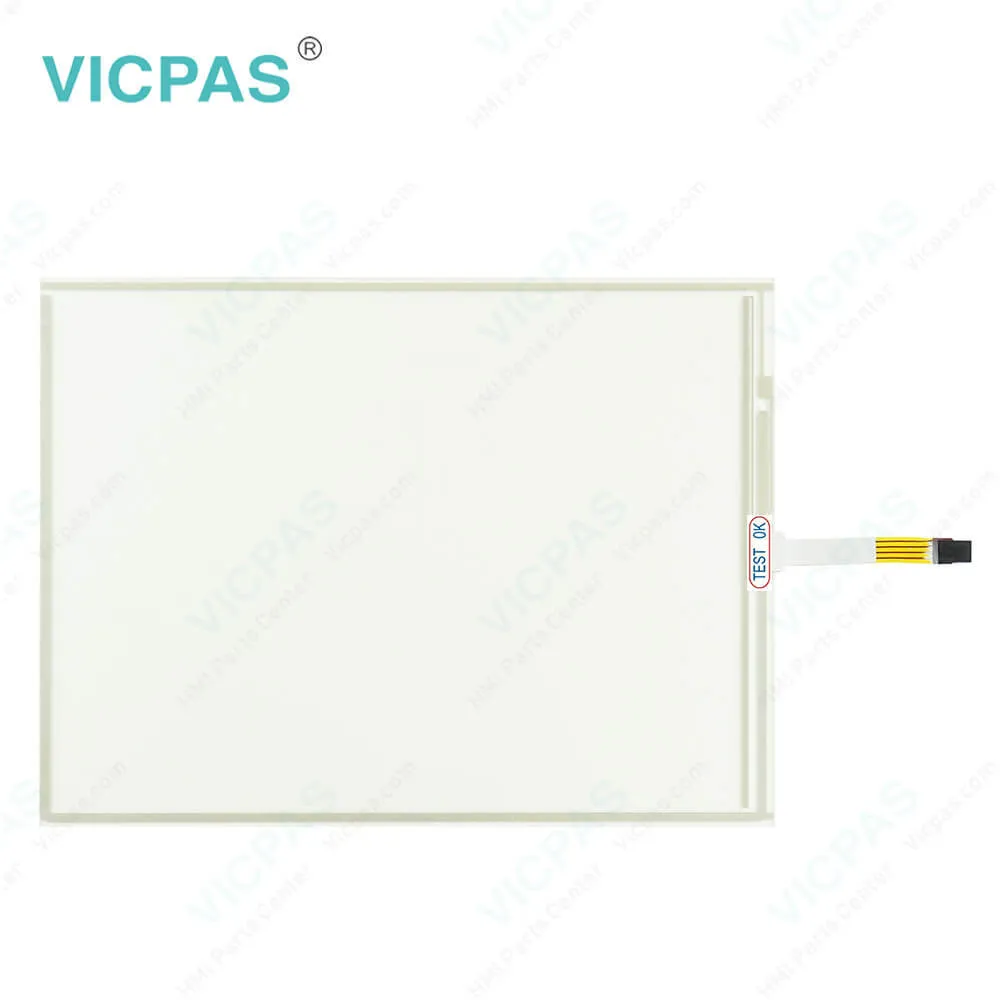
Red Lion CR3000 CR30000400000310 Touch Screen Panel
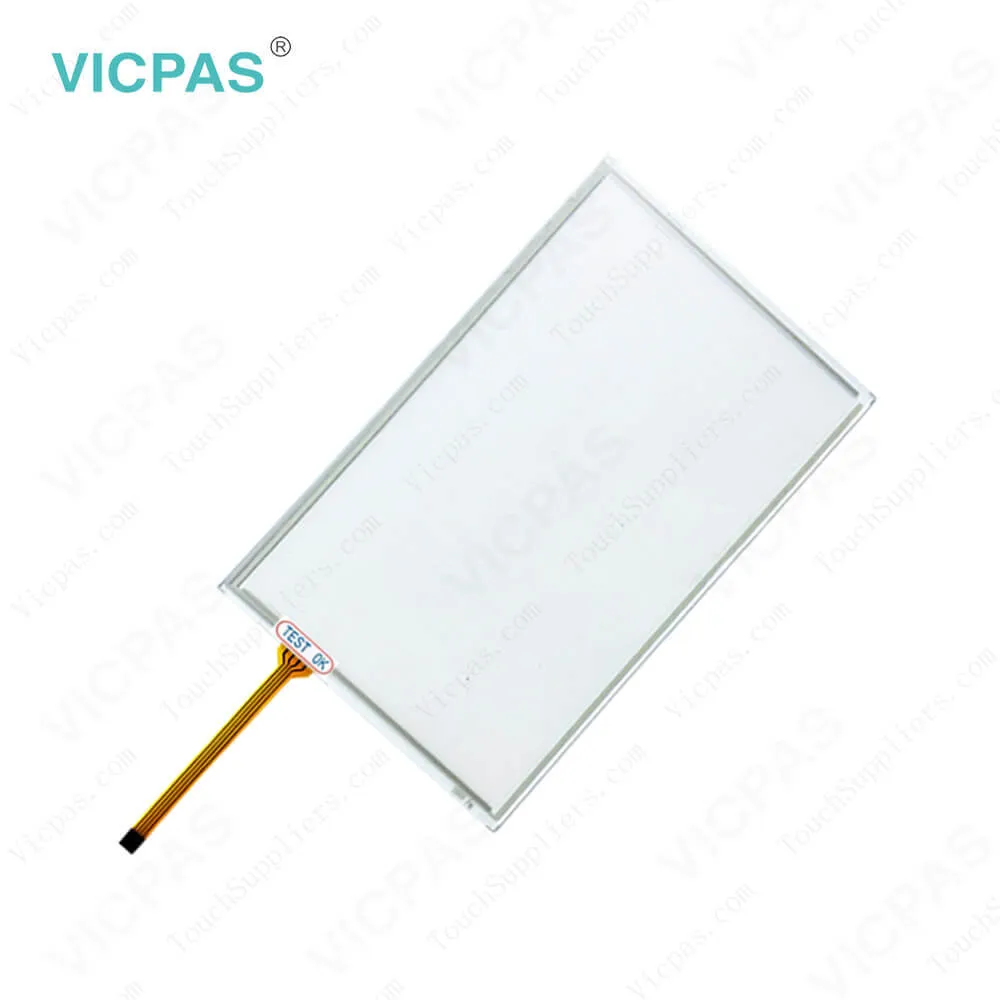
Red Lion CR3000 CR30000400000310 Touch Screen Panel

Red Lion CR3000 CR30000400000310 Touch Screen PanelRed Lion CR3000 CR30000400000310 Touch Screen PanelRed Lion CR3000 CR30000400000310 Touch Screen PanelRed Lion CR3000 CR30000400000310 Touch Screen PanelRed Lion CR3000 CR30000400000310 Touch Screen Panel
BrandRED LION
ModelCR30000400000310
Warranty365 Days
Product LineRed Lion CR3000 series
SupplyCR30000400000310 Touch Glass Repair Parts
FOB portGuangzhou, Shenzhen, Hongkong
Terms of PaymentWestern Union, MoneyGram, T/T, Paypal, PayPal, Credit Card
Download
Update Time2026-02-04 02:56:10
Leading Time{{selectedConditionObj.leading}}
{{item.value}}
{{nameObj.name}}{{nameObj.selectedValue}}
{{valueObj.name}}

Shipping

Free Shipping

Those shipping costs are only estimates, the actual shipping cost will be shown on the order page.

Detail Information

Red Lion CR3000 series CR30000400000310 Touch Membrane Repair Replacement Kit.

Order each part separately is available

Red Lion CR3000 series HMI CR30000400000310 Touch Screen Panel Repair Kit

Kernfix supply CR30000400000310 Red Lion CR3000 Touchscreen glass with 365 Days warranty and support Urgent Worldwide Shipping. The CR1000 and CR3000 automation Touch Screen HMIs from Red Lion combine an ever-expanding list of over 300 industrial drivers with the intuitive and powerful Crimson 3.1 development platform to create an operator experience designed to easily adapt as needs change and operations grow. CR30000400000310 Basic requirements for machine interface and protocol conversion are easily handled by the CR1000 CR30000400000310 products, while the CR3000 HMIs address more advanced needs with real-time data logging and a built-in web server.


CR30000400000310 Touch Panel Glass operator interface utilizes a resistive analog touchscreen for user input. The CR30000400000310 HMI Panel Glass unit will only produce an audible tone (beep) when a CR30000400000310 touch on an active CR30000400000310 touchscreen cell is sensed. The CR30000400000310 touchscreen is fully functional as soon as the operator interface is initialized, and can be operated with gloved hands.


Specifications:

Part Number:CR30000400000310
Display Type:STN
Warranty:365 Days
Product Line:Red Lion CR3000 Series
Input Power:+24 VDC +/-20%
Resolution:480 x 272 dot
Storage Temperature:-20°C to 60°C
Screen diagonal:4.3 in


Related BB Teach Pendant Part No. :

CR30000400000310Description Inventory status
CR10000400000210Red Lion Controls CR1000 Touch Screen MonitorIn Stock
CR10000700000210Touch Screen Red Lion Controls CR1000 SeriesAvailable Now
CR10001000000210Red Lion CR1000 Touch Screen Glass RepairIn Stock
CR30000400000310Red Lion Controls CR3000 HMI Touch ClassIn Stock
CR30000700000420Red Lion CR3000 Touch Screen ReplacementIn Stock
CR30001000000420HMI Panel Glass Controls CR3000 RepairAvailable Now
CR30001500000420Red Lion Controls CR3000 Touch Panel GlassIn Stock

Red Lion CR3000 CR30000400000310 Touch Screen Panel PDF Download:
  • Red Lion Controls HMI Brochure
  • Red Lion CR1000 Product Manual
  • Red Lion CR3000 Product Manual
  • Red Lion CR1000 and CR3000 HMIs Product Manual

  • FAQ:

    Question: What is the dimension of CR30000400000310 Red Lion CR3000 Touch Screen Glass?

    Answer: The dimension of CR30000400000310 Red Lion CR3000 HMI toucscreen is 4.3 inch.

    Question: How to change the Red Lion CR3000 CR30000400000310 Battery?

    Answer: To change the battery of a CR3000, first remove power to the unit.Remove the SD card if one is installed. Insert a small screwdriver into the slot provided on the battery holder and pry the battery holder with battery out of the unit. Remove the old battery from the plastic holder and replace it with a new battery. Make sure the orientation of the battery is correct and as shown in the diagram.Re-install the battery holder with battery into the CR3000 unit. Using Crimson or the unit’s keypad, enter the correct time and date.


    Common misspellings:

    CR3000040000310

    C30000400000310

    CR30004000000310

    CR300004O0000310

    CR300004000003110

    Please send your message to us
    *Email
    Mobile Phone
    *Title
    *Content
    Upload
    • Only supports .rar/.zip/.jpg/.png/.gif/.doc/.xls/.pdf, maximum 20MB.
    Do you want to quickly know the product quotation you need?
    • Fast QuoteFast Quote
    • Worldwide ShippingWorldwide Shipping
    • 12 Months Warranty12 Months Warranty
    • Customize ServiceCustomize Service
    subscription
    KEEP IN TOUCH
    Please send your message to us
    *Email
    Mobile Phone
    *Title
    *Content
    Upload
    • Only supports .rar/.zip/.jpg/.png/.gif/.doc/.xls/.pdf, maximum 20MB.
    CONTACT US
    QR code
    Mobile Web
    1.374644s