




M2I Premium/Standard/ATEX TOPRP10D Overlay HMI Touch
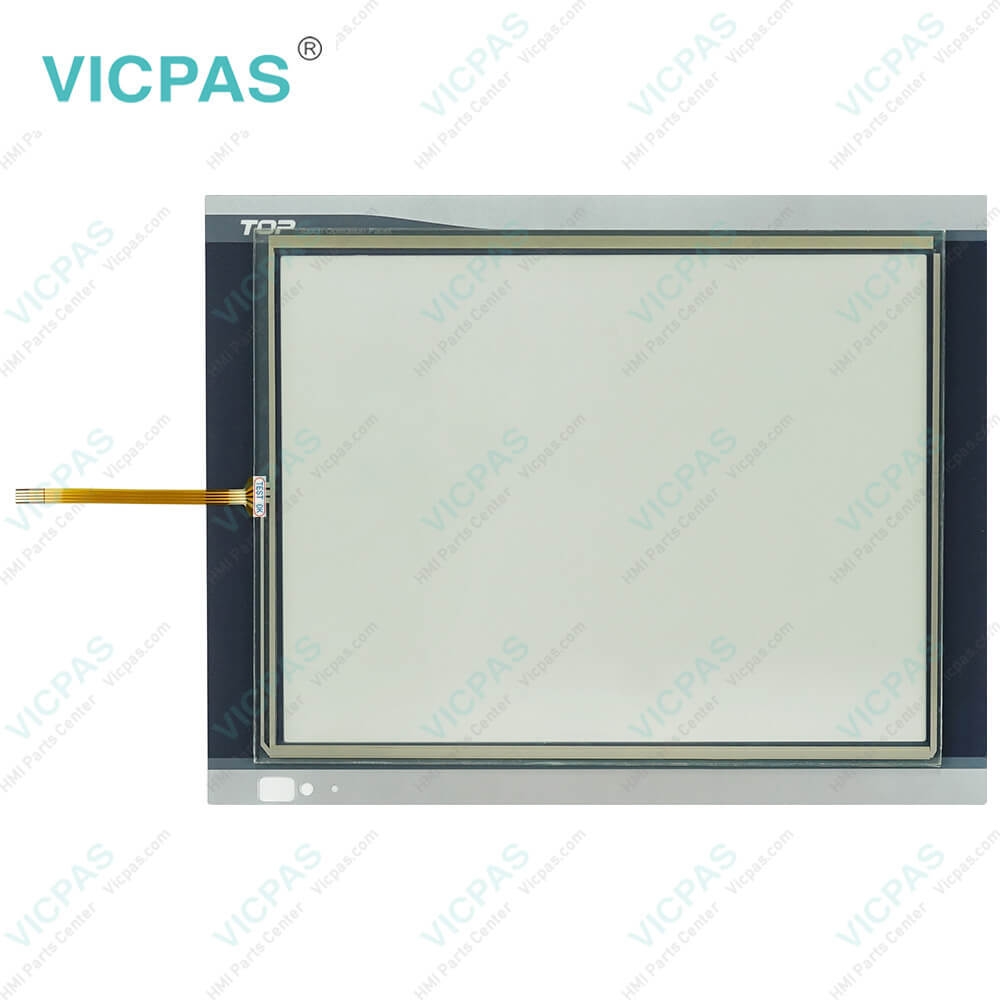
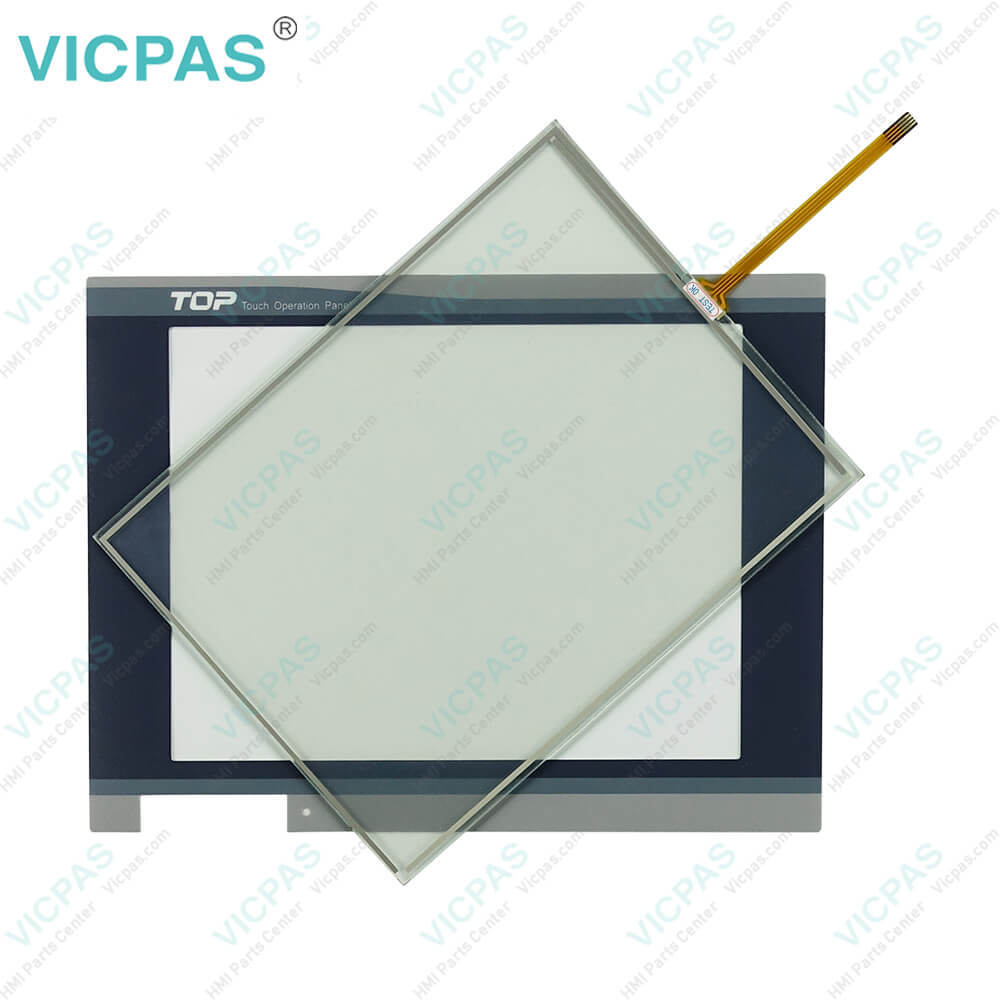
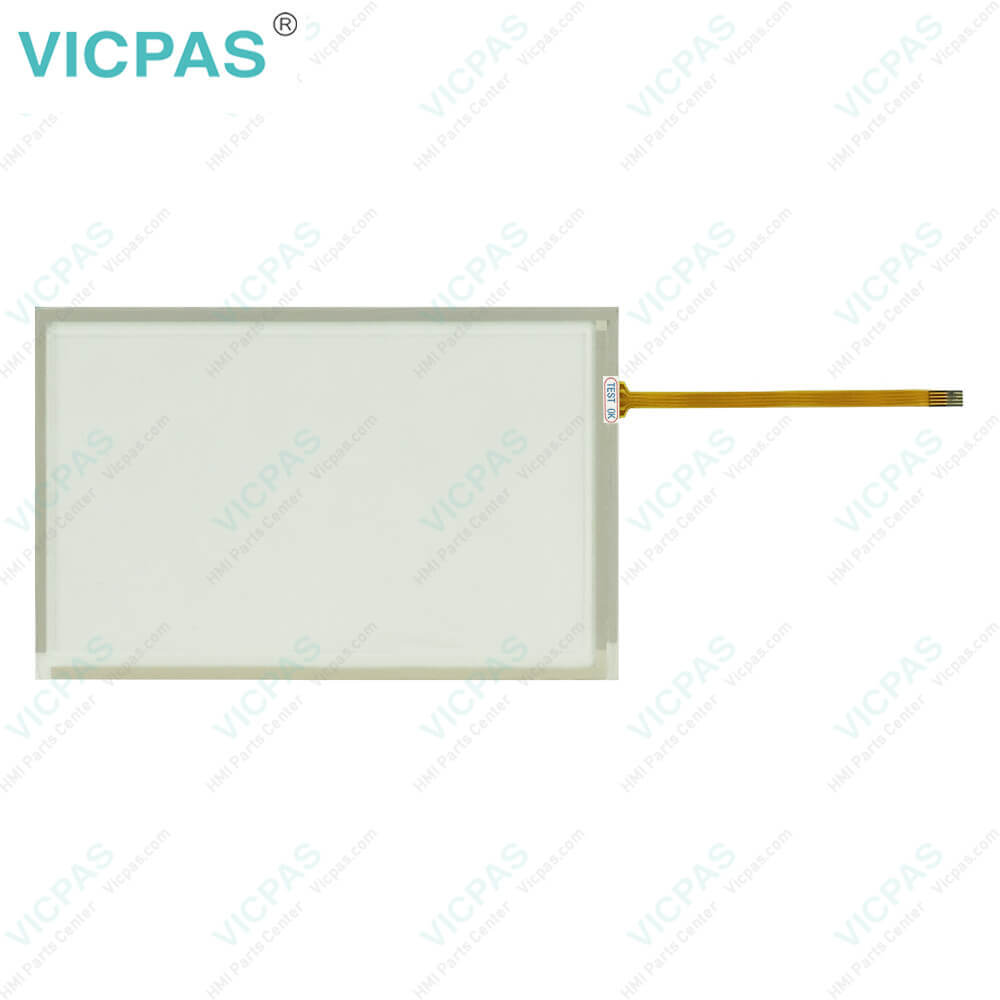
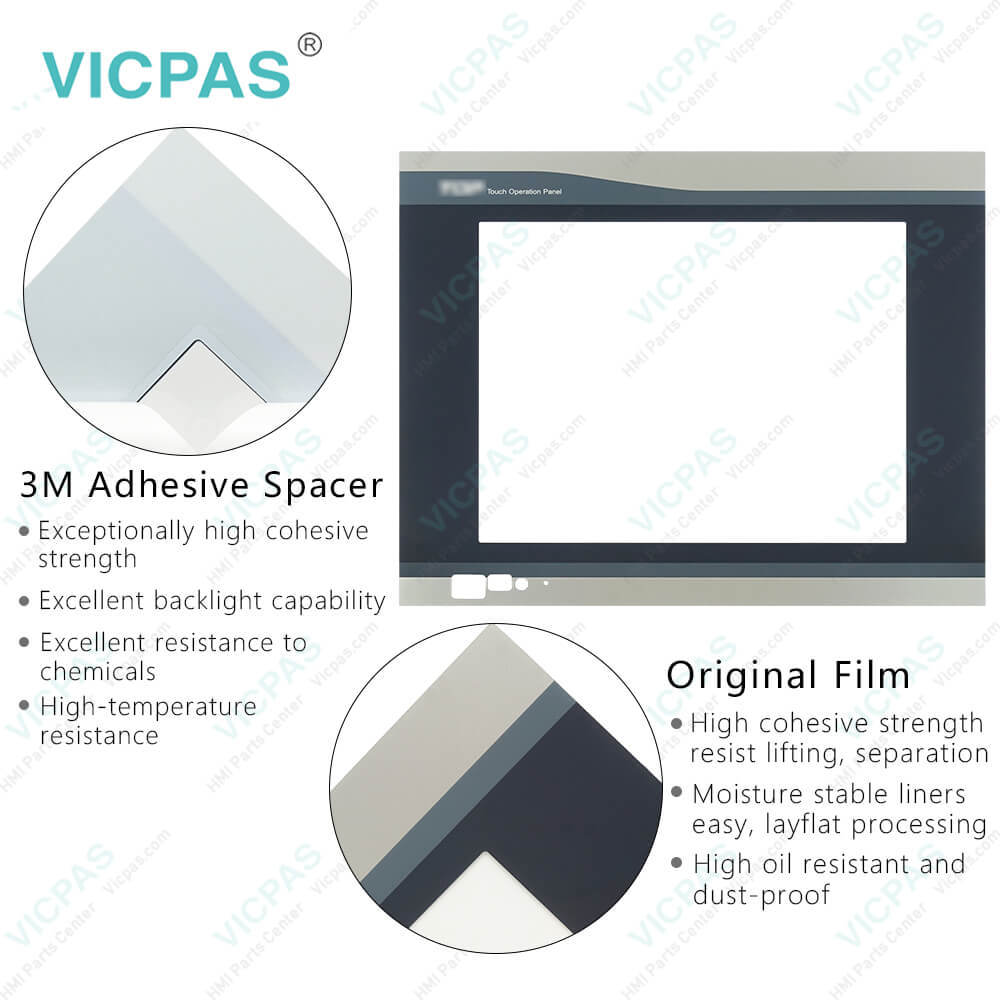
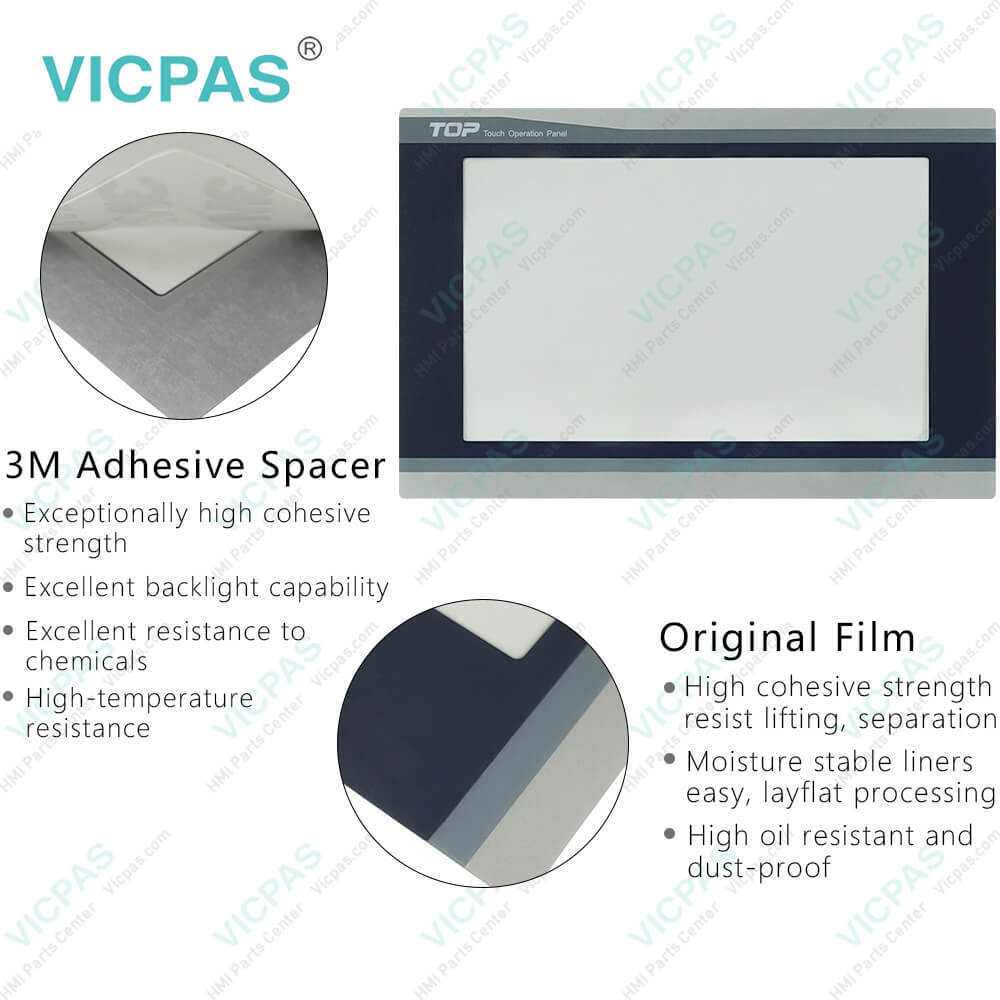
| Categories | M2I |
|---|---|
| Model | M2I TOPRP10D |
| Warranty | 365 Days |
| Product Line | M2I Premium/Standard/ATEX Model |
| Supply | TOPRP10D Touch Screen Film Front Overlay |
| Shipping | 2-4 workdays |
| Terms of Payment | Western Union, T/T, PayPal, Credit Card |
| Update Time | 2026-02-04 03:28:47 |
Leading Time{{selectedConditionObj.leading}}
{{item.value}}
{{nameObj.name}}{{nameObj.selectedValue}}
{{valueObj.name}}
Shipping
Detail Information
Specifications:
| Brand: | M2I |
| Part Number : | TOPRP10D |
| Warranty: | 365 Days |
| Ambient Humidity: | 85% RH or less |
| Operation Temperature: | 0°C ~ +50°C |
| Storage Temperature: | -10°C ~ +60°C |
| Screen Type: | Analog Resistive Film |
| Display Type: | TFT color |
| Operating Humidity: | 0 ~ 90% |
| Status LED: | Built-in |
Related BB Teach Pendant Part No.:
| M2I TOPRP10D | Description | Inventory status |
| TOPRD1010X | M2I Premium/Standard/ATEX Model Touch Panel Front Overlay Replacement | In Stock |
| TOPRD1020X | M2I Premium/Standard/ATEX Model Protective Film HMI Panel Glass Repair | Available Now |
| TOPRD1210S | M2I Premium/Standard/ATEX Model Front Overlay Touch Membrane Replacement | In Stock |
| TOPRD1220X | M2I Premium/Standard/ATEX Model HMI Touch Glass Protective Film Repair | Available Now |
| TOPRD1510X | M2I Premium/Standard/ATEX Model Touch Screen Display Front Overlay Repair | In Stock |
| TOPRD1520X | M2I Premium/Standard/ATEX Model Protective Film HMI Panel Screen Repair | Available Now |
| TOPRP10D | M2I Premium/Standard/ATEX Model Touch Digitizer Front Overlay Replacement | In Stock |
| TOPRP20D | M2I Premium/Standard/ATEX Model Touch Screen Film Protective Film Repair | Available Now |
| TOPRT1210SD | M2I Premium/Standard/ATEX Model Protective Film HMI Touch Glass Repair | In Stock |
| TOPRT1210SD-Ex | M2I Premium/Standard/ATEX Model Front Overlay Touch Panel Replacement | Available Now |
M2I Premium/Standard/ATEX TOPRP10D Overlay HMI Touch PDF Download:
FAQ:
Question: What are the environment specifications of M2I Premium/Standard/ATEX Model TOPRP10D Front Overlay Touch Screen Display?
Answer:
Question: What are the front part names and specifications of TOPRP10D?
Answer: The front part names and specific cation of M2I C TOP Series TOPRP10D are TFT 16M Color LCD, Analog Touch Panel and Front Cover Sheet for Damp Proof and Dust Proof.
Question: What is the memory specifications of TOPRP10D?
Answer:
Common misspellings:
TOOPRP10D
TORPP10D
TOPRP01D
TOPRP1D0
TOPRP0D

Please send your message to us
- Mobile Phone
- *Title
- *Content
 Fast Quote
 Fast Quote
 Worldwide Shipping
 12 Months Warranty
 Customize Service